
Description
Image Gallery Block is a lightweight Gutenberg plugin that helps you create responsive image galleries and photo albums in WordPress with ease. Display images in elegant grid layouts, stylish cards, or interactive sliders—all directly inside the WordPress block editor.
Image Gallery Block | Pricing | Support| Demo
Whether you want to build a photography portfolio, product gallery, blog image showcase, or visual storytelling page, this gallery block makes it simple to organize and present images with modern layouts and popup lightboxes.
The plugin works seamlessly with the Gutenberg block editor, allowing you to create professional image galleries without coding.
Key Features – Free Version
- Easy Image Gallery Creation: Quickly create and display photo galleries or photo albums directly inside the Gutenberg editor.
- Responsive Gallery Layouts: Choose from Classic Grid and Polaroid styles that automatically adapt to desktop, tablet, and mobile devices.
- Built-in Lightbox Popup: Allow visitors to open images in a clean popup lightbox for a better viewing experience.
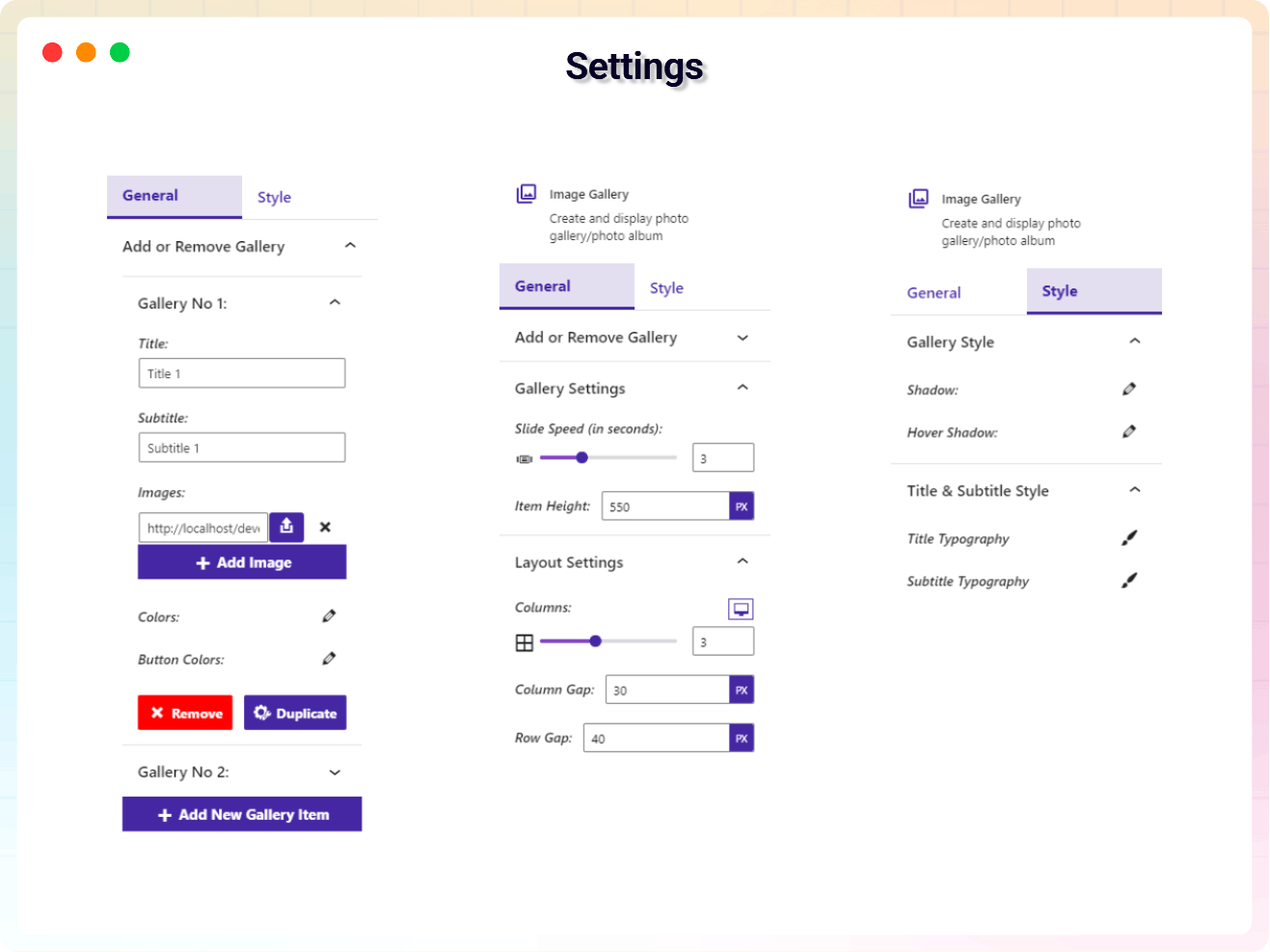
- Flexible Grid Controls: Adjust gallery columns (1–6) and spacing to create responsive image gallery layouts.
- Image & Content Management: Add, remove, duplicate, and edit gallery images, titles, and subtitles easily.
- Typography Controls: Customize text sizes for titles and subtitles with responsive settings for desktop, tablet, and mobile.
- Styling Options: Design gallery cards using gradients, shadows, and hover effects.
- Date Display Controls: Show or hide image dates and format them using the built-in date picker.
- Device Responsive Settings: Optimize gallery layouts separately for desktop, tablet, and mobile devices.
- Lightweight Gutenberg Block: Built for the block editor with clean code for fast loading and smooth performance.
Image Gallery Block Pro – Unlock Advanced Gallery Layouts
The Pro version adds advanced layouts, enhanced design controls, and interactive gallery experiences for creating modern and visually engaging WordPress image galleries.
What’s Included in the Pro Version?
- Advanced Gallery Layouts: Create beautiful gallery designs including Masonry, Dynamic Motion, 3D Parallax, and Hexagonal layouts.
- Interactive 3D Slider Galleries: Display images in engaging 3D slider galleries with navigation controls.
- Drag-and-Drop Image Sorting: Organize gallery images easily using sortable drag-and-drop controls.
- Custom Overlay Effects: Design stylish hover overlays with adjustable colors, margins, and padding.
- Card Design Customization: Control card borders, radius, widths, and layout appearance.
- Button & Element Positioning: Adjust button placement and alignment for better gallery interaction.
- Global Container Controls: Customize gallery containers with advanced background, margin, and padding settings.
- Enhanced Design Flexibility: Fine-tune every element of your gallery for a fully customized look.
Try the Image Gallery Block – Unlock all premium features now!
How to Use Image Gallery Block – Step-by-Step Guide
Getting started with the Image Gallery Block is quick and easy!
Step-by-Step Instructions
- Install and activate the Image Gallery Block plugin.
- Open the WordPress Gutenberg editor.
- Click the “+” block inserter.
- Search for Image Gallery and add the block.
- Upload images and customize the gallery layout from the block settings panel.
- For installation help click on Installation Tab
Live Demo | Get Image Gallery Block PRO
Feedback
- Did you like this plugin? Dislike it? Do you have a feature request? Please share your feedback with us
⭐ Check out the Parent Plugin of this plugin-
🔥 B Blocks – Best gutenberg blocks collections for WordPress.
⭐ Check out our other WordPress Plugins-
🔥 Html5 Audio Player – Best audio player plugin for WordPress.
🔥 Html5 Video Player – Best video player plugin for WordPress.
🔥 PDF Poster – A fully-featured PDF Viewer Plugin for WordPress.
🔥 Document Embedder – Best WordPress Document Embedder Plugin.
🔥 3D Viewer – Display interactive 3D models on the webs.
🔥 Advanced Post Block – Best Post Display Plugin for WordPress.
Screenshots
Settings 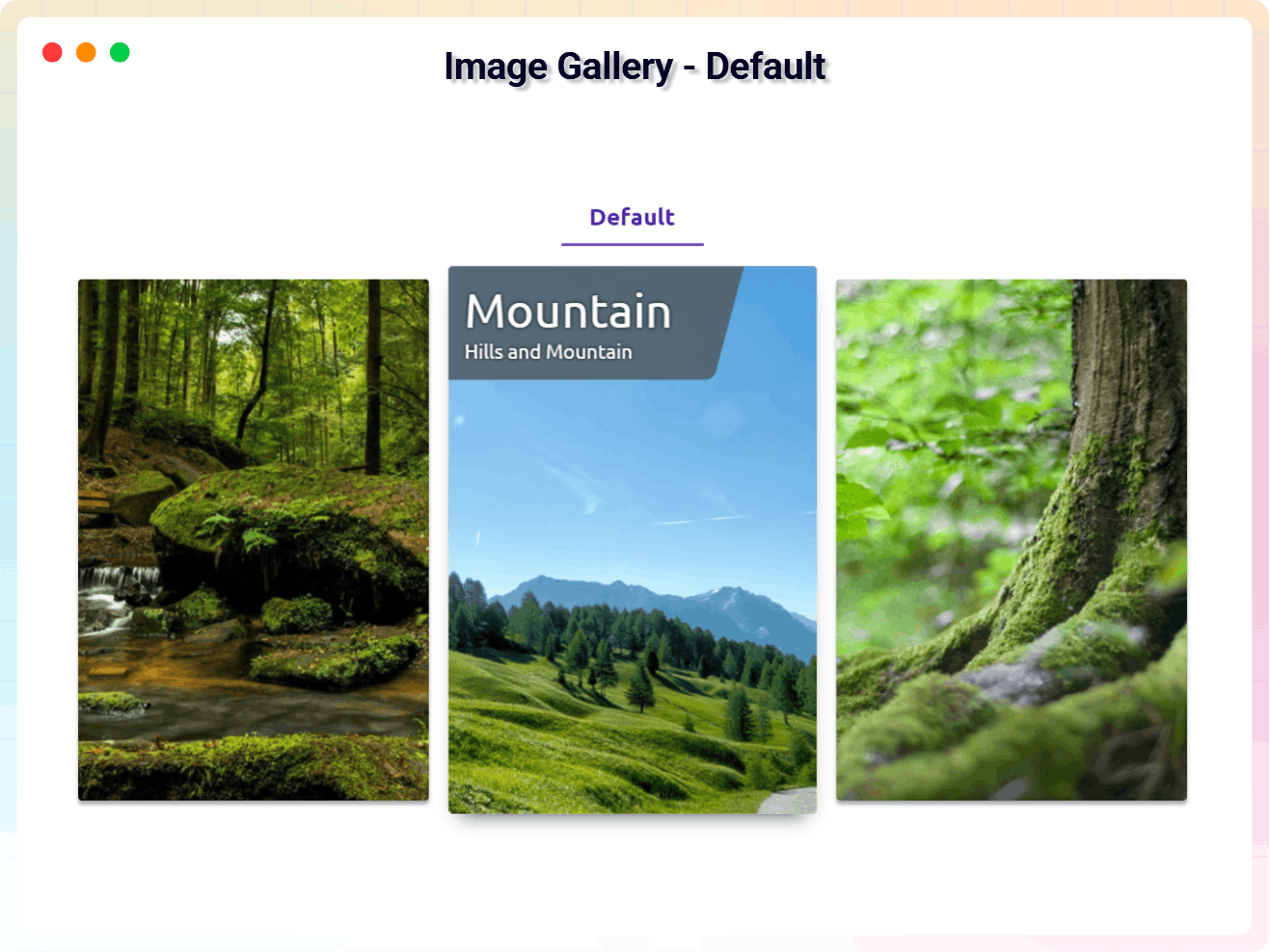
Image Gallery – Default 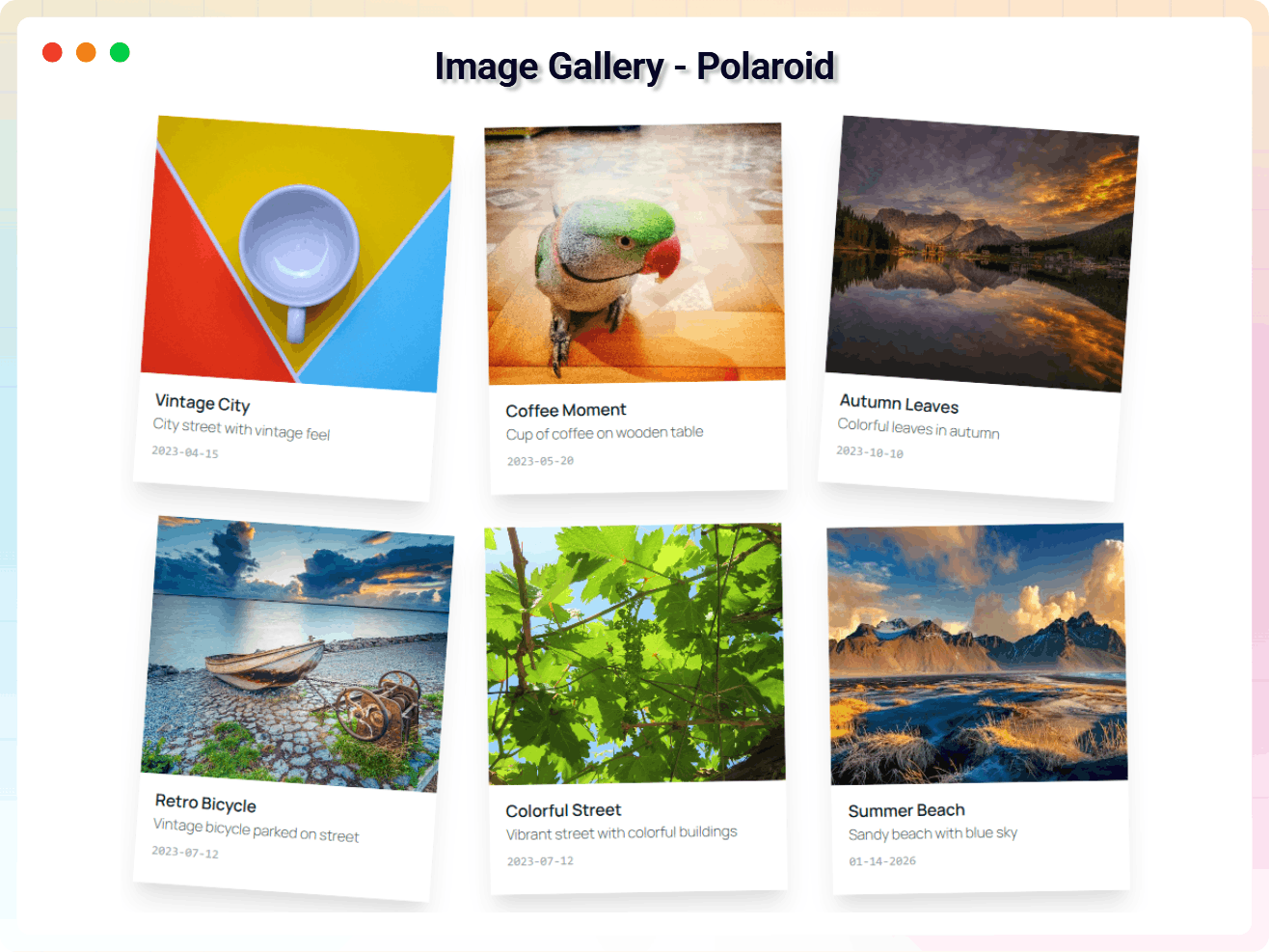
Image Gallery – Polaroid 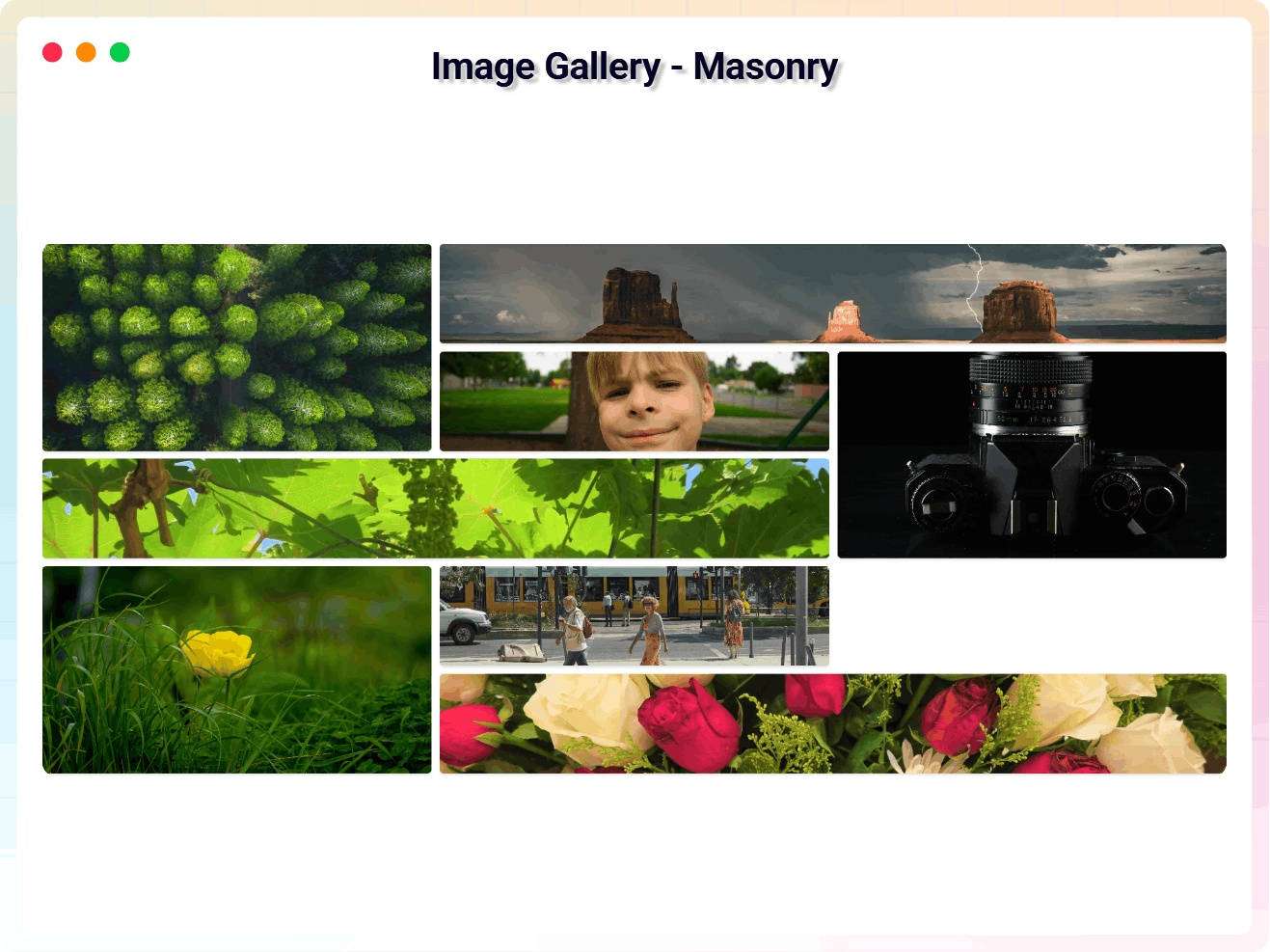
Image Gallery – Masonry 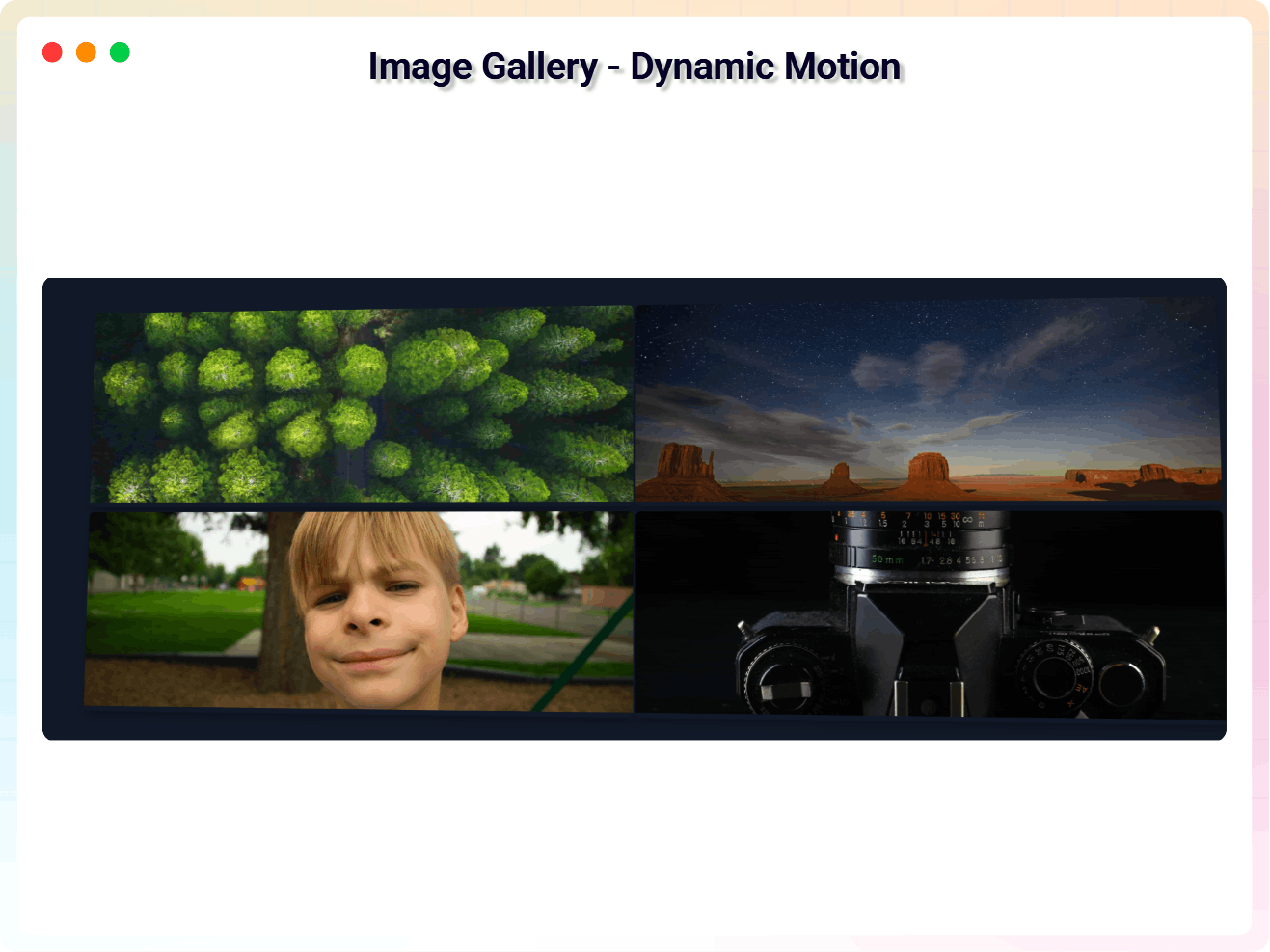
Image Gallery – Dynamic Motion 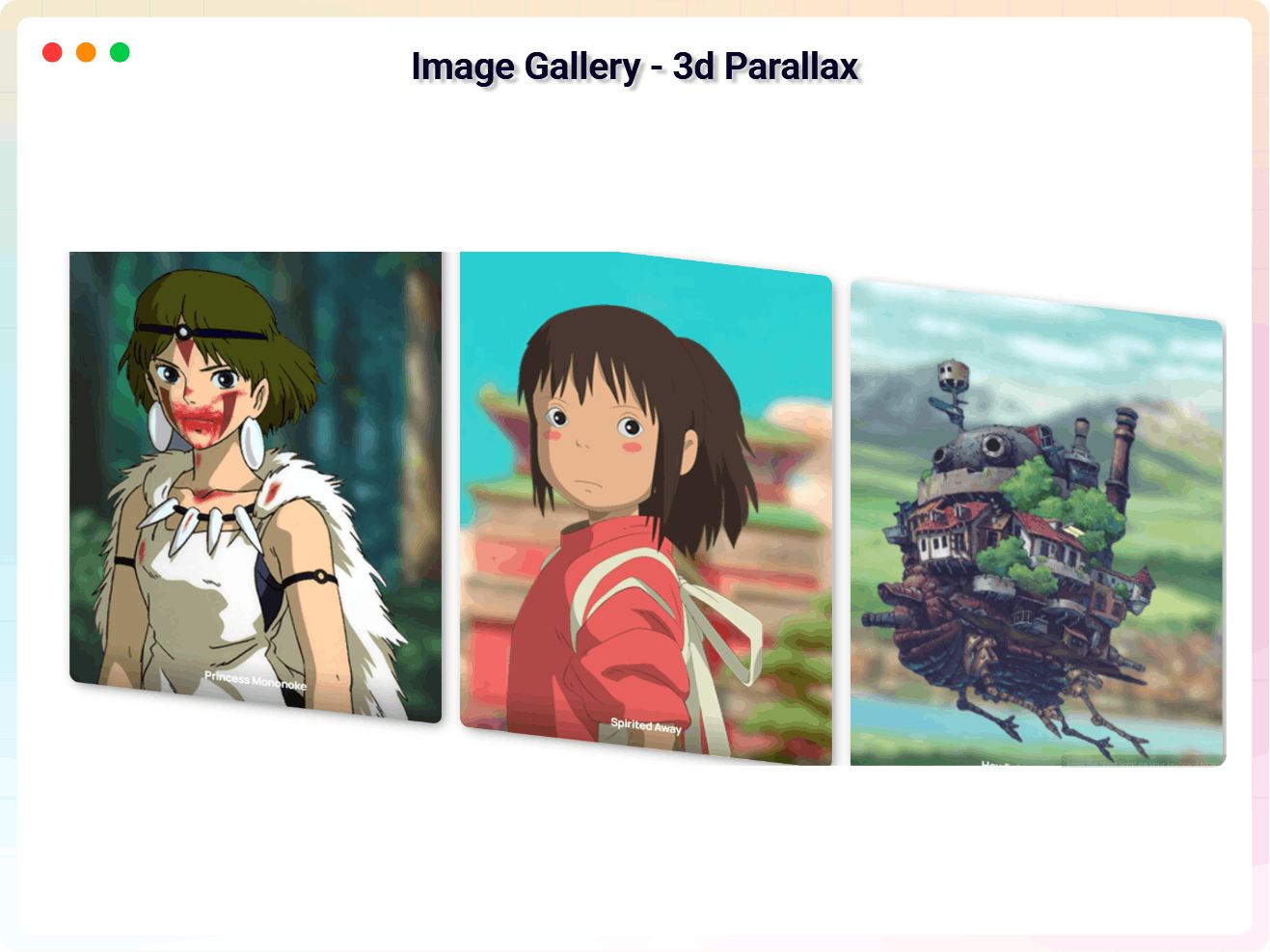
Image Gallery – 3d Parallax 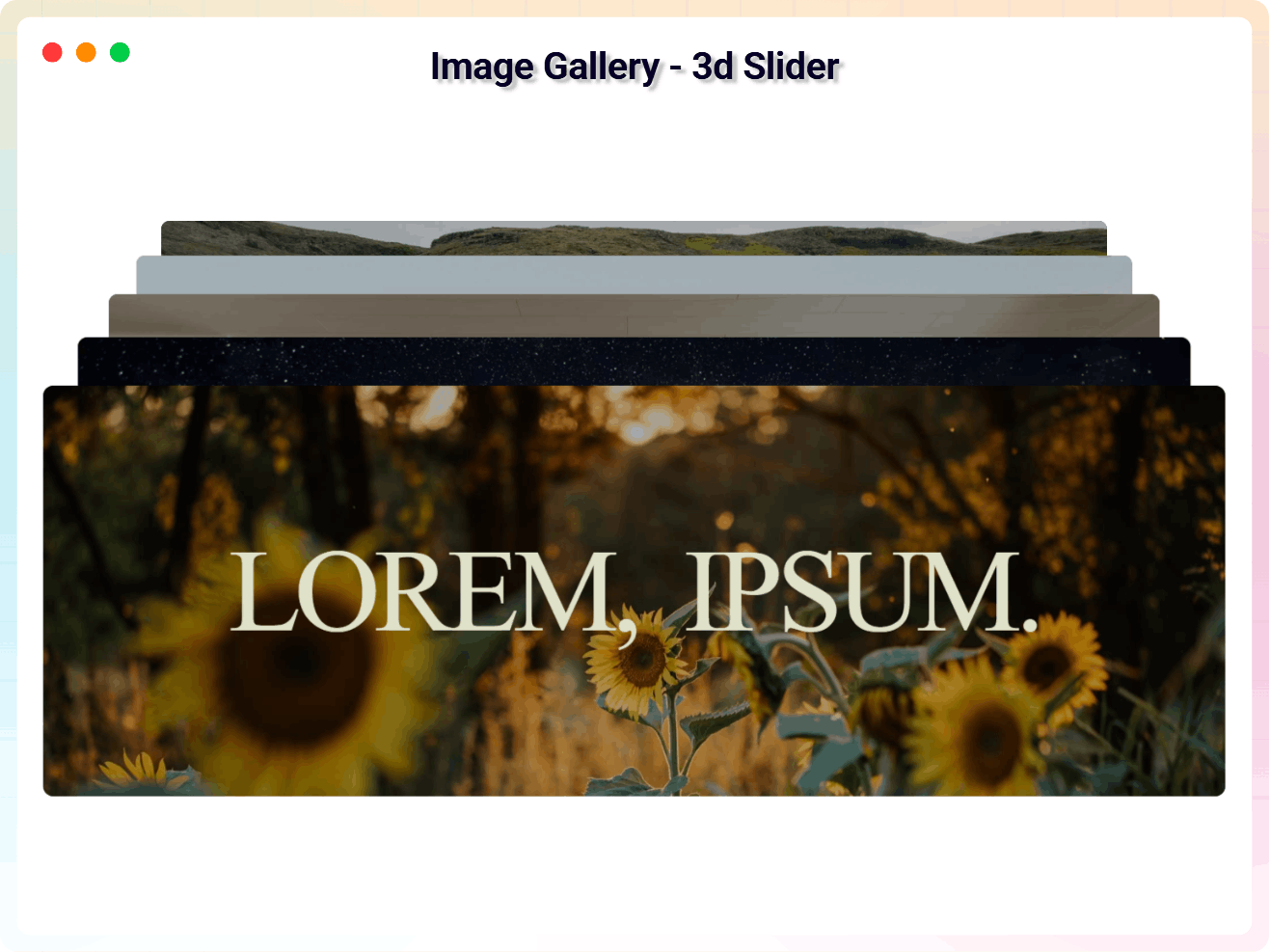
Image Gallery – 3d Slider 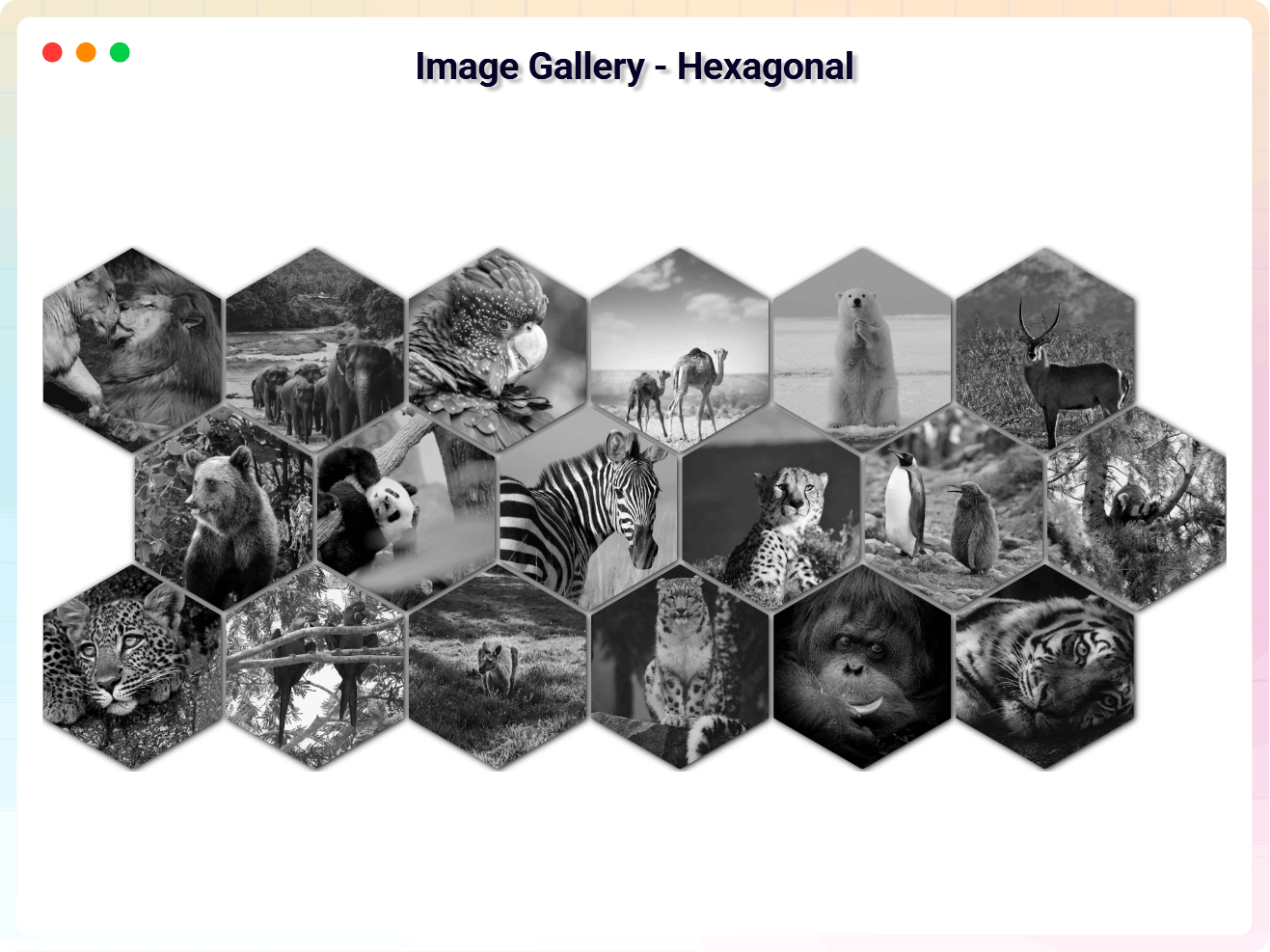
Image Gallery – Hexagonal 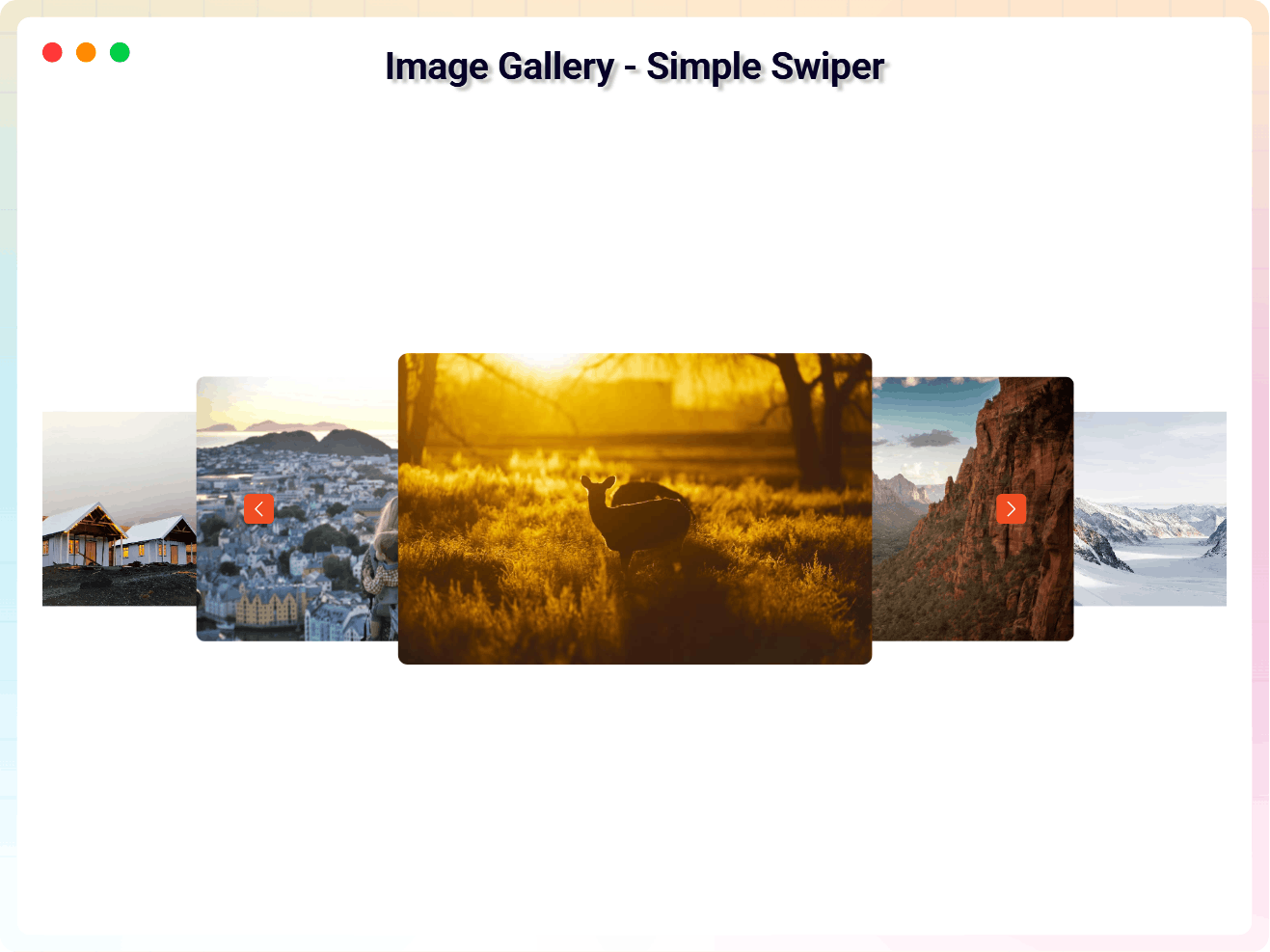
Image Gallery – Simple Swiper
Blocks
This plugin provides 1 block.
- Image Gallery Create and Display Photo Galleries
Installation
From Gutenberg Editor:
- Go to the WordPress Block/Gutenberg Editor
- Search For Image Gallery
- Click on the Image Gallery to add the block
Download & Upload:
- Download the Image Gallery plugin (.zip file)
- In your admin area, go to the Plugins menu and click on Add New
- Click on Upload Plugin and choose the
3d-image-gallery.zipfile and click on Install Now - Activate the plugin and Enjoy!
Manually:
- Download and upload the Image Gallery plugin to the
/wp-content/plugins/directory - Activate the plugin through the Plugins menu in WordPress
FAQ
-
Is Image Gallery free?
-
Yes, Image Gallery is a free Gutenberg block plugin.
-
Does it work with any WordPress theme?
-
Yes, it will work with any standard WordPress theme.
-
Can I change block settings?
-
Yes, you can change block settings from the Gutenberg block editor’s right sidebar.
-
How many times can I reuse a block?
-
You can use unlimited times as you want.
-
Where can I get support?
-
You can post your questions on the support forum here
-
Where do I report security bugs found in this plugin?
-
Please report security bugs found in the source code of the Image Gallery block – Create and display photo gallery/photo album. plugin through the Patchstack Vulnerability Disclosure Program. The Patchstack team will assist you with verification, CVE assignment, and notify the developers of this plugin.
Reviews


Contributors & Developers
“Image Gallery Block – Create and display photo gallery/photo album.” is open source software. The following people have contributed to this plugin.
Contributors


Translate “Image Gallery Block – Create and display photo gallery/photo album.” into your language.
Interested in development?
Browse the code, check out the SVN repository, or subscribe to the development log by RSS.
Changelog
2.2.11 – 16 Mar 26
- Added: Default Dashboard Color Scheme
2.2.9 – 15 Mar 26
- Fixed: Premium Overlay Issue
2.2.8 – 05 Feb 26
- Fixed: Product landing page link not working
2.2.7 – 26 Feb 26
- Fixed: Freemius Lite SDK Security Vulnerability
2.2.6 – 23 Feb 26
- Added: New Dashboard
2.1.5 – 14 Jan 26
- Added: New Screenshots
- Fixed: Frontend View Issue
2.1.4 – 13 Jan 26
- Added: New Features
- Fixed: Theme Change Tooltip Issue
2.0.2 – 18 Nov 25
- Added: Inline Script
2.0.2 – 04 Nov 25
- SDK updated
2.0.1 – 21 Aug 25
- Plugin activation fatal error fixed
2.0.0 – 14 Aug 25
- Added Seven New Styles
1.0.7 – 11 Jun 24
- Fix the image height issue on Firefox
1.0.6
- Fix Issue
1.0.5
- Add translate feature
1.0.4
- Fix Render Issue
1.0.3
- Fix the issue.
1.0.2
- Performance improvements.
1.0.1
- Fix Typography
1.0.0
- Initial Release.