

Description
Subscribe to Download Lite helps you grow your email list by offering a downloadable file after signup. Add the form to any page, collect subscriber details, and automatically send the download link by email.
Use it for lead magnets, free PDFs, checklists, ebooks, resource packs, templates, or any other downloadable freebie you want to send after subscription. If you do not want to offer a file, you can also use it as a simple email signup form.
This plugin is built for site owners who want a straightforward “email before download” workflow without building a custom funnel from scratch.
Best For
- Delivering a free download after email signup
- Collecting leads for newsletters and email marketing
- Offering ebooks, guides, templates, PDFs, and bonus resources
- Gating downloadable content behind a signup form
Subscribe to Download Lite Features
- Download After Signup: Send your downloadable file to the subscriber after a successful signup.
- 5 Ready-to-Use Templates: Choose a form design and place it on your site quickly.
- Encrypted Download Links: Protect your downloadable file with secure email links.
- Popup Subscription Form: Show the signup form in a popup to increase conversions.
- Ajax Submission: Let users subscribe without a full page reload.
- CSV Export: Export subscriber data from your WordPress dashboard.
- Form Component Control: Enable or disable form fields based on your signup flow.
- Email Customization: Customize sender name, sender email, and email message.
- Backend Preview: Preview your signup form before publishing it.
- Mobile Responsive: Forms are designed to work across desktop and mobile devices.
- Translation Ready: Translate the plugin for multilingual sites.
Why Site Owners Use It
- Grow your email list with a clear value exchange
- Deliver lead magnets automatically instead of manually emailing files
- Keep your free download links more secure
- Start with a free setup before moving to advanced marketing workflows
Video Walkthrough
Upgrade to Pro for More
- Create Unlimited Form with different restrictions
- 20 Pre Designed Subscription Form Templates
- Show popup form with delay on individual page
- Custom Form Styler Available
- Mailchimp, Constant Contact, MailerLite and other marketing integrations
- Track Download Status
- And many more …
Check all premium features here
Upgrade to PRO
Screenshots
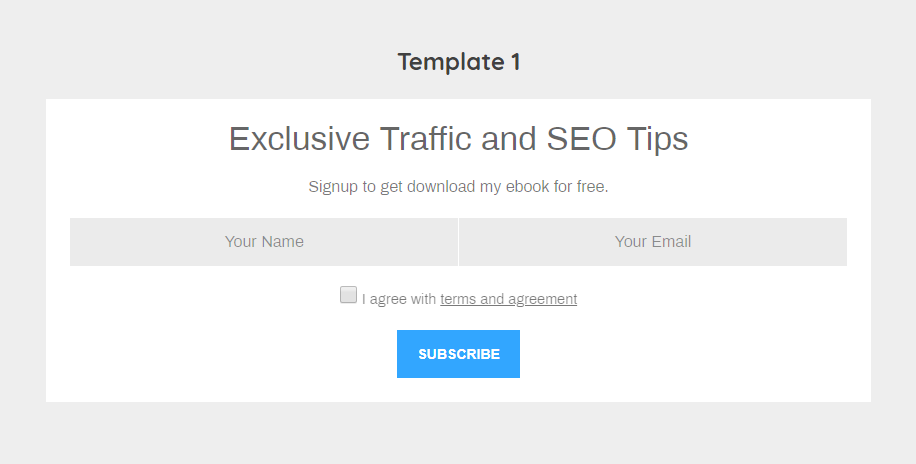
Frontend email signup form for gated downloads 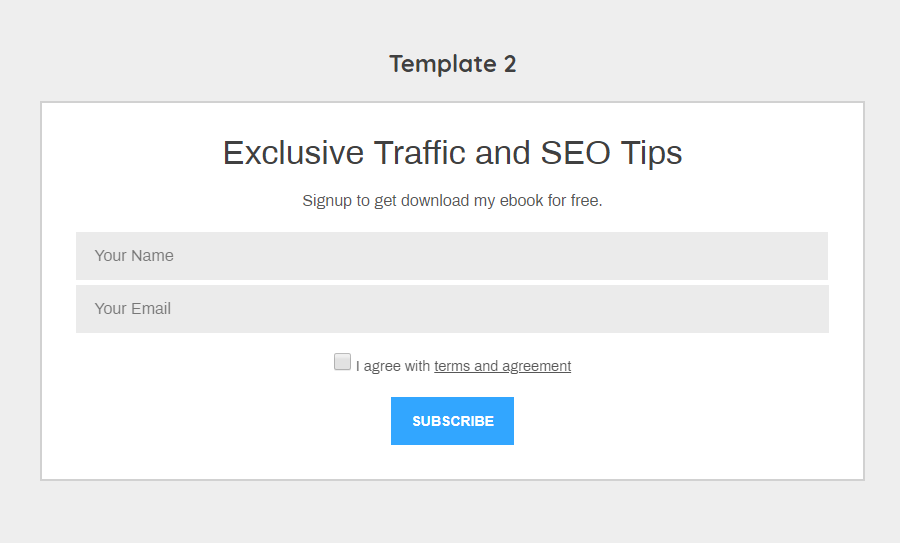
Email delivery flow for the download link 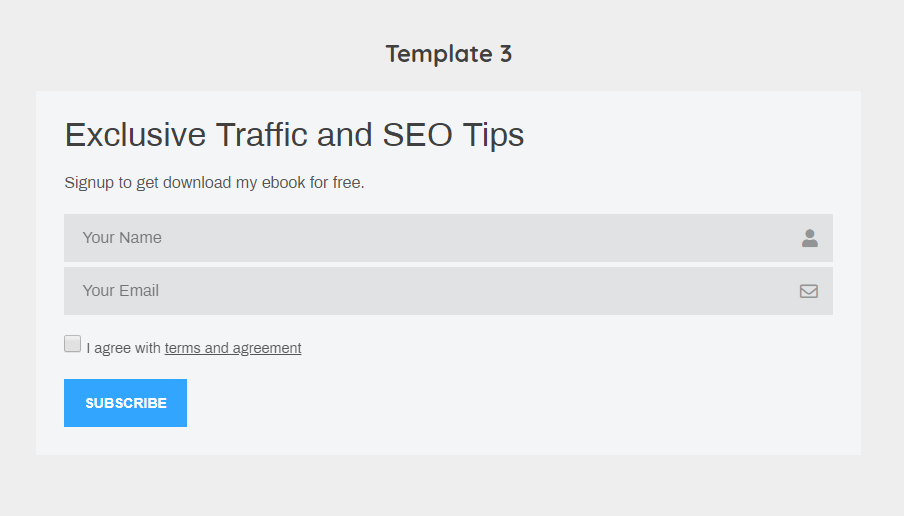
Subscribe to Download Form Template 3 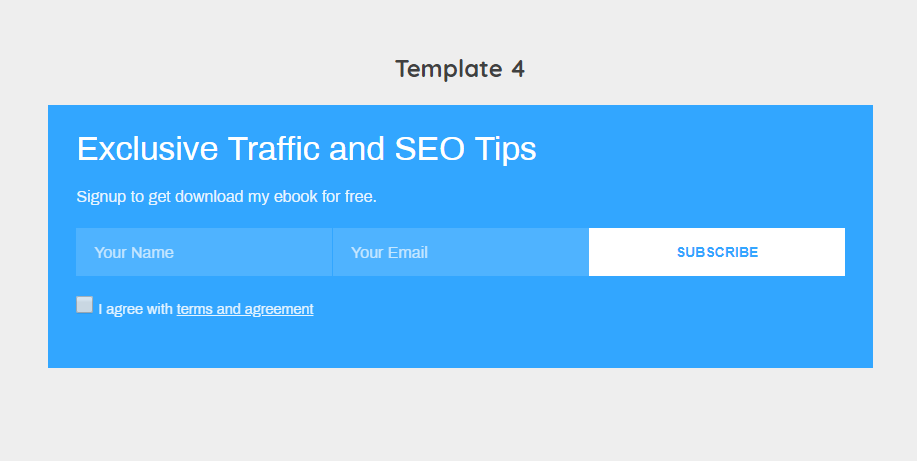
Subscribe to Download Form Template 4 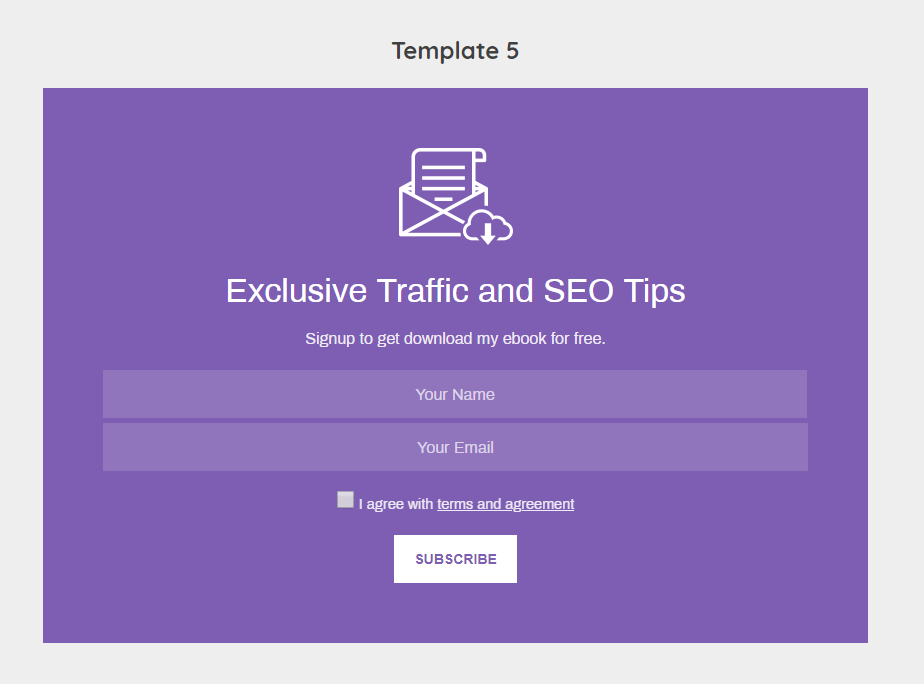
Subscribe to Download Form Template 5 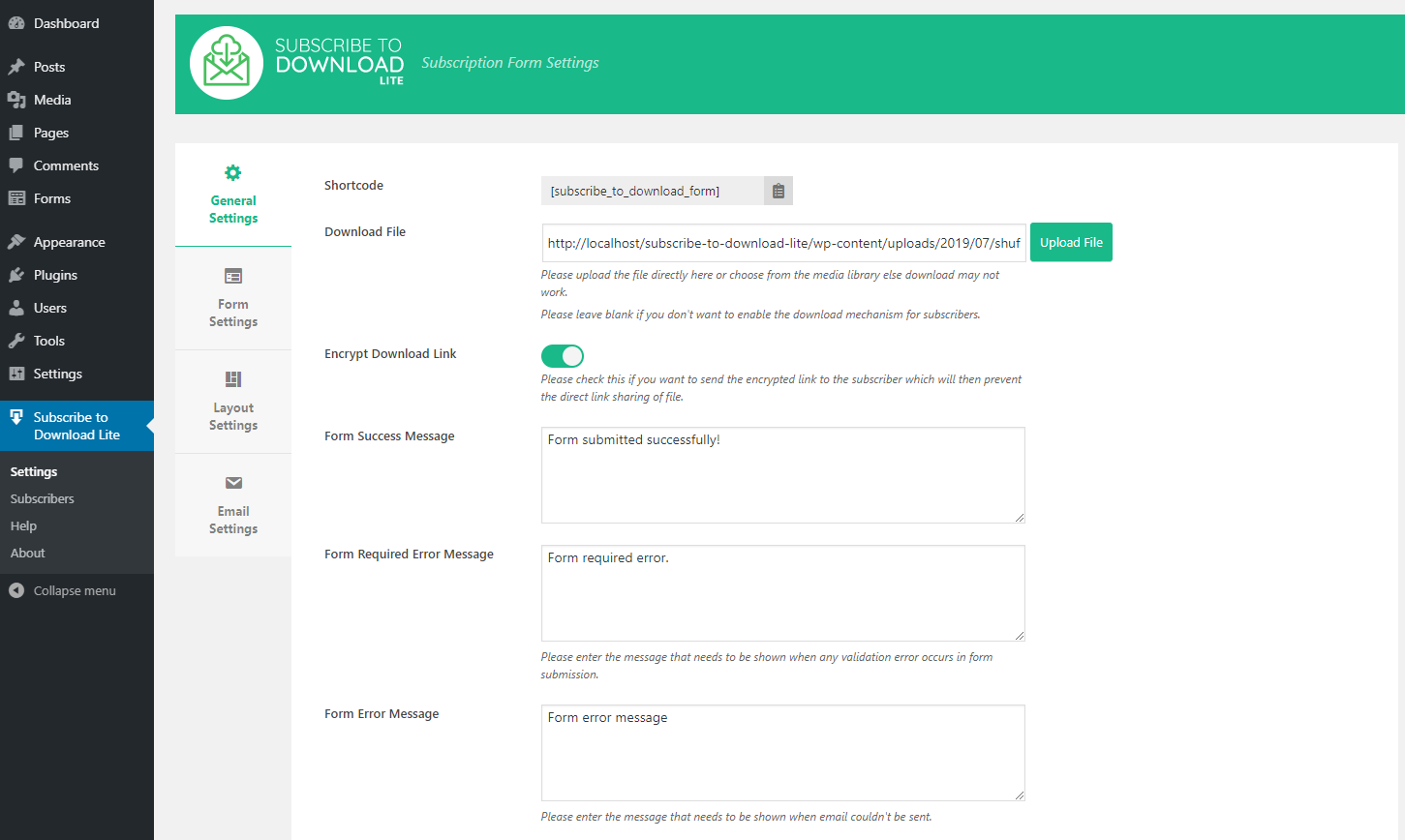
Subscribe to Download Backend General Settings 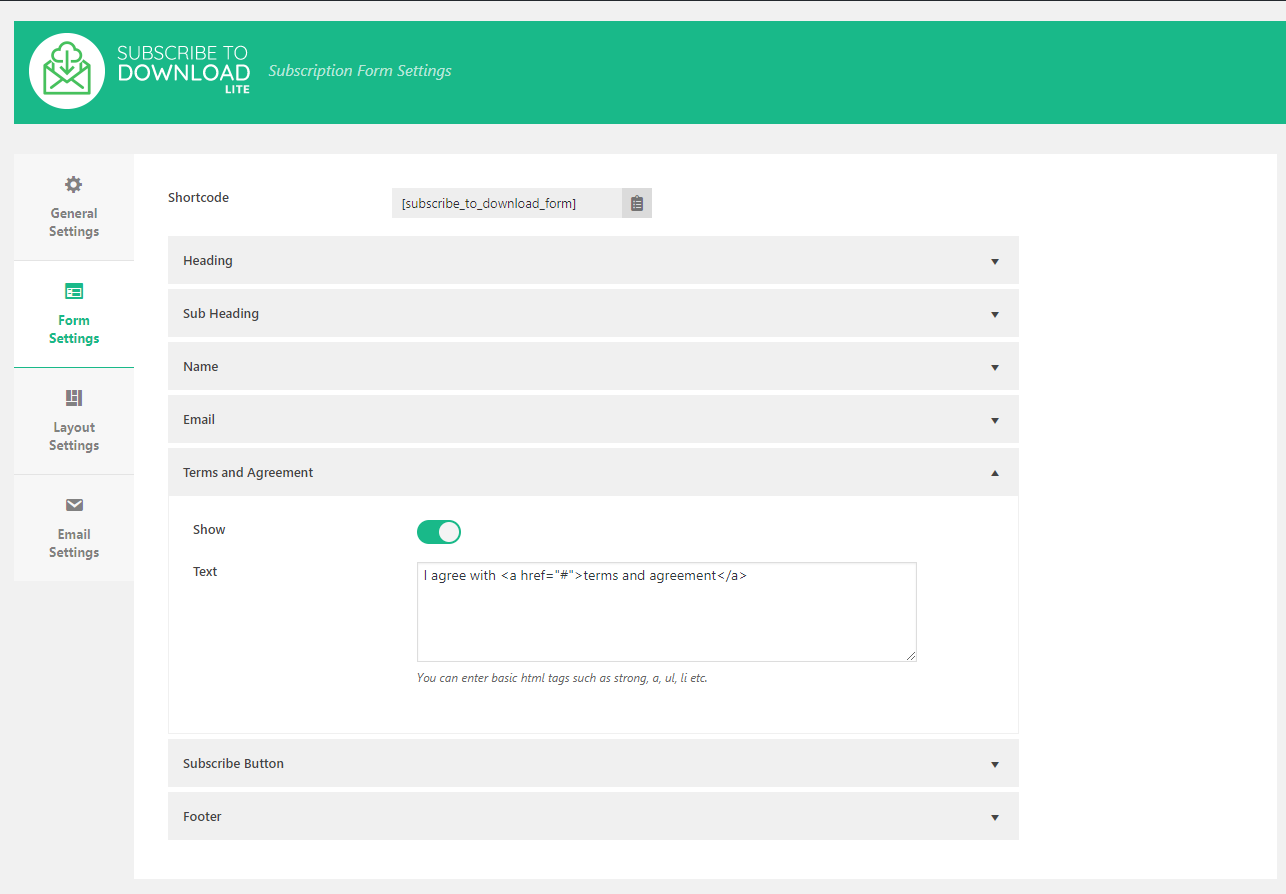
Subscribe to Download Backend Form Fields Settings 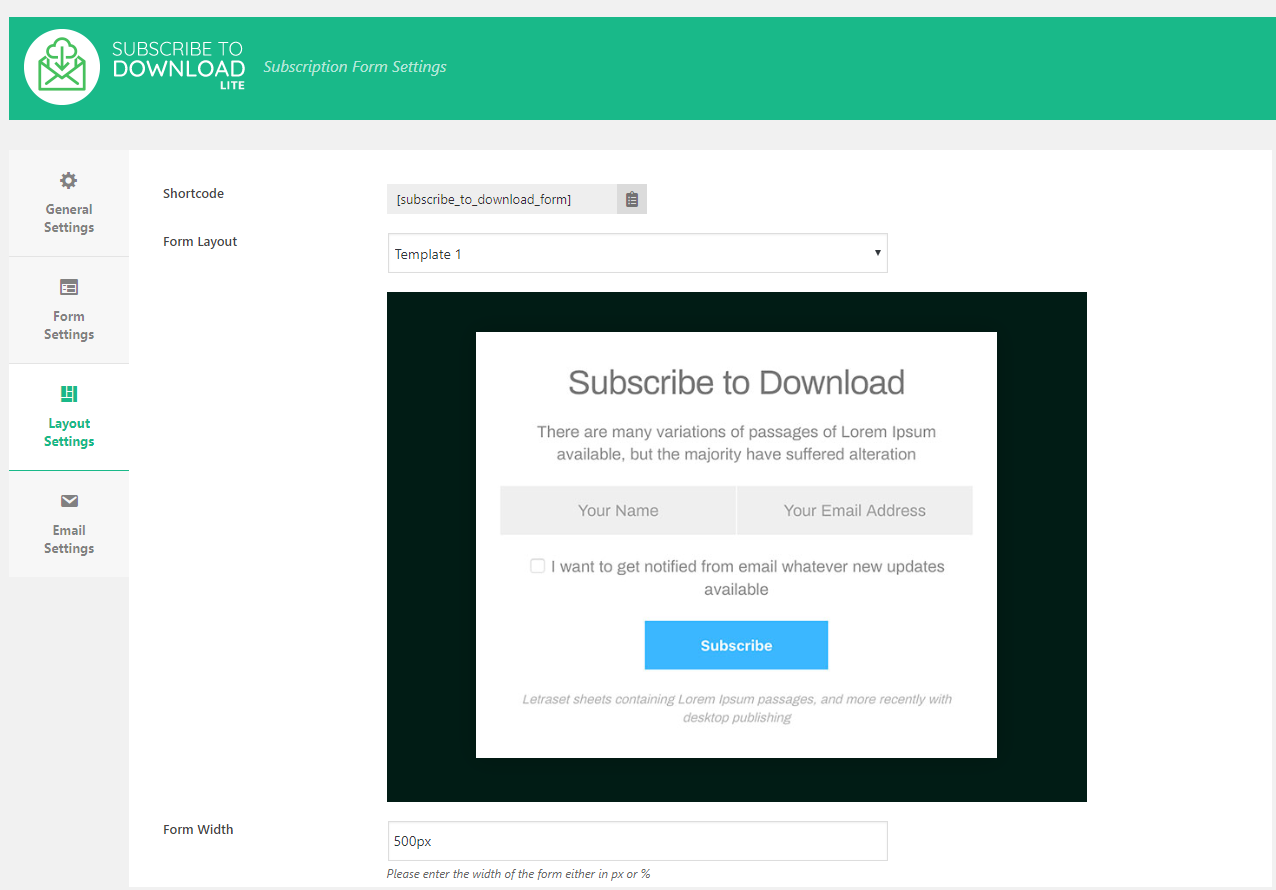
Subscribe to Download Backend Layout Settings 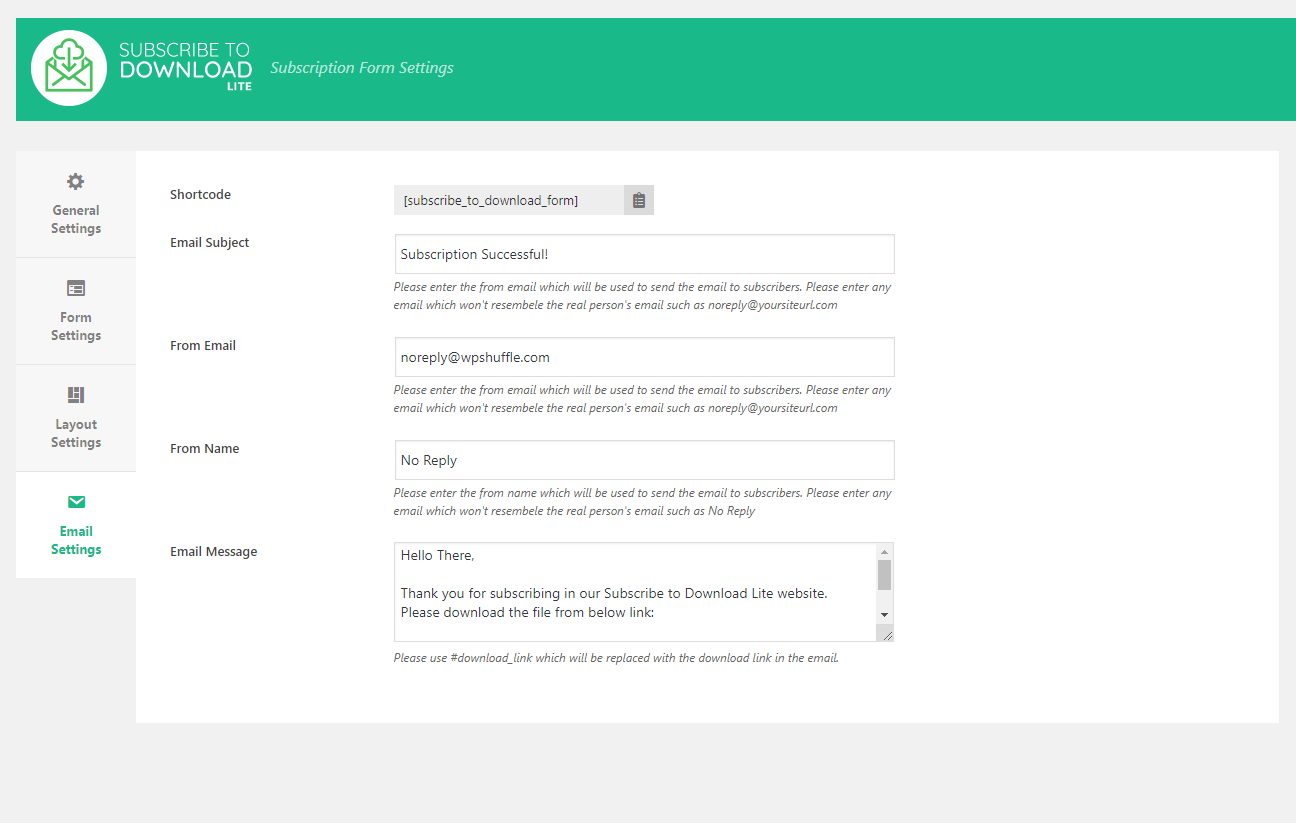
Subscribe to Download Backend Email Settings
Installation
- Upload the plugin files to the
/wp-content/plugins/subscribe-to-download-litedirectory, or install the plugin through the WordPress plugins screen directly. - Activate the plugin through the ‘Plugins’ screen in WordPress.
- Open
Subscribe to Download Litefrom the WordPress admin menu. - Configure the form, email settings, and downloadable file.
- Copy the shortcode and place it on any page or post.
- Test the signup flow with your own email address.
FAQ
-
What does this plugin do?
-
It lets you collect an email signup before giving access to a downloadable file. After the user subscribes, the plugin sends the download link by email.
-
I don’t have a file to offer. Can I still use it as a subscription form?
-
Yes, if you don’t provide any downloadable file in the plugin settings, then it will just act as the normal subscription form.
-
How does the subscriber receive the file?
-
The subscriber will receive the link of the downloadable file in the email through which subscriber will be able to download.
-
Can I protect the download link from direct sharing?
-
Yes. The plugin includes an encrypted download link option so the link is only valid for the intended subscriber flow.
-
What happens when I turn on Encrypt Download Link?
-
When this option is turned on in the general settings, our plugin will send the encrypted download link instead of the direct file link for download and our plugin will use the browser cookies to verify if the link has been clicked from the same browser or not from which the subscription has been done. If the link has been clicked from different browser then it will just open the home page which will prevent the direct link sharing. And also it will help to track the download status for the specific subscriber.
-
Why does the download link open the home page instead of the file?
-
That usually happens when Encrypt Download Link is enabled and the link is opened outside the original subscriber/browser context. Please check the FAQ above for the detail of this feature.
Reviews


Contributors & Developers
“Subscribe to Download Lite – Email Before Download Plugin” is open source software. The following people have contributed to this plugin.
Contributors
Translate “Subscribe to Download Lite – Email Before Download Plugin” into your language.
Interested in development?
Browse the code, check out the SVN repository, or subscribe to the development log by RSS.
Changelog
1.3.0
- Fixed security issues
1.2.9
- Updated upgrade section
- Added Free vs PRO section
1.2.8
- Updated upgrade banner
1.2.7
- Updated the upgrade banner
- Fixed wrong shortcode display in form listing
1.2.6
- Fixed CSV download status bug
- Added encrypt download link notice
- Added remind later for review notice
- Stored default settings on plugin activation
1.2.5
- Added review notice
1.2.4
- Checked WP Version 6.3 compatibility
1.2.3
- Updated upgrade sections in backend
1.2.2
- Checked WP Version 6.2 compatibility
1.2.1
- Checked WP Version 6.1 compatibility
1.2.0
- Added contact us section for support assistance
1.1.8
- Checked WP Version 6.0 compatibility
1.1.7
- Checked WP Version 5.9 compatibility
1.1.6
- Fixed upgrdae to pro link
1.1.5
- Fixed backend css issue
- Checked WP version 5.8 compatibility
1.1.4
- Checked WP Version 5.7 compatibility check
1.1.3
- Checked WP Version 5.6 compatibility check
1.1.2
- Fixed admin CSS issue
1.1.1
- Included admin ajax class inside is_admin condition
1.1.0
- Fixed subscribers CSV export
- Added anchor link for download link
1.0.9
- Checked WP Version 5.4 compatibility check
1.0.8
- Admin checked for activation hook loading
1.0.7
- Updated upgrade banner
1.0.6
- Checked is_admin for admin related classes
1.0.5
- Updated upgrade banner
1.0.4
- Updated upgrade link
1.0.3
- Fixed bug for subscriber not being stored when name field was disabled
- Fixed subscriber delete bug
- Fixed a typo in the backend subscribers listing
1.0.2
- Updated help section and removed unwanted files
1.0.1
- Updated About section
1.0.0
- Initial Commit to Repository
- Initial plugin submit to wordpress.org