

Description
By default the Advanced Posts Block from Blocksy theme returns couple of posts in a given order provided by the query loop logic (i.e. “date”). This plugin allows you to select and arrange specific posts manually.
Attention
You need to install the Blocksy Theme first. Without it, you can not use this plugin.
Plugin Features
✔ adds a new block panel “Block Settings” in Advanced Posts Block of Blocksy Theme
✔ the panel contains a range field for custom column count of the block (maximum are 6 columns)
✔ the column field inherits the default column count setting from customizer of the given post type
✔ the panel contains a repeater field where each text field has the ability to search for desired posts
✔ the search field offers a results lists with highlighted search terms
✔ the search result items have a tooltip info containing the post-id and excerpt
✔ the repeater field supports manual order of the posts by drag and drop mechanism
✔ sets a limit of the repeater field by using the LIMIT value of the block. Want to search for more posts? Increase the LIMIT value
Screenshots
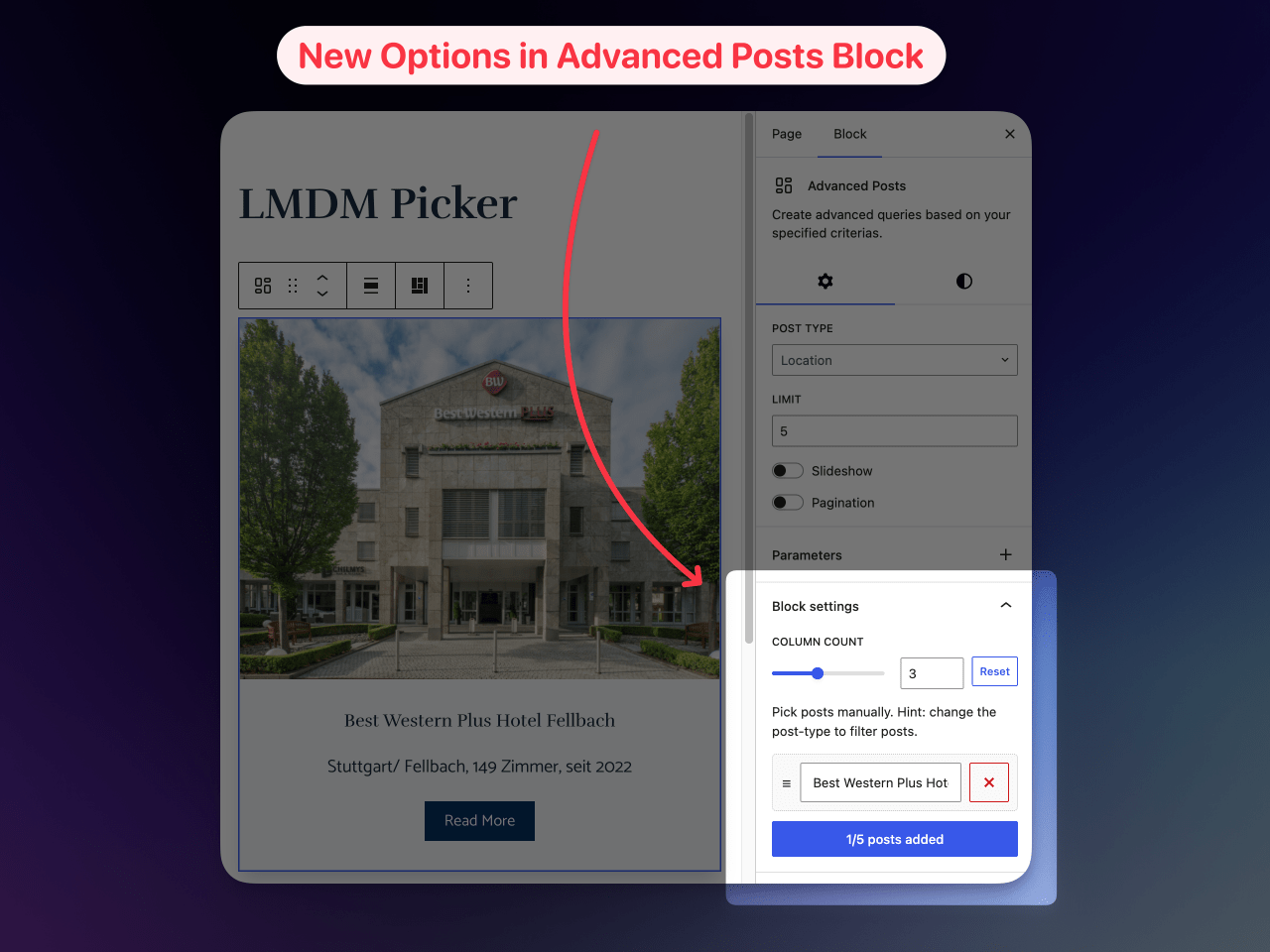
new block settings 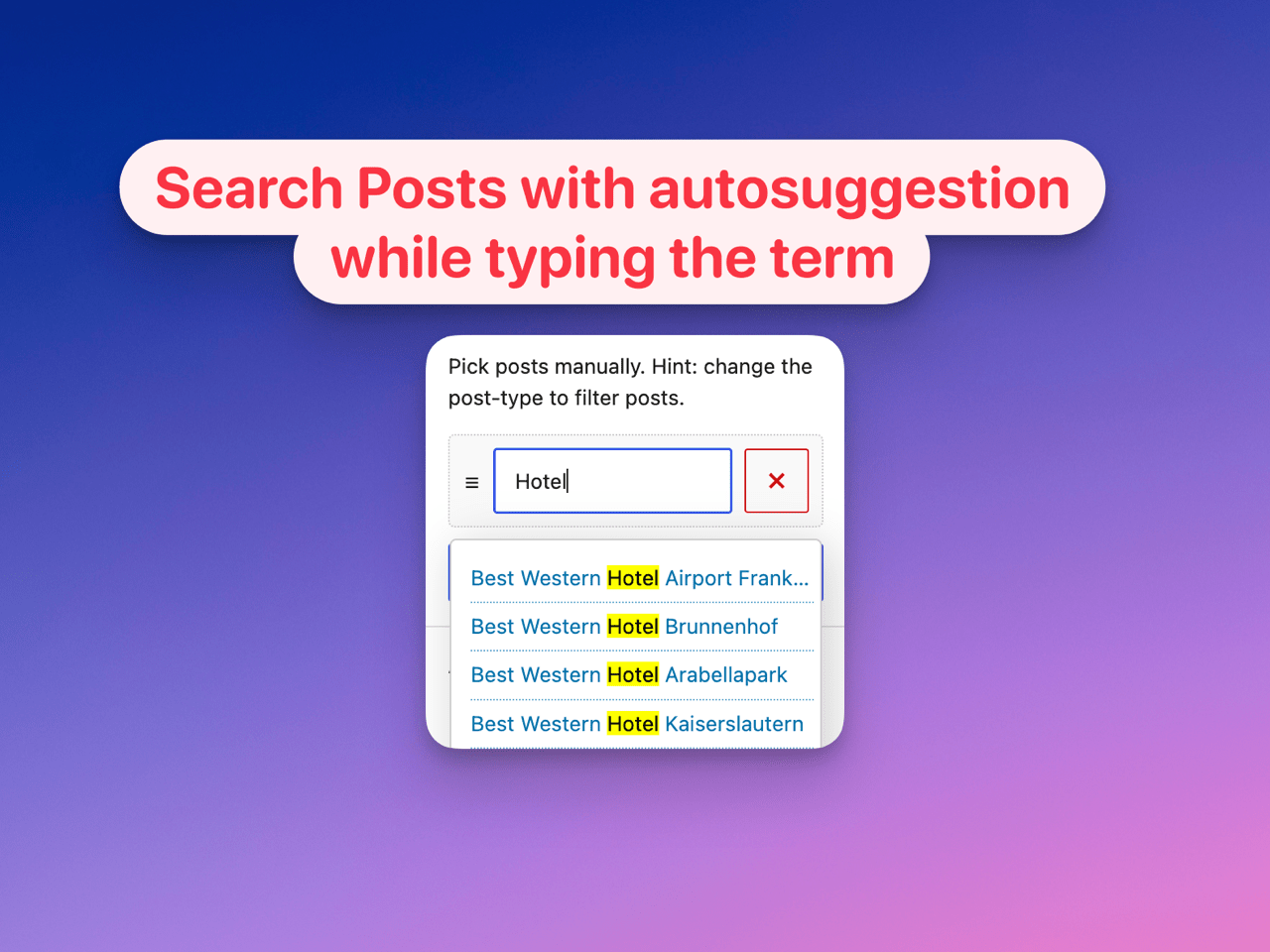
look for specific posts 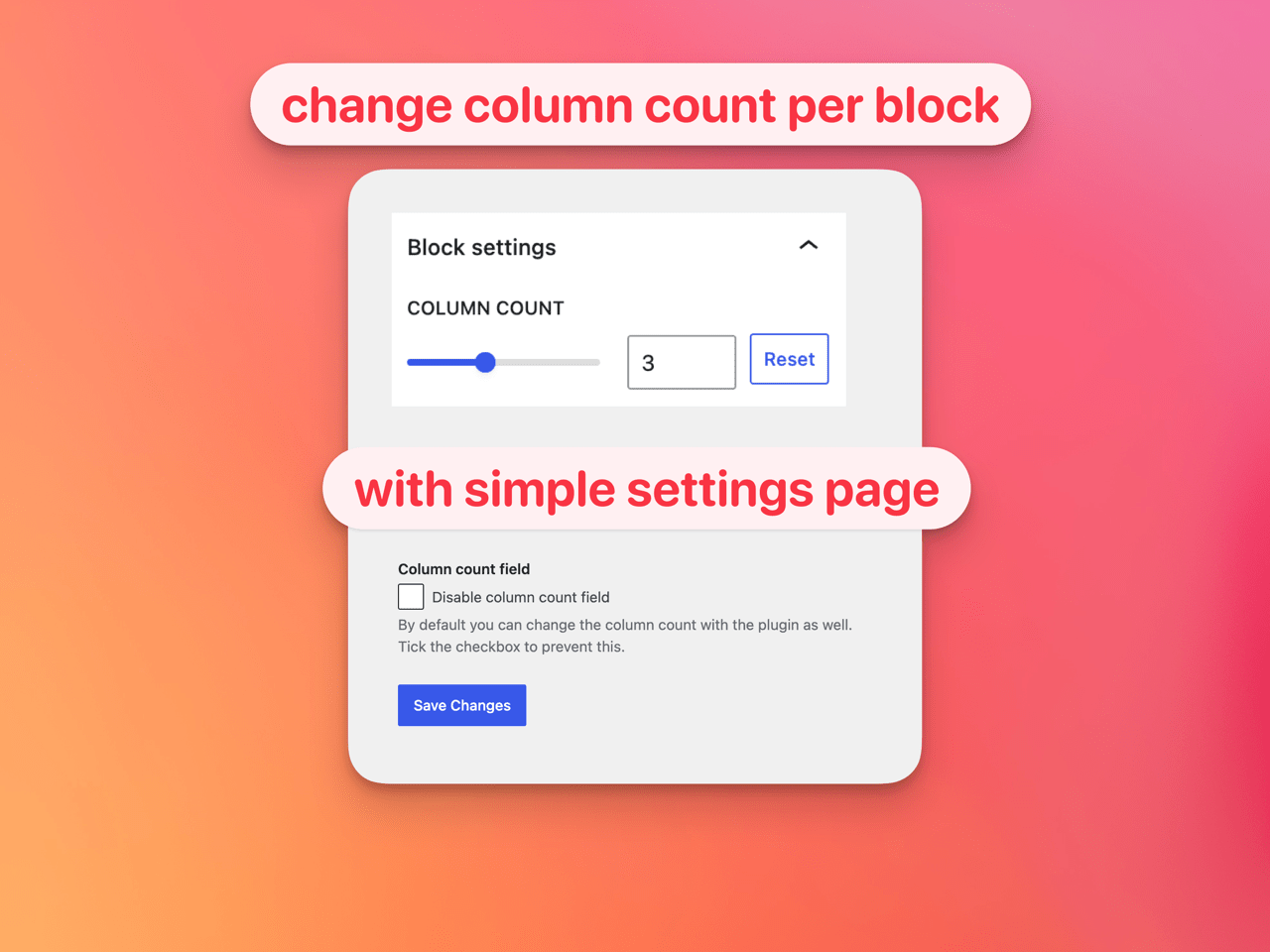
change column count 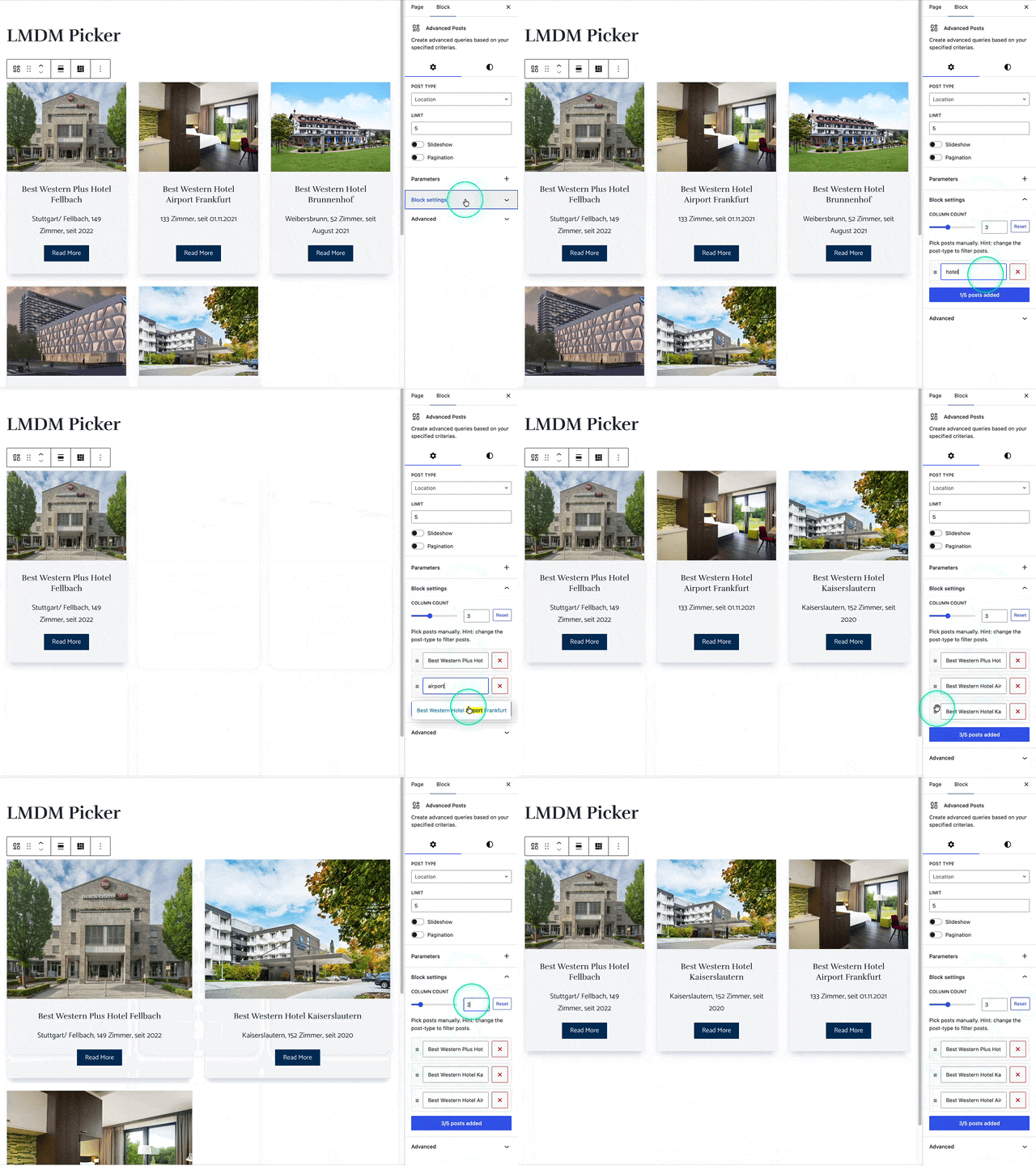
plugin demonstration
Installation
- Upload the plugin files to the
/wp-content/plugins/lmdm-picker-for-blocksy-advanced-posts-blockdirectory, or install the plugin through the WordPress plugins screen directly. - Activate the plugin through the Plugins screen in WordPress
- Use the Settings LMDM Picker screen to configure the plugin defaults
- Use the plugin functions through the block
Advanced Postsprovided by Blocksy Theme
FAQ
-
Does it create a new block?
-
No, it just adds a new option / button to the “Advanced Posts” block of Blocksy Theme
-
What are use cases for this plugin?
-
Sometimes you simply need more control of the posts returned by the Advanced Posts block. This plugin gives you full control of it.
-
Does it load any additional assets in the frontend?
-
No, it just adds some CSS-classes for changing the column count of the posts grid
-
What happens when i disable the plugin?
-
You can easily disable and delete the plugin without any harmful effects. The Advanced Posts Block will return the posts in the former way.
-
How to look for posts of custom post types?
-
You need to change the
POST TYPEvalue in the block settings first place. -
How to increase the default limit?
-
You need to increase the value in the default
LIMITfield of the block second place. -
Why can i not find a specific post?
-
Be sure the post is published and the desired
POST TYPEis selected in first place. Also keep in mind you can not add a post which is already picked and you can not pick a post inside of it’s current post. -
Where to change the default column count?
-
It’s inherited from customizer settings. Change it there and it will reflect in plugin panel field.
-
The column count does not change
-
The column count is just changing beyond 782px and above. Below that value it will inherit the values from customizer still.
-
The WordPress-User “nicmare” vibe coded it. Means he had the idea of the plugin and uses AI to craft the code.
Reviews
There are no reviews for this plugin.
Contributors & Developers
“LMDM-Picker for Blocksy Advanced Posts Block” is open source software. The following people have contributed to this plugin.
Contributors
Translate “LMDM-Picker for Blocksy Advanced Posts Block” into your language.
Interested in development?
Browse the code, check out the SVN repository, or subscribe to the development log by RSS.
Changelog
1.2
- updated plugin assets
1.1
- added plugin assets
1.0
- first release of the plugin