Description
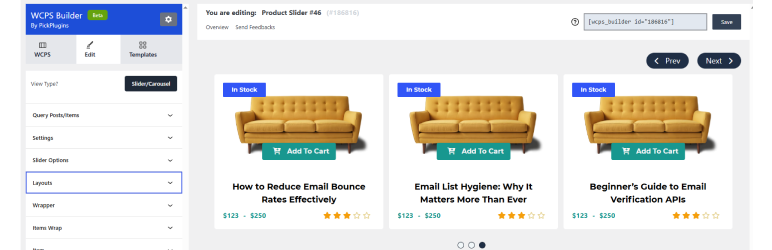
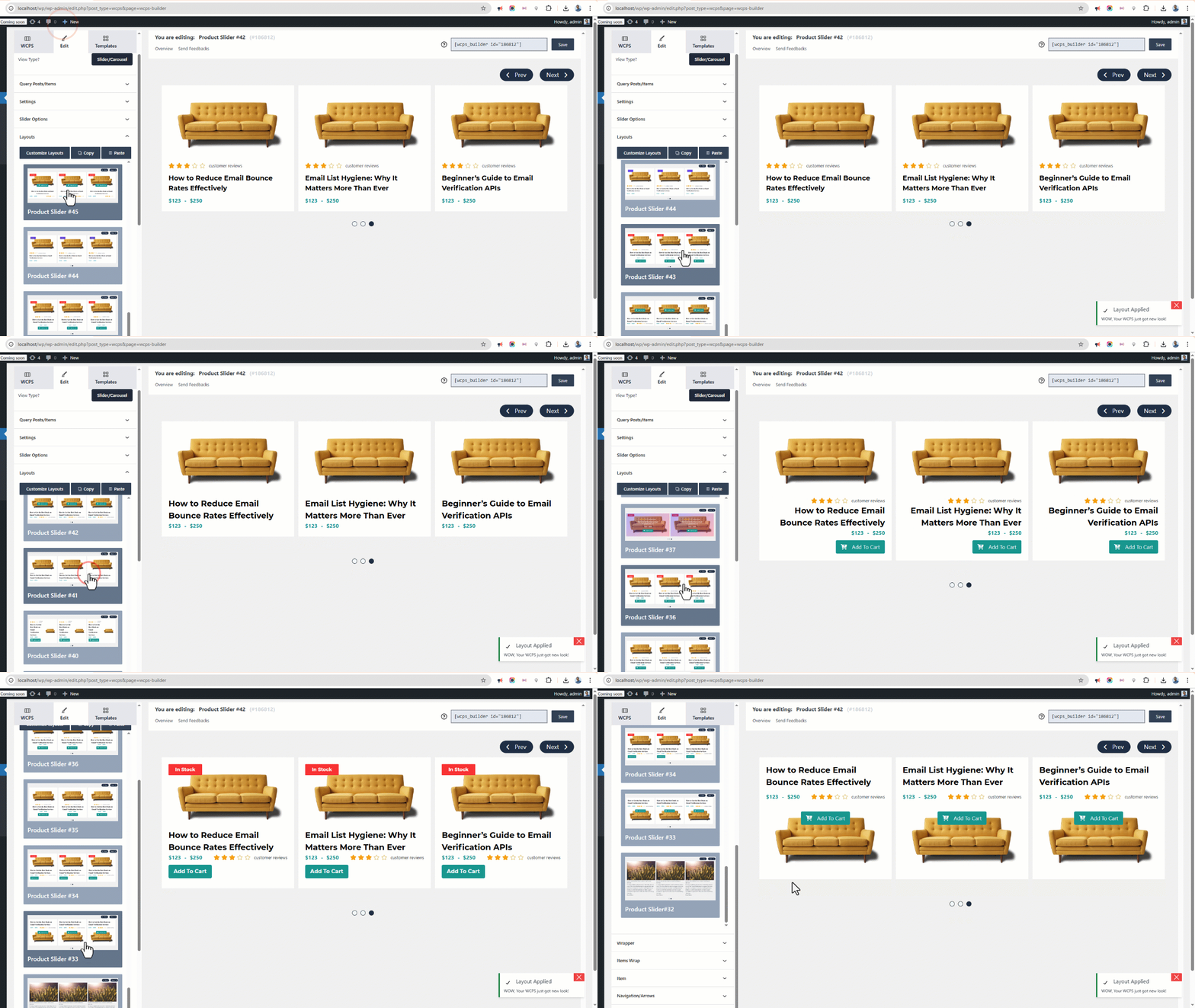
PickPlugins Product Slider is easy and user friendly carousel slider for WooCommerce products, You can create unlimited product slider by this plugin and display anywhere via shortcodes. We added layout builder for your product slider to build as you want, easy to customize and add your own CSS via layout editor you can build some fancy and unique layout. No coding is required to build custom layout and add elements to layout. we added tons of option to handle slider functionality to control slide speed, display or hide navigations and dots.
Product Slider for WooCommerce by PickPlugins by http://pickplugins.com
Plugin Features
Slider column number
You can set custom number of slider column number for different devices like desktop, tablet and mobile.
Slider autoplay
You can choose slider autoplay on page load completed, so that slider will automatically slide your product to display your customers. you can also set custom values for autoplay speed and timeout.
Slider rewind & loop
You can set the slider to re-wind when slide item reached to end of the slider and it will automatically start slider from first product. you can also set loop so that slider will never stop and continuously slide to loop through each product.
Slider stop on hover
When your customer want to see a product on the slider it will automatically stop sliding so that your customer can drag by mouse or touch on mobile device to check their desired products.
Slider center
You can choose slider item to display one product on center so both side will display 2 product on half size.
Slider navigations
You can display slider navigations so that user can click these to check or slide product one by one, you can also set position for navigation like top-right, top-left, bottom-left, bottom-right, middle, middle fixed. you can also choose some pre-defined style for navigations, set custom value for navigation sliding speed. also custom background color and text color also available to customize as you need.
Slider dots
You can display slider pagination or dots at bottom so that user can click these to check or slide product by each screen, you can set custom value for dots sliding speed. also custom background color and hover or active color also available to customize as you need.
Slider RTL
If you website is running with RTL languages you are feel free to use, this slider plugin has great support for RTL languages.
Slider lazy load
You can enable lazy load to delay load product thumbnails which product is not in current view, it will increase your page speed and great support for SEO friendly product slider for your WooCommerce.
Touch & Mouse drag
This is responsive product slider so your customer can slide product by mouse drag or touch dragging based on their devices.
Query products limit
You can set custom number of query products, like you want to display only 10 item from latest product release. it will save and minimize database query to load faster product slider.
Product categories & terms
You can choose any product categories or product tag to query product. you can also choose multiple product categories to query product to display on slider. we added terms relations for query product so you can choose conditional product query based on product categories or tags.
Hide out of stock
You can choose option to hide product these are out of stock, so that your custom will not see the products are not currently available in stock. this is user friendly product slider will minimize user frustration.
Featured product
You can choose to display or hide featured product on the slider.
On-sale products
You can display or hide on-sale product on the slider, this is really amazing feature for which customer are looking for on-sale products on your site, this will definitely help you to attract customer and increase product sale.
Product by ids
This is exclusive feature if you want to display product slider by product ids, if you have some exclusive product for customer you can display these easily.
Query order & orderby
You can choose product query order ascending or descending and various oderby options like title, date, author, comment count, menu order and randomly.
Custom ribbons
You can display custom ribbons for each slider, ribbons are very useful to understand slider product objective, you can also customize ribbons background color, text color, height, width and background image. you can also choose 4 pre-define positon to display ribbon at top-right, top-left, bottom-let, bottom-right.
Slider item style
You can customize slider item or product wrapper style by custom padding, margins, background color and text-align.
Slider container style
You can customize slider container or wrapper style by custom padding, margins, background color and background image.
Premium Features
Recently viewed products
You can display recently viewed product by customer.
Related products
You can display product slider as a related products based on current product category and tags. related product also query based on upsells, cross-sells products.
Best selling products
You can display best selling products based on any categories or tags and custom taxonomies or attributes.
Top Rated products
You can display top rated products based on categories, tags or custom taxonomies or attributes.
Advance meta fields query
Query products based on meta fields for advance products queries.
Featured products at first
You can display featured products at first and then other products.
Layout element
advance layout elements Stock status, Stock quantity, Product Weight, Product Dimensions, Share button, Recently viewed text, Meta fields
Screenshots
screenshot-1 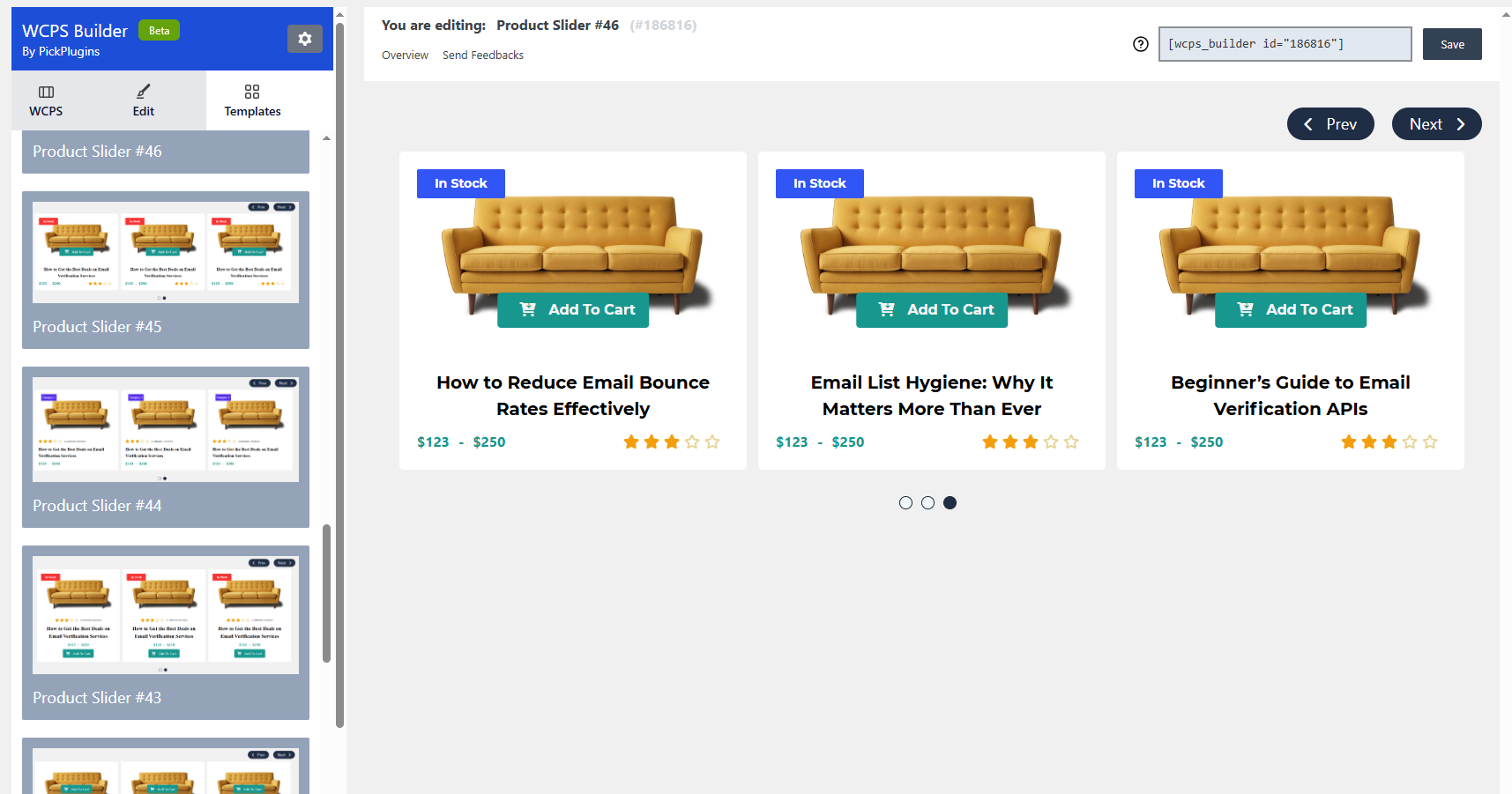
screenshot-2 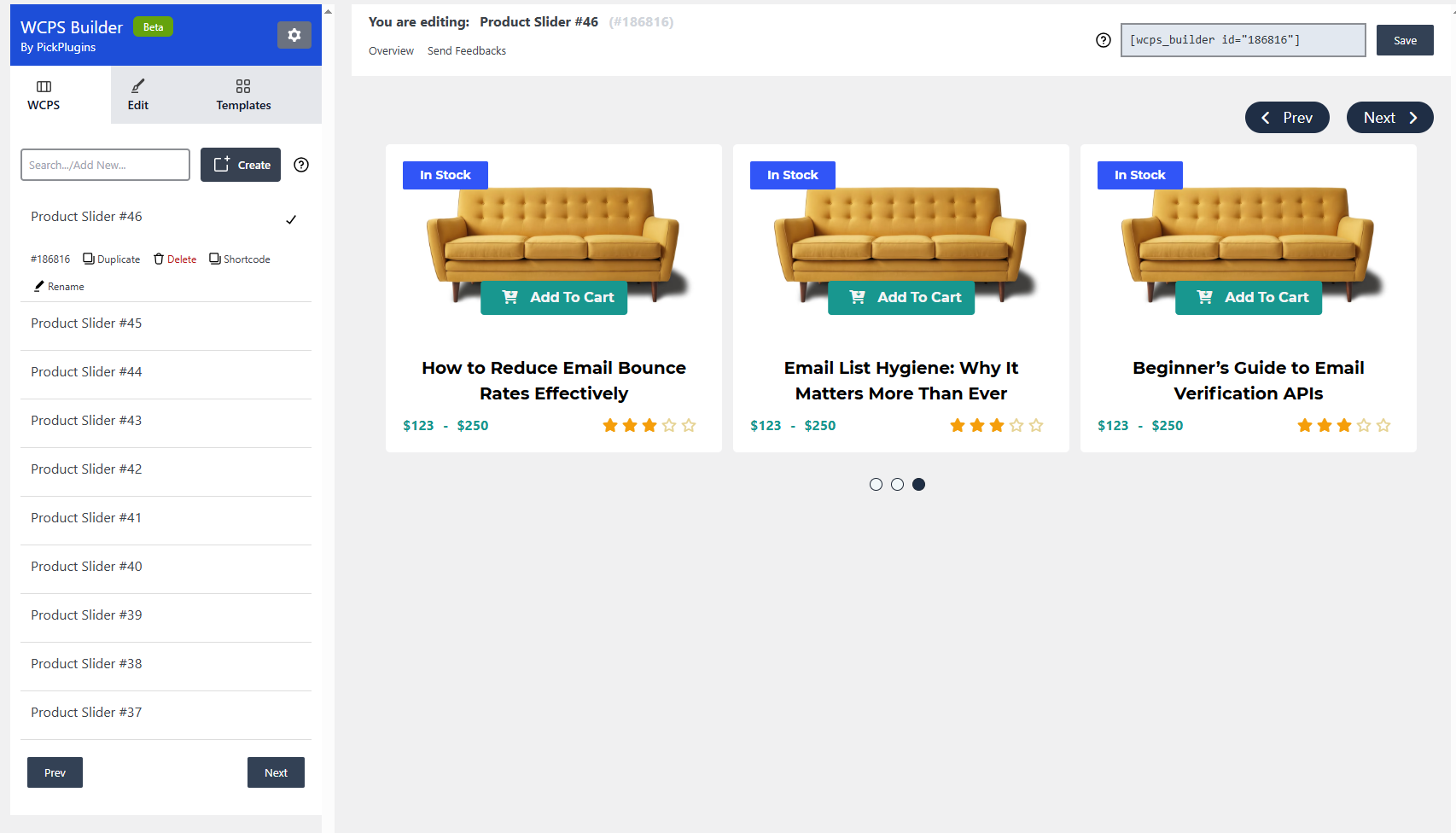
screenshot-3 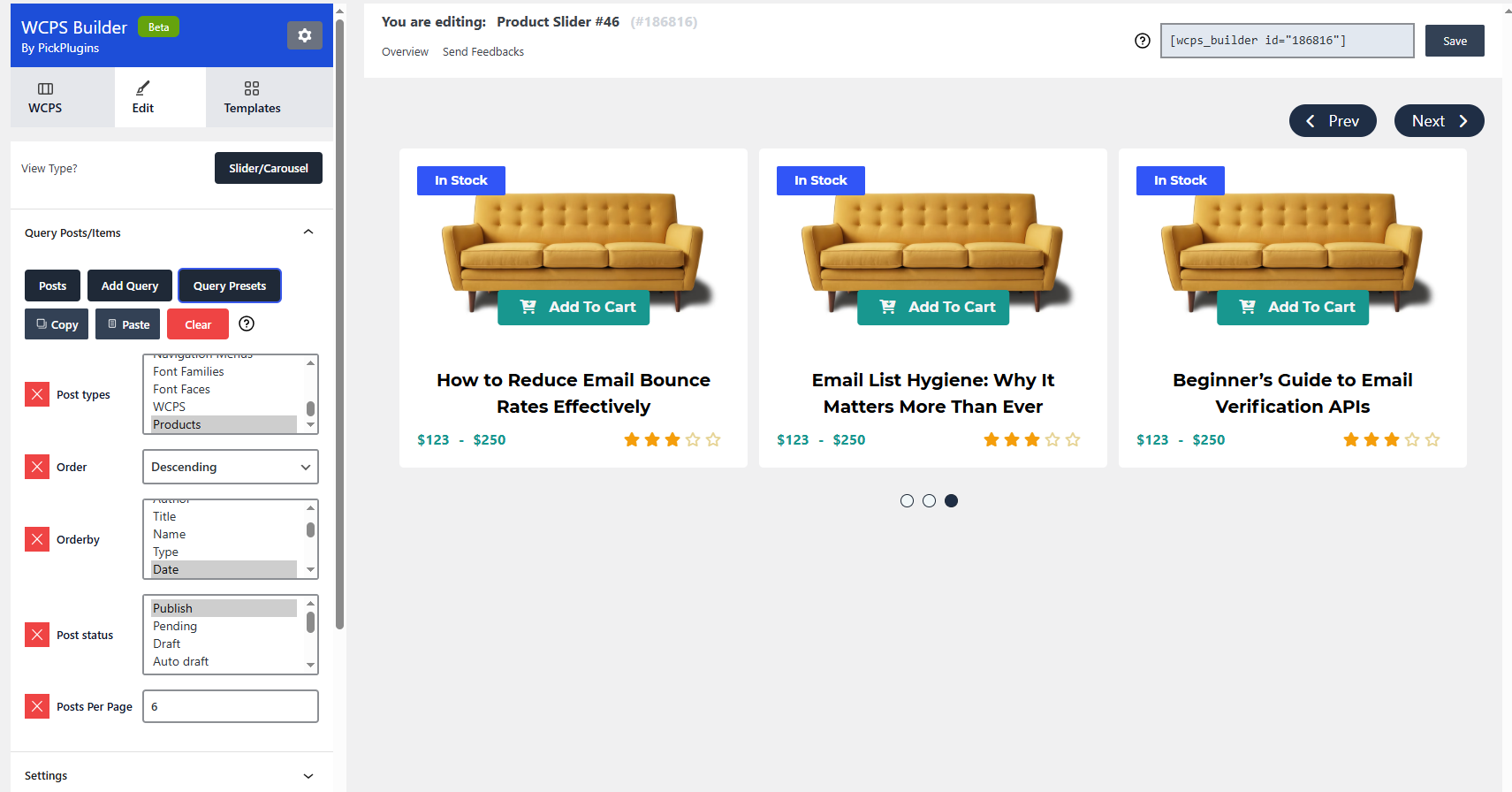
screenshot-4 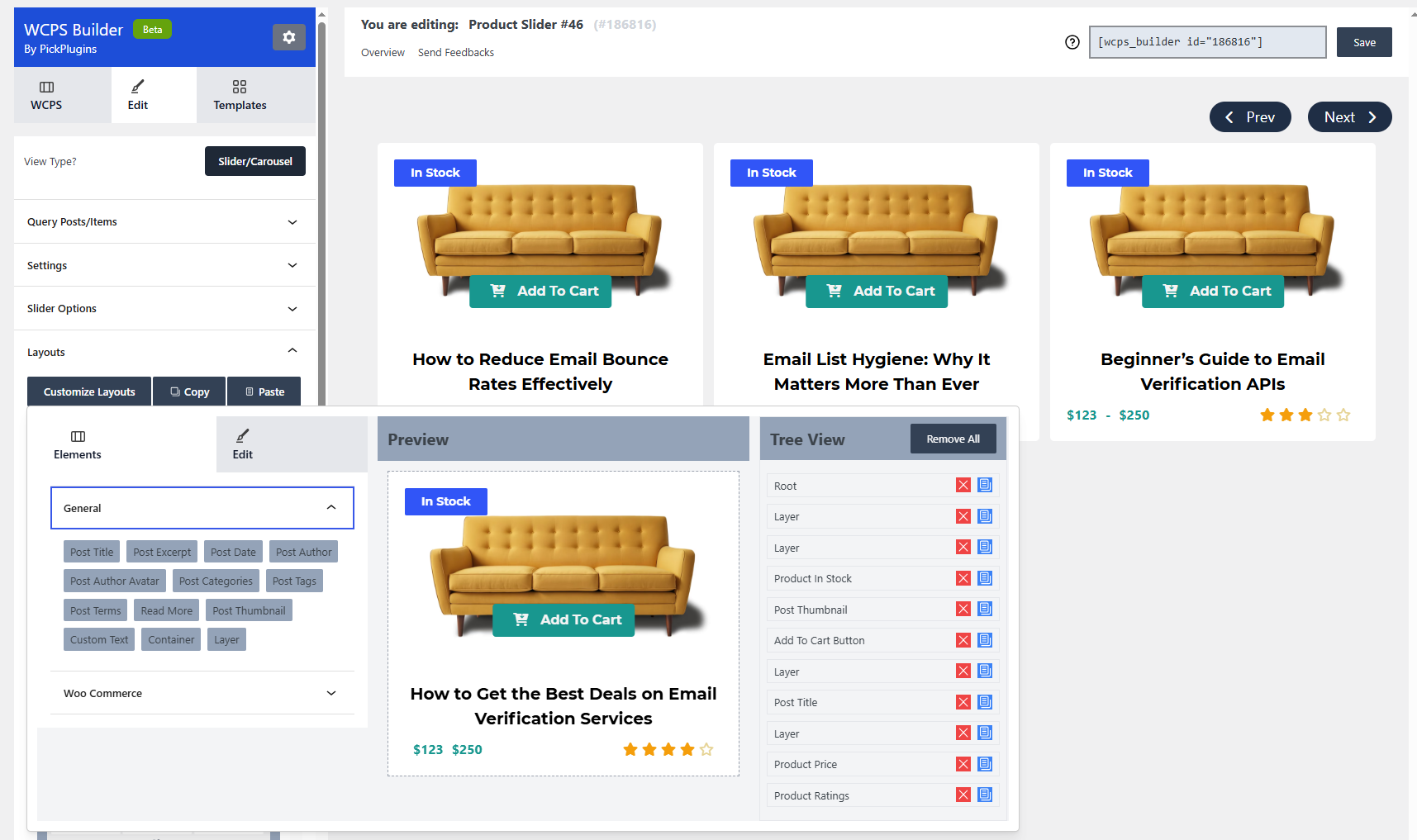
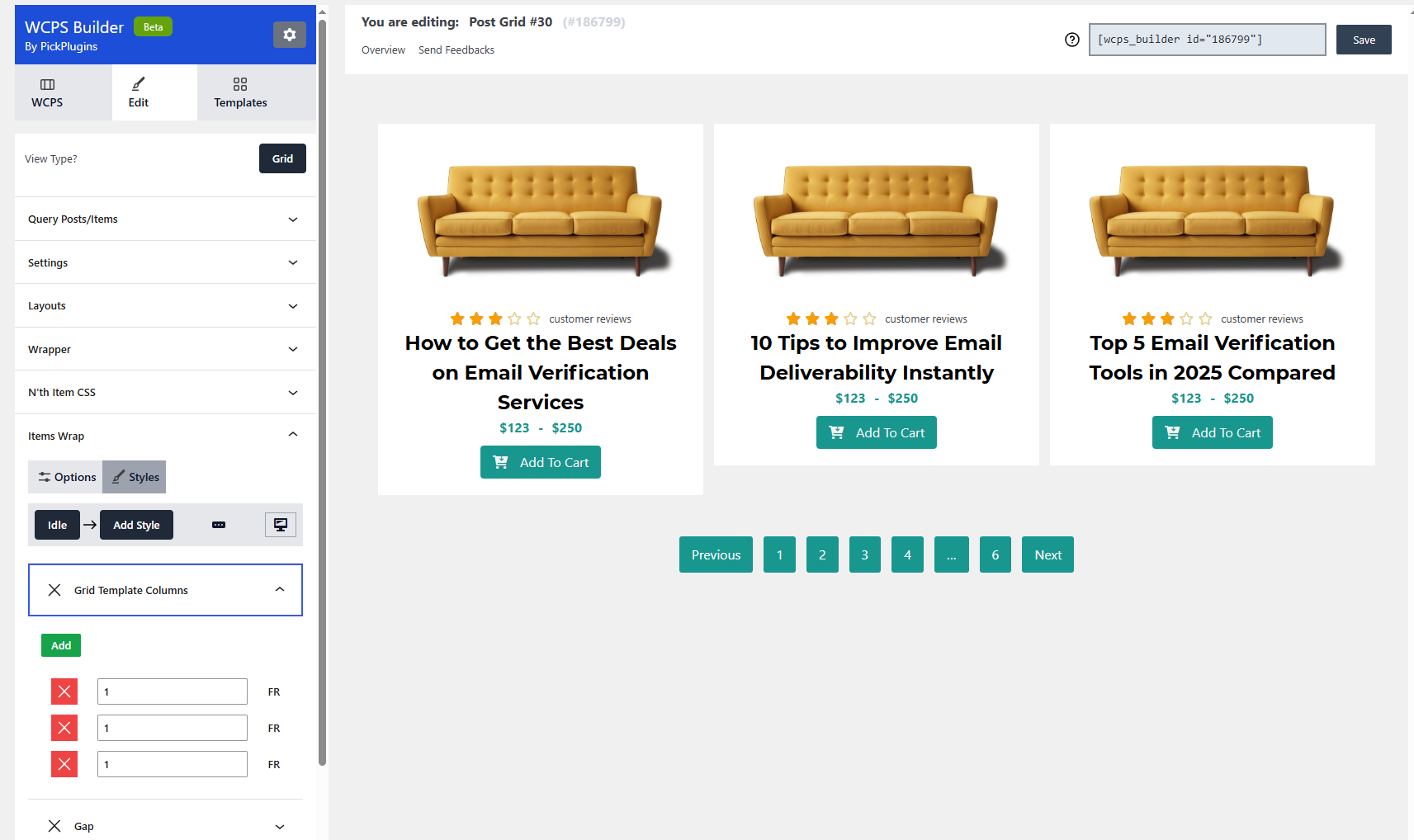
screenshot-5 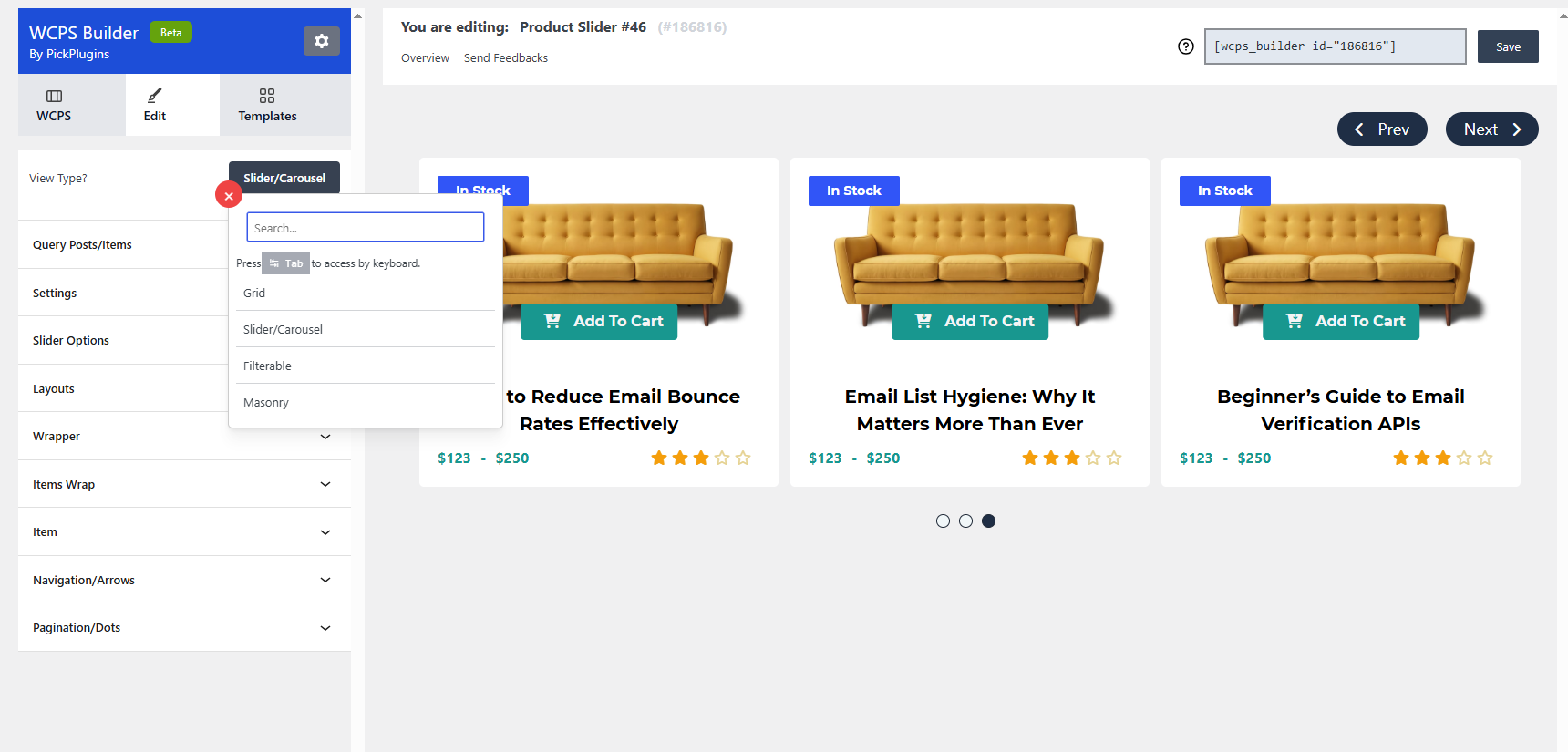
Installation
- Install as regular WordPress plugin.
- Go your plugin setting via WordPress Dashboard and find “PickPlugins Products Slider” activate it.
After activate plugin you will see “WCPS” menu at left side on WordPress dashboard click “New WCPS” and use the options field “PickPlugins Products Slider”
How to use on page or post
When slider options setup done please publish WCPS as like post or page
and then copy shortcode from top of PickPlugins Products Slider Options [wcps id="1234" ]
then paste this shortcode anywhere in your page to display slider
Reviews


Contributors & Developers
“Product Slider, Product Grid, Product Masonry” is open source software. The following people have contributed to this plugin.
Contributors
Translate “Product Slider, Product Grid, Product Masonry” into your language.
Interested in development?
Browse the code, check out the SVN repository, or subscribe to the development log by RSS.
Changelog
1.13.62
* 2026-04-02 fix - Security issue fixed.
1.13.61
* 2026-01-12 fix - Builder CSS style issue fixed.
1.13.60
* 2025-12-18 fix - Broken Style issue fixed.
1.13.59
* 2025-12-17 fix -  Escaping issue fixed.
* 2025-12-17 fix -  Latest WP compatibility issue checked.