
Description
ClassicAddons Content Blocks for Gutenberg Editor brings premium quality elements to your WordPress site. Built with modern Gutenberg APIs, full PHP 8+ compatibility, and extensible architecture for upcoming block packs.
Currently includes:
- Classic Section — a full-width container/row with background (color / gradient / image / overlay) and an adjustable inner content max-width. Drop columns, info boxes or any blocks inside.
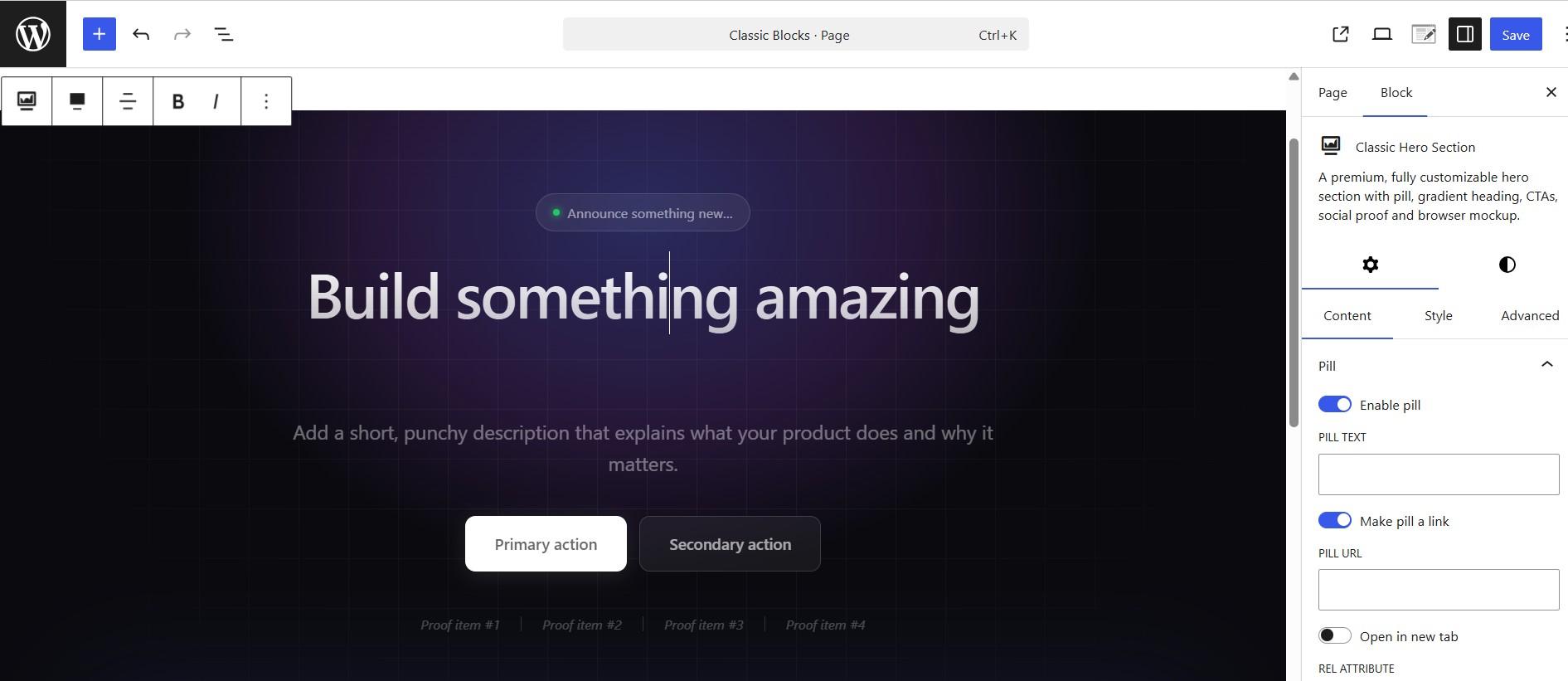
- Classic Hero Section — a fully customizable hero with pill, gradient heading, two CTAs, animated proof bar and a browser-mockup image.
- Classic Eyebrow — a small pill/label for section headers: alignment, optional link, icon, colors, background, border and typography.
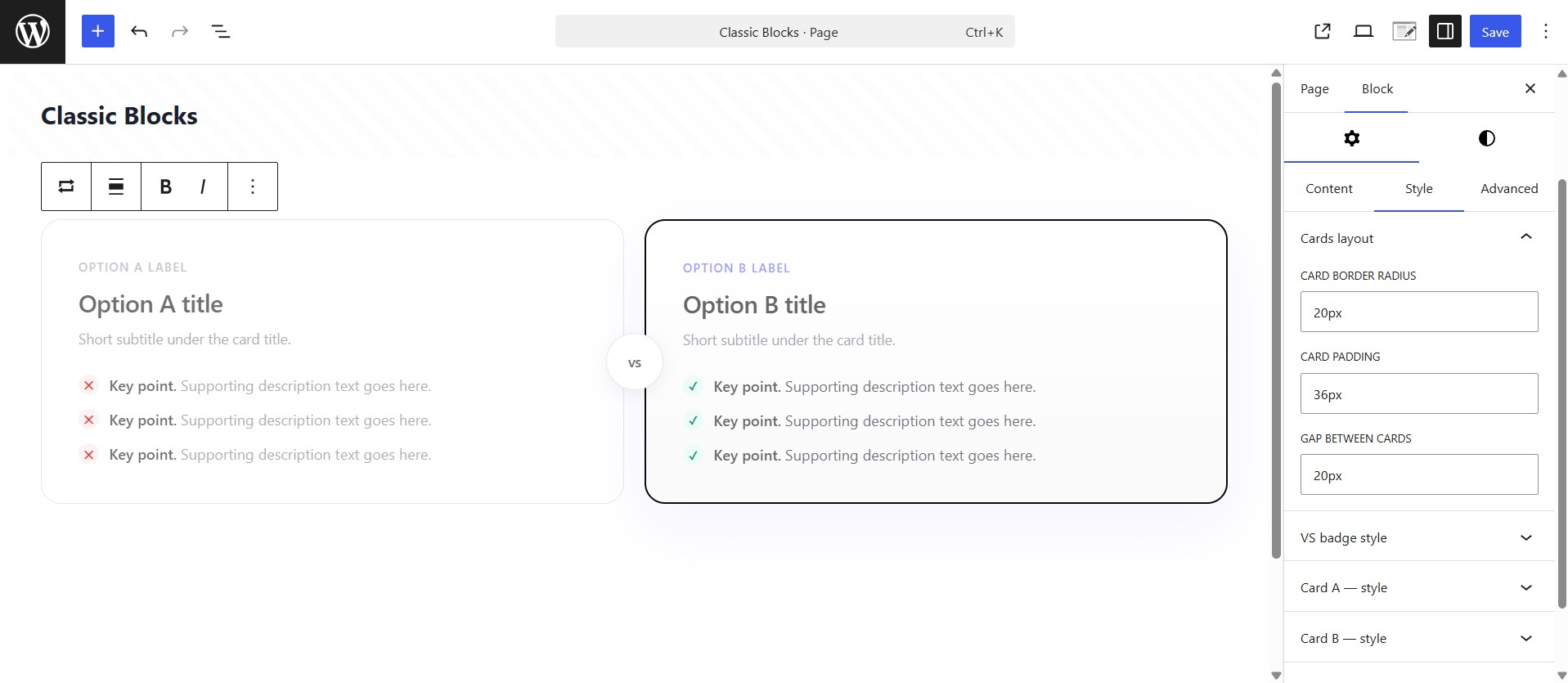
- Classic Versus Box — head-to-head two-card layout with optional “VS” badge, custom item icons and ribbon badges. Composable: drop it inside a Classic Section with your own heading.
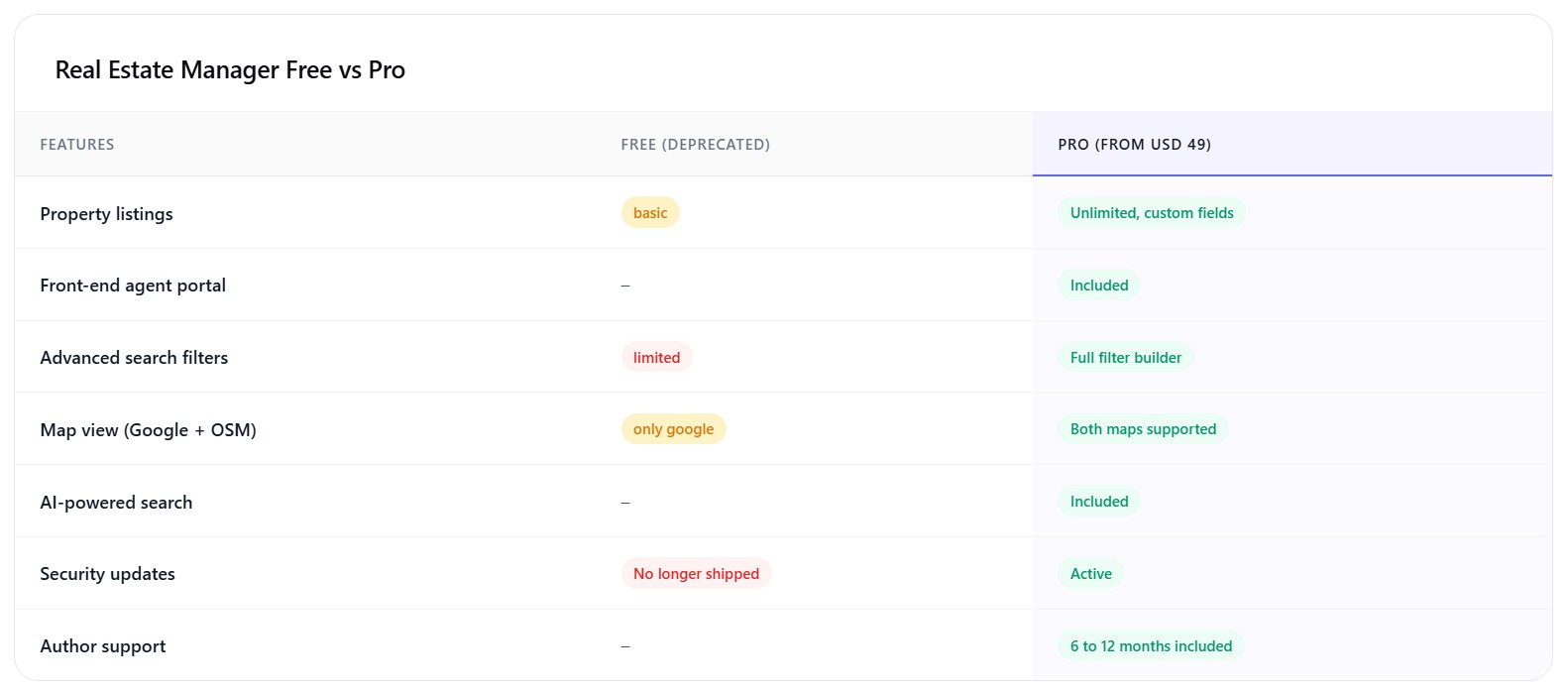
- Classic Comparison Table — feature-by-feature comparison with highlighted column, good/bad/meh status pills, optional in-card header and footnote. Composable.
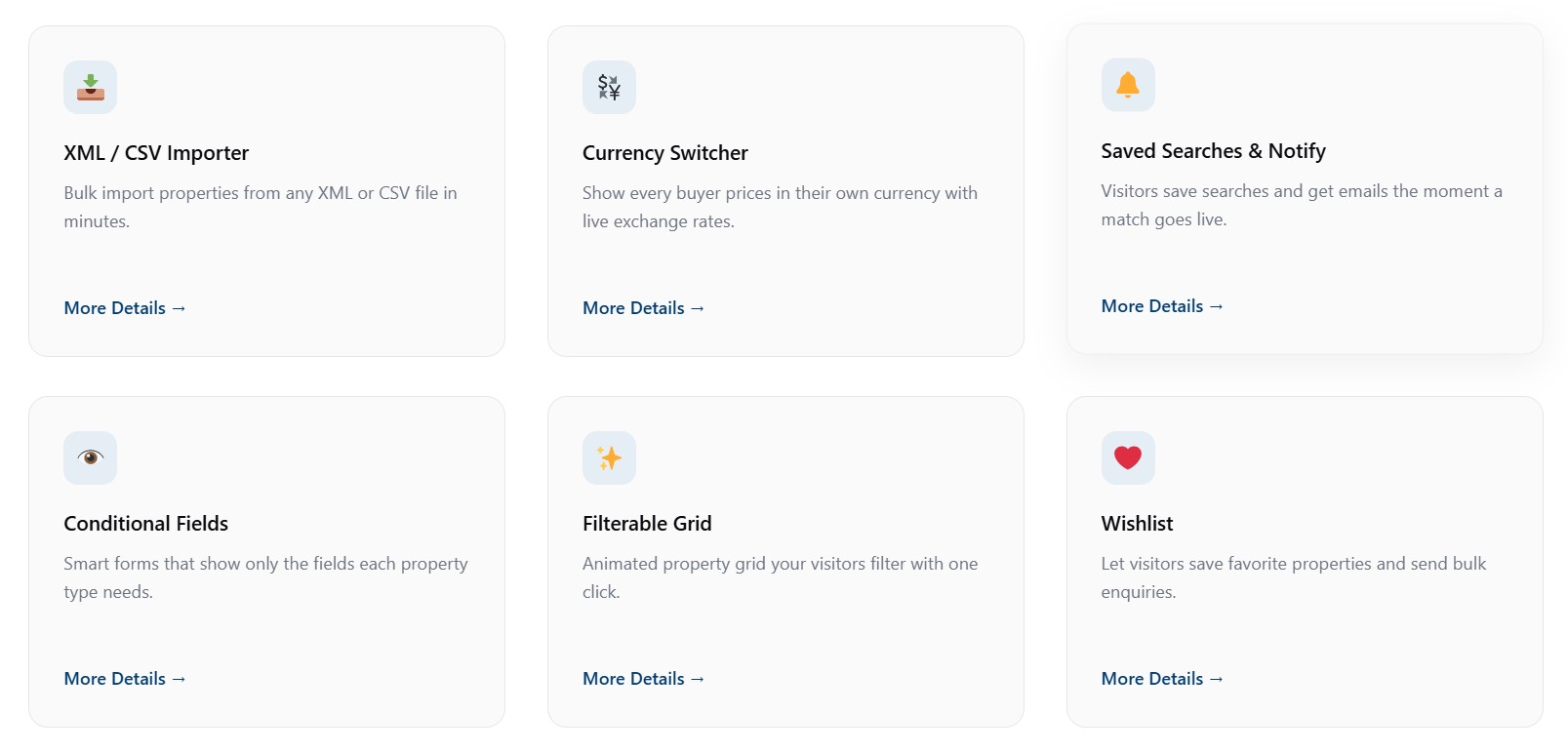
- Classic Info Box — feature card with icon (dashicon / image / emoji / custom SVG), customizable title, description, optional link, and 5 style variations.
- Classic FAQ — accessible accordion (native details/summary) with optional FAQPage JSON-LD schema for SEO. Renders the list only — compose the heading with the Eyebrow / Heading / Paragraph blocks.
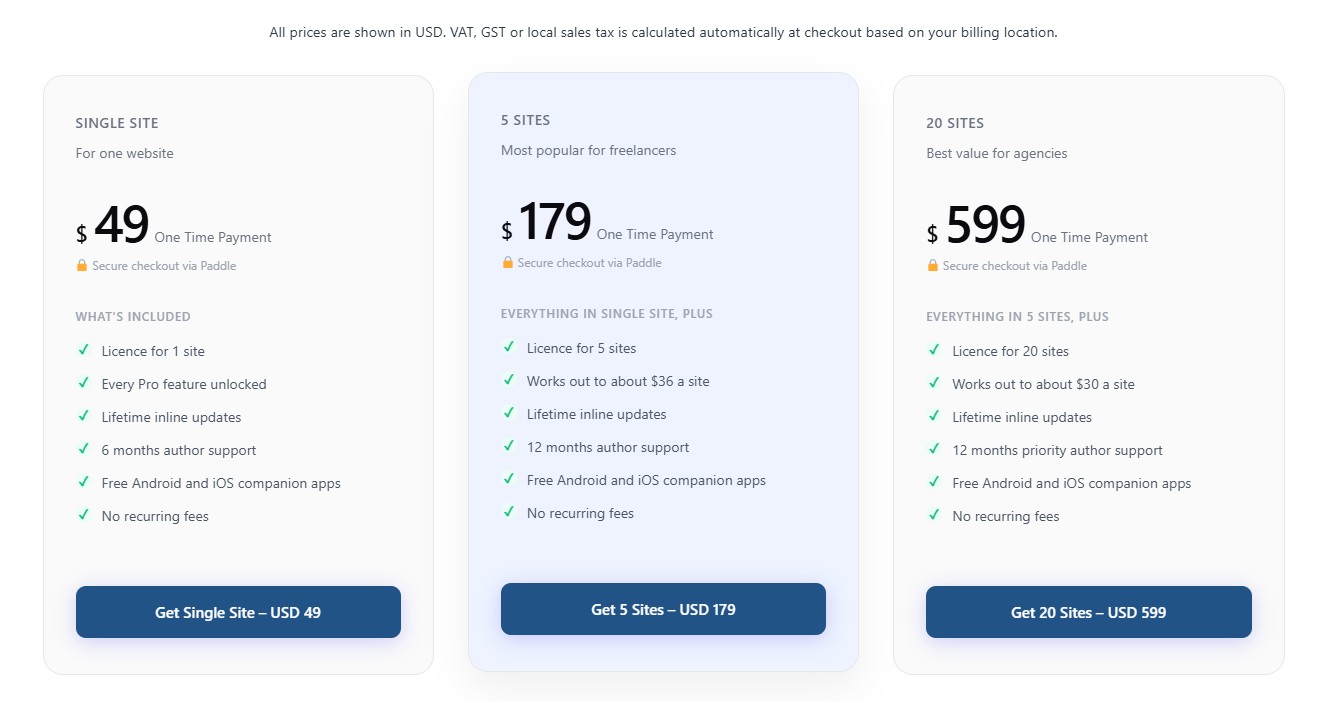
- Classic Pricing Box — a single pricing plan card (name, price, features, badge, featured style) with a flexible CTA — a link or a JS button with custom id, classes and data-attributes (works with Paddle.js and similar). Stretches to equal height; drop several into a Columns/Grid layout.
Highlights:
- Dynamic PHP rendering via render callback (lean, cached, secure).
- Full responsive controls (desktop / tablet / mobile) for typography, padding and visibility.
- SEO-friendly heading tag selectors (H1 through H6, div) and optional FAQ schema (JSON-LD).
- Block style variations for the Hero, Section, Versus, Comparison, Info Box and FAQ blocks.
- Reusable controls — typography, spacing, color, gradient, icon picker, responsive helper.
- WordPress Coding Standards, full escaping/sanitization, i18n-ready.
- Accessibility: semantic HTML, ARIA labels, reduced-motion support, keyboard-friendly controls.
- Editor-only assets separated from frontend assets — only loads on pages that use the block.
- Built with
@wordpress/scripts, ES Next, functional React components.
Source Code & Build Process
This plugin is fully open source (GPL-2.0-or-later). The complete, human-readable
source for every compiled asset is bundled inside the plugin in the /src
directory. The minified files in /build are generated from /src using the
official @wordpress/scripts toolchain (webpack under the hood) — no other build
tools are required.
To regenerate the compiled assets from source:
npm install— installs the build dependencies declared inpackage.json.npm run build— compiles/srcinto/build.
Use npm start for a watched development build. There is no obfuscation; the
build step only bundles and minifies the JavaScript and SCSS that ships in /src.
Screenshots
Blocks
This plugin provides 8 blocks.
- Classic Pricing Box A single pricing plan card — name, price, features, badge and a flexible CTA (link or JS button with custom data-attributes). Drop several into a Columns or Grid layout.
- Classic Info Box A polished feature/info card with an icon, image or emoji, customizable title, description and optional link.
- Classic Section A full-width section/container with background controls and an adjustable inner content max-width. Drop columns, info boxes or any blocks inside.
- Classic FAQ An accessible accordion FAQ list (native details/summary) with optional FAQPage schema. No heading or section chrome — compose it inside a Classic Section.
- Classic Hero Section A premium, fully customizable hero section with pill, gradient heading, CTAs, social proof and browser mockup.
- Classic Comparison Table Feature-by-feature comparison table with highlighted column, status pills and an optional table header and footnote. Compose it inside a Classic Section.
- Classic Versus Box Two-card head-to-head comparison with optional VS badge, recommended ribbon and checklists. Compose it inside a Classic Section.
- Classic Eyebrow A small pill/label (eyebrow) for section headers, with alignment, optional link, icon, colors, background and typography controls.
Installation
- Upload the
classicaddons-content-blocksdirectory to your/wp-content/plugins/directory. - Run
npm install && npm run buildinside the plugin directory (only required if installing from source). - Activate the plugin through the ‘Plugins’ menu in WordPress.
- Open any page/post in the block editor and search for “Classic Hero Section”.
FAQ
-
Is this compatible with Full Site Editing (FSE) and block themes?
-
Yes. The block uses
block.json, the Block Supports API and standard WordPress hooks. -
Can I change the heading tag for SEO?
-
Yes — the heading tag is selectable in the Content tab (H1 through H6 or div).
-
Does it ship a frontend JS bundle?
-
No. The block renders fully on the server; no jQuery and no frontend JavaScript are loaded.
Reviews
There are no reviews for this plugin.
Contributors & Developers
“ClassicAddons Content Blocks” is open source software. The following people have contributed to this plugin.
Contributors
Translate “ClassicAddons Content Blocks” into your language.
Interested in development?
Browse the code, check out the SVN repository, or subscribe to the development log by RSS.
Changelog
1.1
- Initial release with seven blocks: Classic Section, Classic Hero Section, Classic Eyebrow, Classic Versus Box, Classic Comparison Table, Classic Info Box and Classic FAQ.
- Reusable component library (typography, spacing, responsive, color, gradient, icon picker).
- Block style variations across the Hero, Section, Versus, Comparison, Info Box and FAQ blocks.
- Optional FAQPage (JSON-LD) structured data on the FAQ block.
- PHP 8+ namespaced architecture, autoloader, extensible block registry.