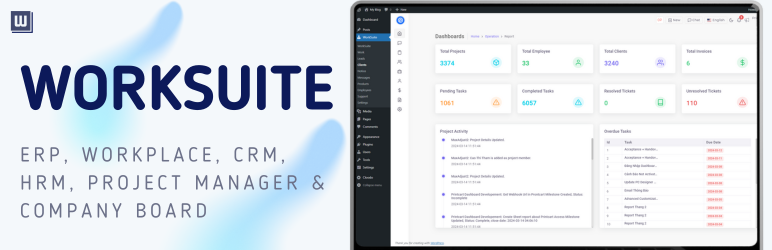

Description
Turn your WordPress site into a complete Digital Workplace — manage CRM, ERP, Projects, Helpdesk, Services, and Client Portal in one connected system powered by Cloodo WorkSuite.
“Your WordPress site looks professional. But does it actually run your service business?”
We’ve spent over 15 years building and selling structured service packages online — from digital solutions to automation systems and support contracts.
And we kept seeing the same problem:
Agencies running WordPress
But managing operations in 6–8 different tools.
- CRM in one system
- Projects in another
- Tickets via email
- Chat in WhatsApp
- Proposals in PDF
- Tasks in Trello
- Invoices somewhere else
Nothing connected.
The Hidden Problem with Service Businesses on WordPress
WordPress powers over 43% of all websites globally.
A majority of small and medium service businesses rely on WordPress as their digital storefront.
But WordPress was built for publishing — not managing service operations.
So service companies struggle with:
- No structured Service Packages or Pricing Tables
- Scattered leads across forms, email, and chat
- Manual conversion from quote project task
- No unified CRM + Project Management + Helpdesk
- No built-in Client Portal
- Too many disconnected plugins
Growth creates chaos instead of clarity.
Why We Built Cloodo Workplace
We didn’t want another generic plugin.
We built Cloodo Workplace for WordPress specifically for service-based businesses.
It connects your website to Cloodo WorkSuite, creating a complete:
CRM • ERP • Project Management • Helpdesk • HRM • Client Portal • AI Automation
All inside one connected ecosystem.
AI-Powered QuickStart
Starting from a blank page is hard.
So Cloodo integrates AI automation directly into activation.
After connecting your site, Cloodo AI analyzes your:
- Business profile
- Website content
- Industry focus
- Brand positioning
Then automatically generates:
- Company profile
- Structured Service Packages
- Pricing sections
- FAQs
- Testimonials
- Portfolio samples
- Helpdesk structure
Within minutes, your WordPress site becomes a Lean Professional Service Page.
You can edit everything inside Cloodo WorkSpace in your WordPress Admin.
No blank page.
No copywriting stress.
No expensive consultants.
WorkSpace (Inside WordPress)
Manage your business content directly from WordPress:
- Services & Pricing Packages
- Testimonials & Portfolio
- FAQs & Highlights
- Company & Team Profiles
- Shortcodes & Widgets
Built specifically for service management, not product catalogs.
Client Portal & Helpdesk
Cloodo automatically creates a Helpdesk and Client Portal for logged-in users.
Clients can:
- Submit and track support tickets
- View projects and milestones
- Monitor tasks
- Access proposals and invoices
- Track payment status
Improve transparency and client experience.
WorkSuite (Cloud Backend)
Cloodo WorkSuite is a lightweight but powerful CRM and Project Management system built for service teams.
Unlike heavy ERP systems or complex PM tools:
- No overwhelming setup
- No enterprise-only complexity
- No unnecessary modules
Includes:
- CRM
- Project Management
- Task & Milestone Tracking
- Estimates & Proposals
- Invoicing
- Helpdesk System
- Basic HRM
- KPI Dashboard
Enough structure to scale.
Simple enough to use immediately.
One Connected Workflow
Service Page
Quote
CRM Lead
Proposal
Project
Task
Invoice
Support Ticket
Review
Cloodo connects your entire service lifecycle in one system.
Your WordPress website becomes more than marketing.
It becomes your Business Command Center.
Screenshots
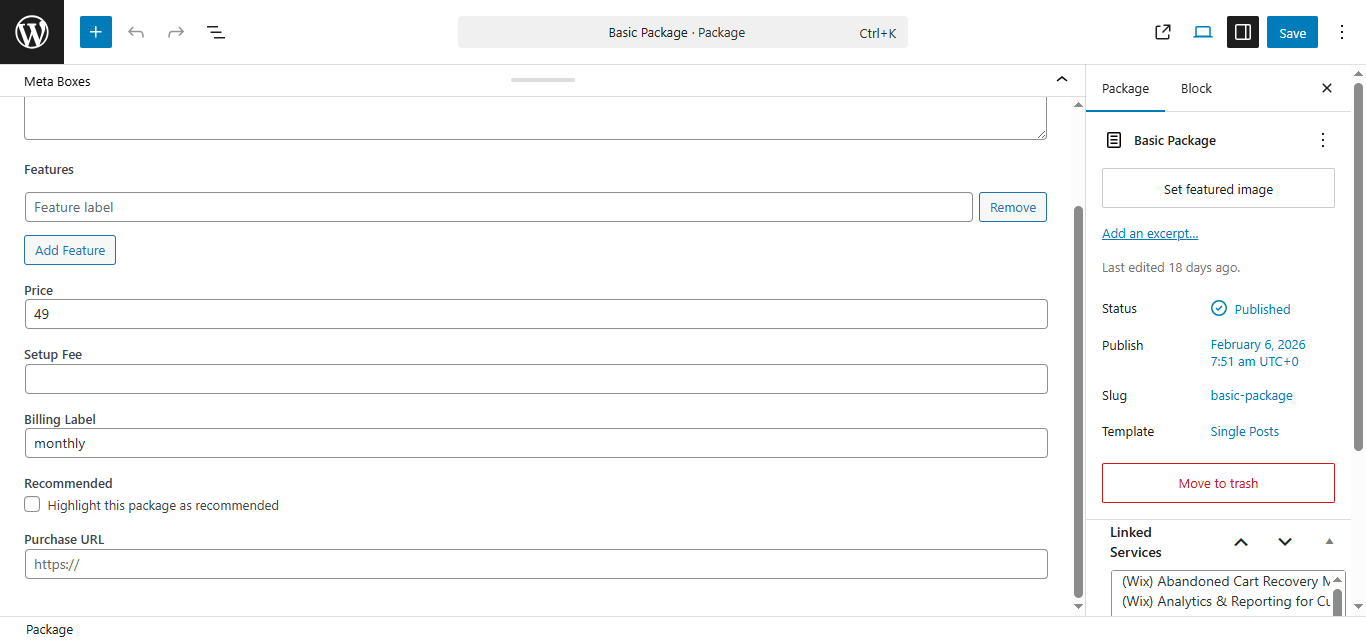
Service Package Editor 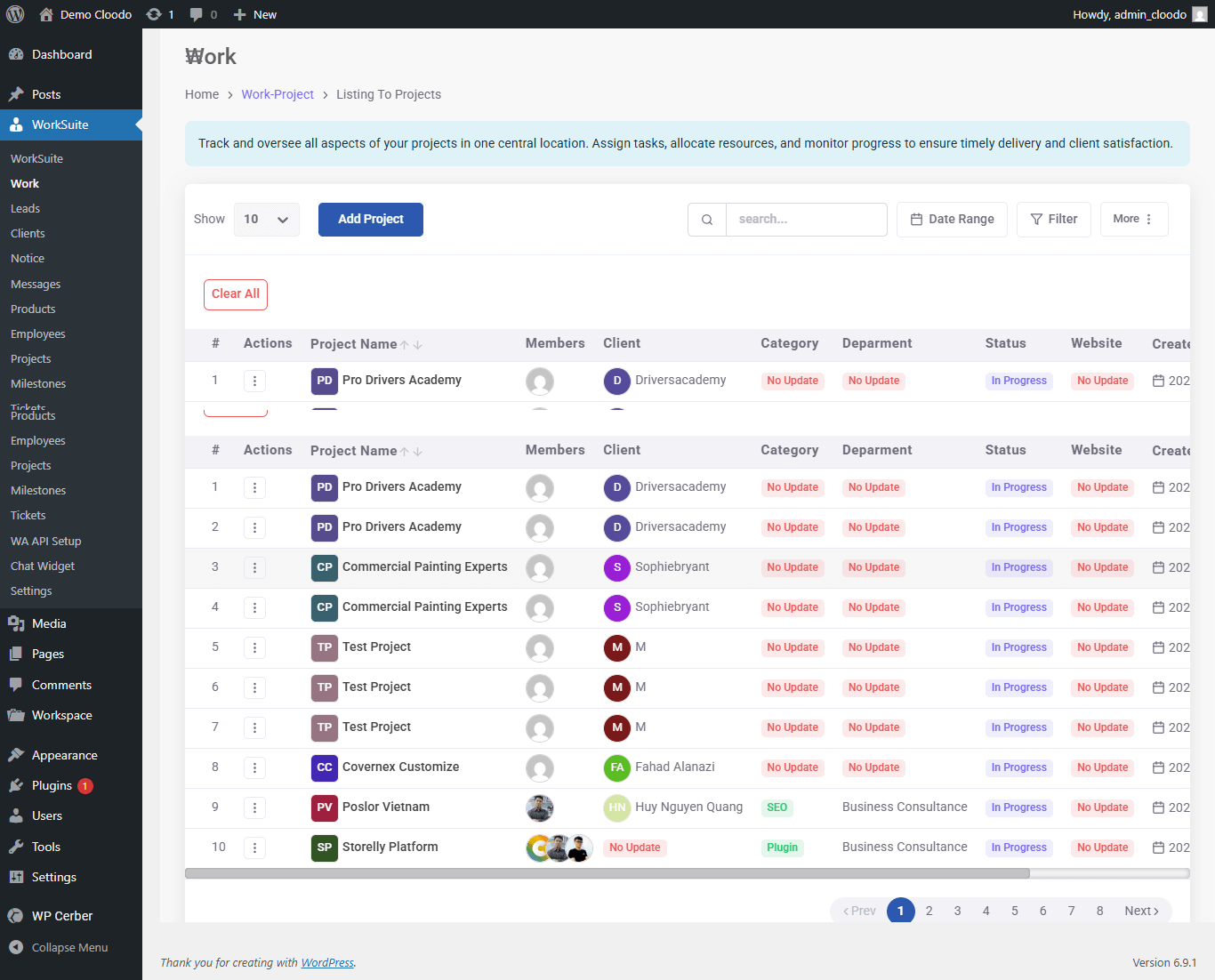
Project Management Dashboard 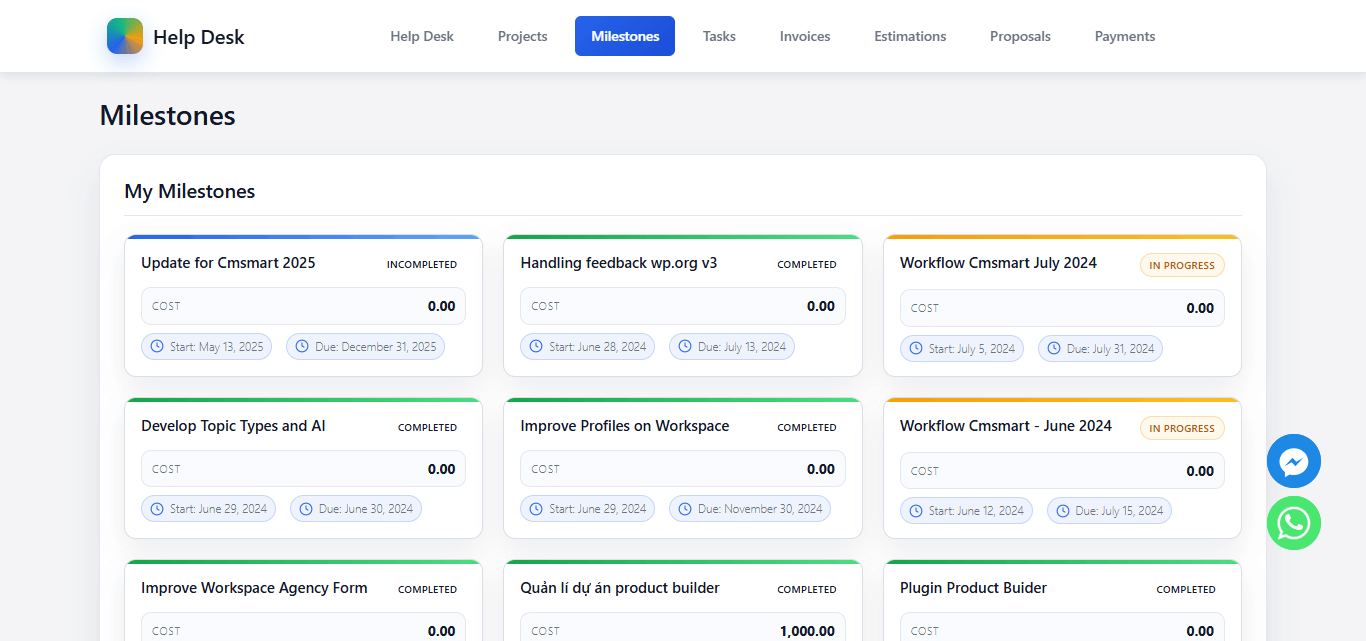
Client Portal – Milestones Tracking 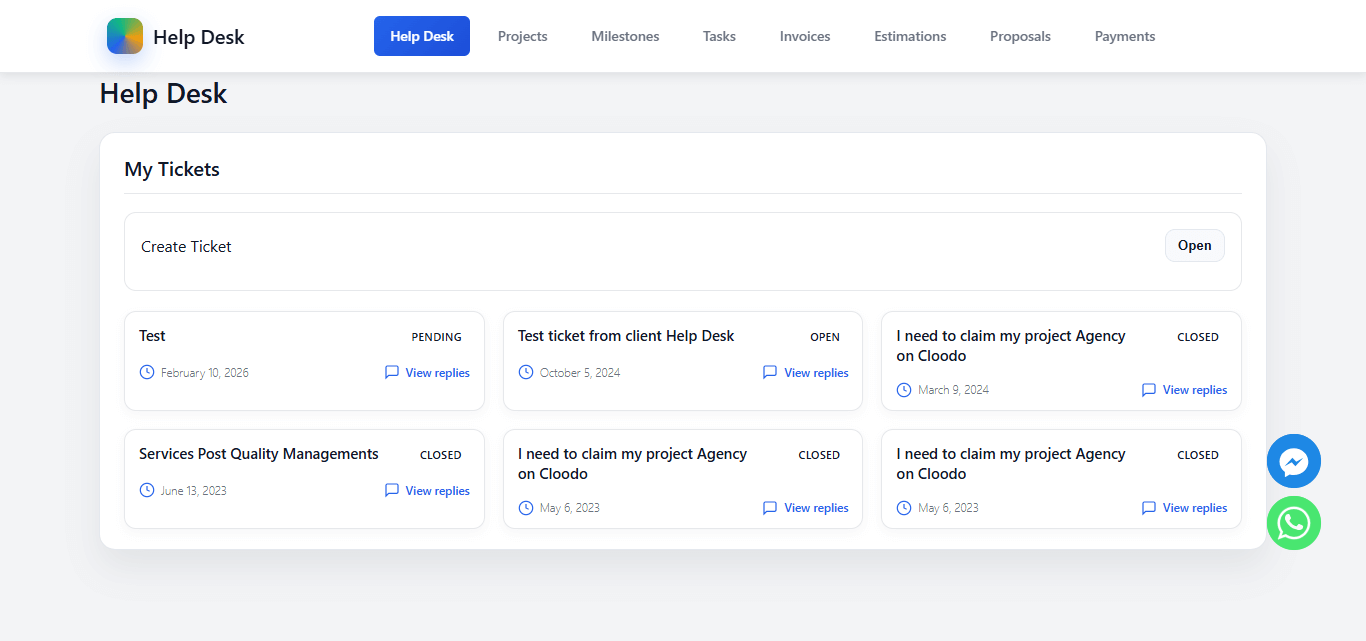
Client Portal – Support Tickets 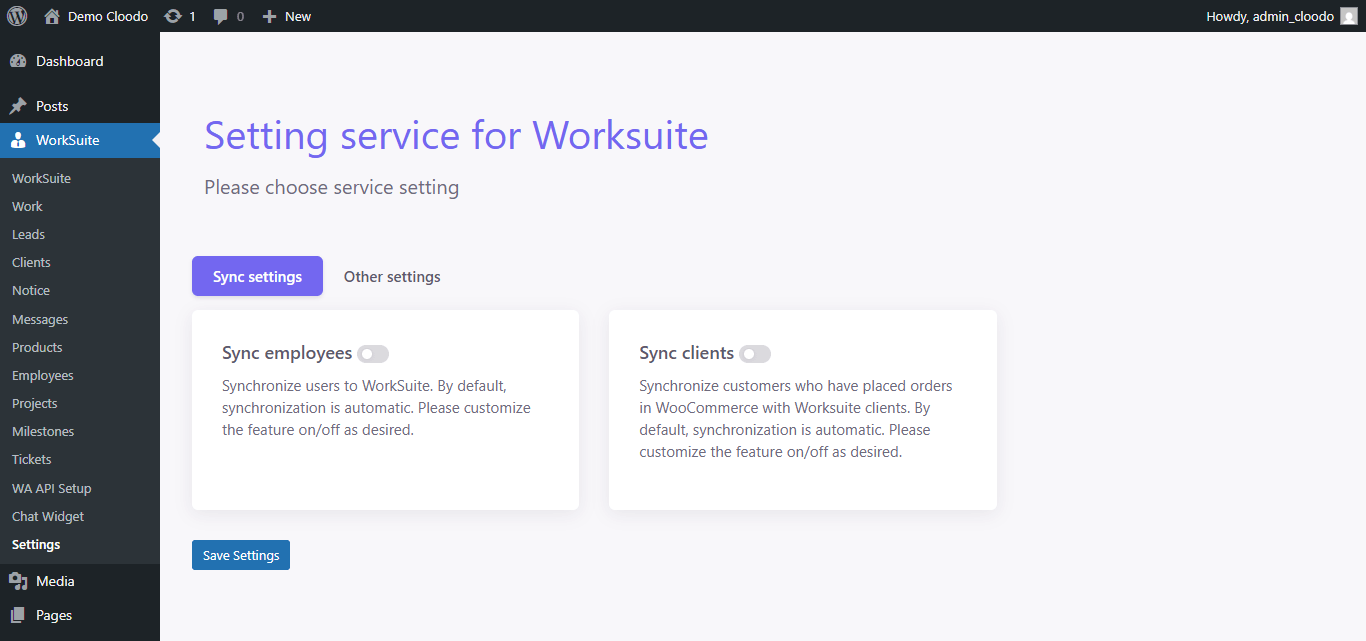
Settings – WooCommerce Sync 
Public Service Page & Landing Page 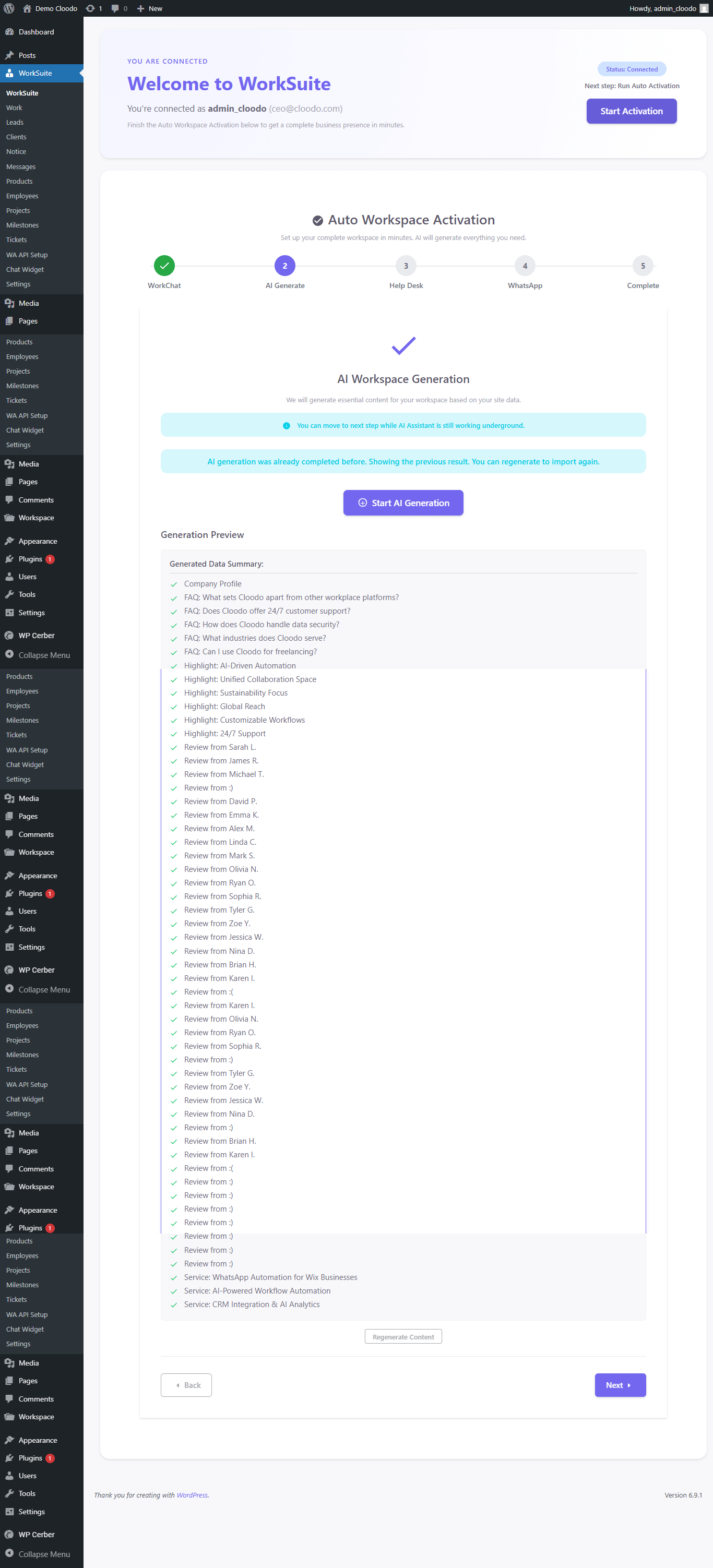
AI Onboarding – Content Generation 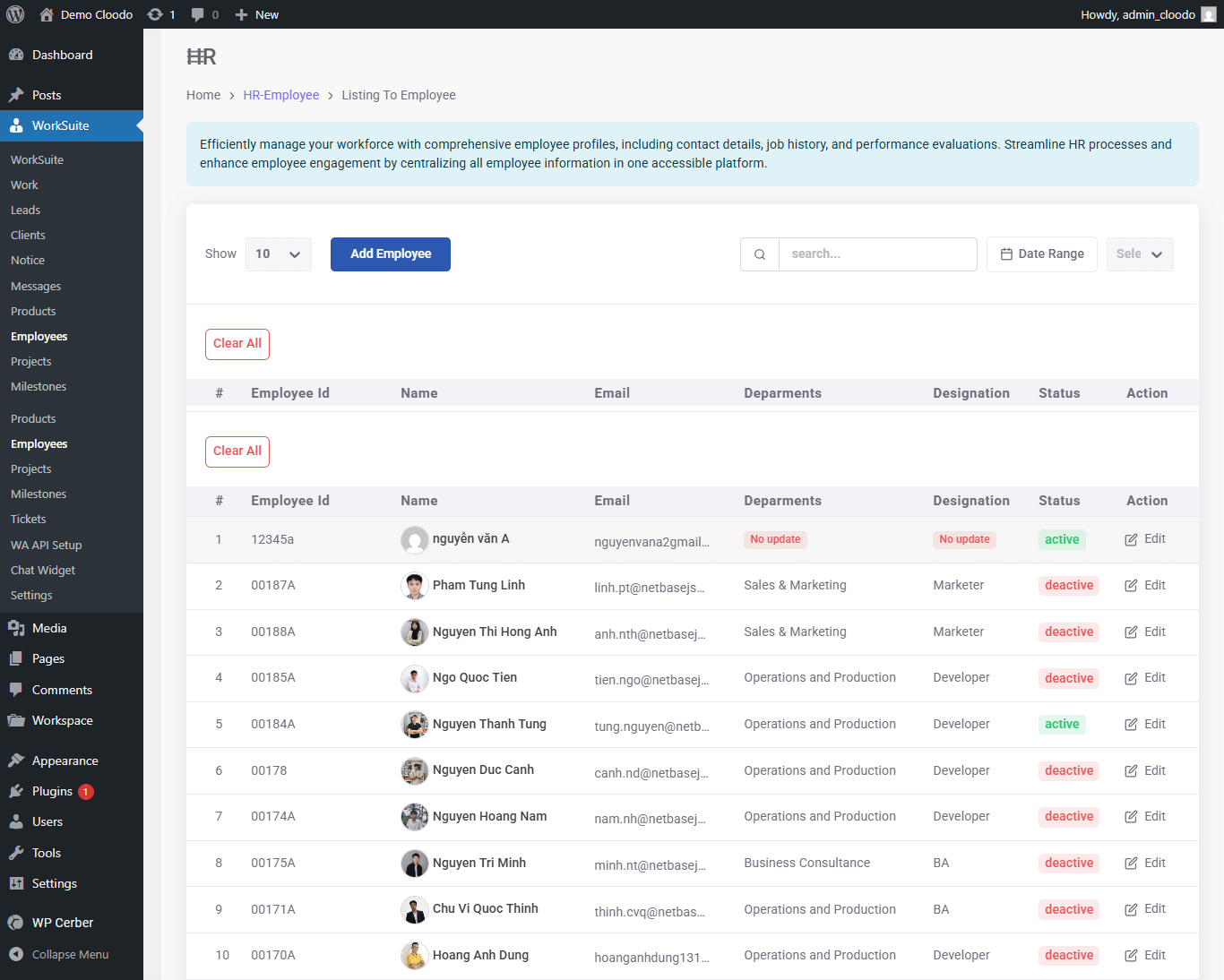
Employee & HRM Management 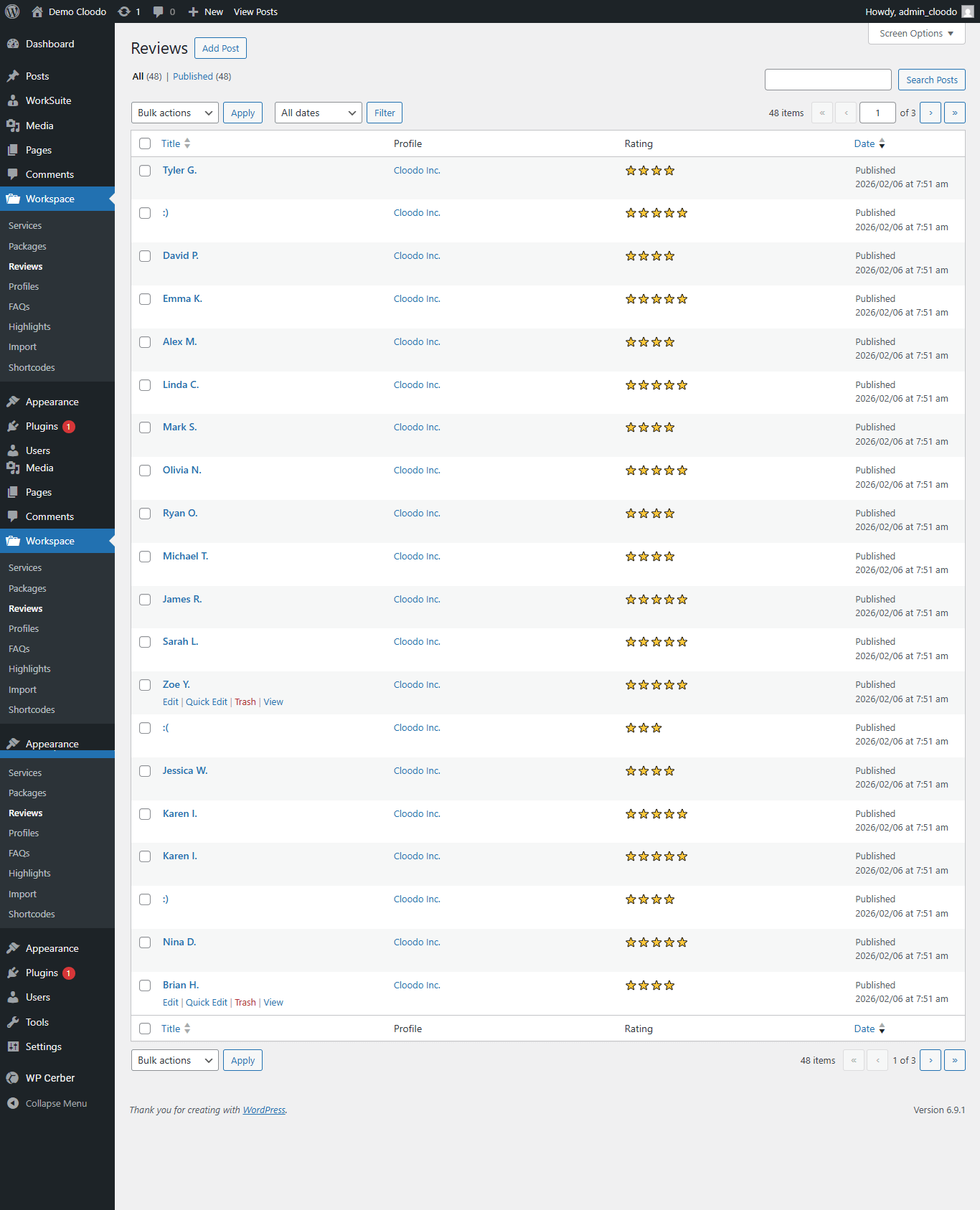
Testimonials & Reviews Management 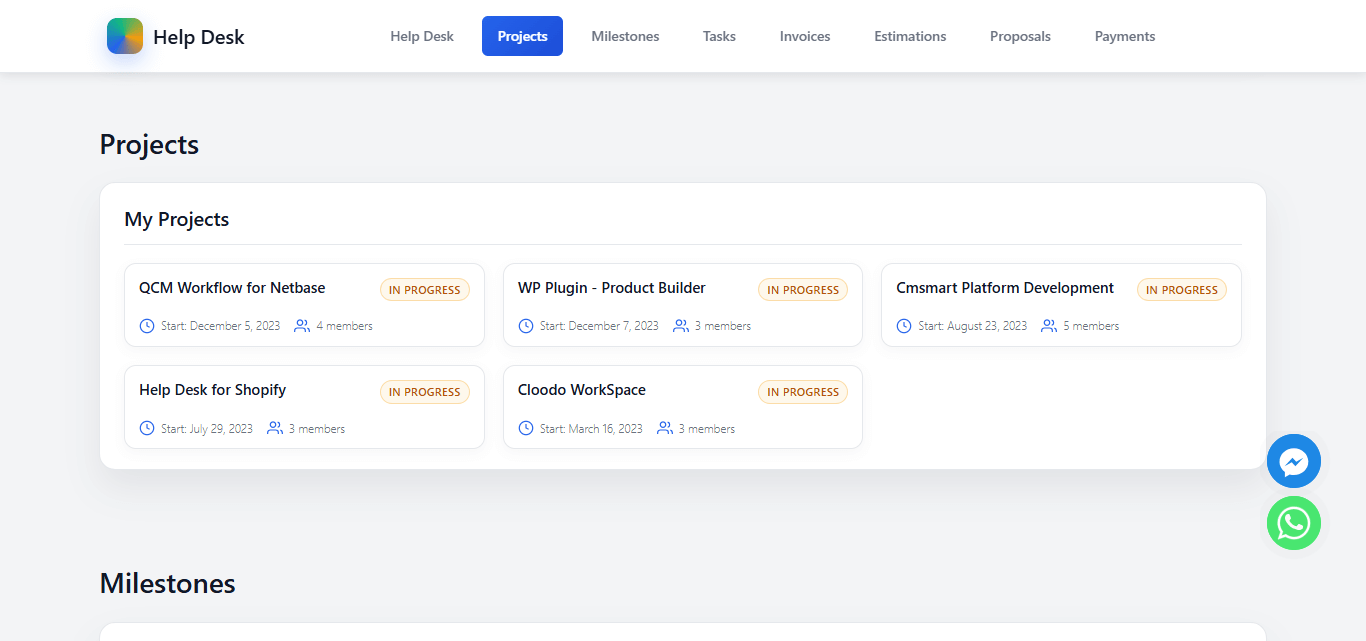
Client Portal – Projects Overview 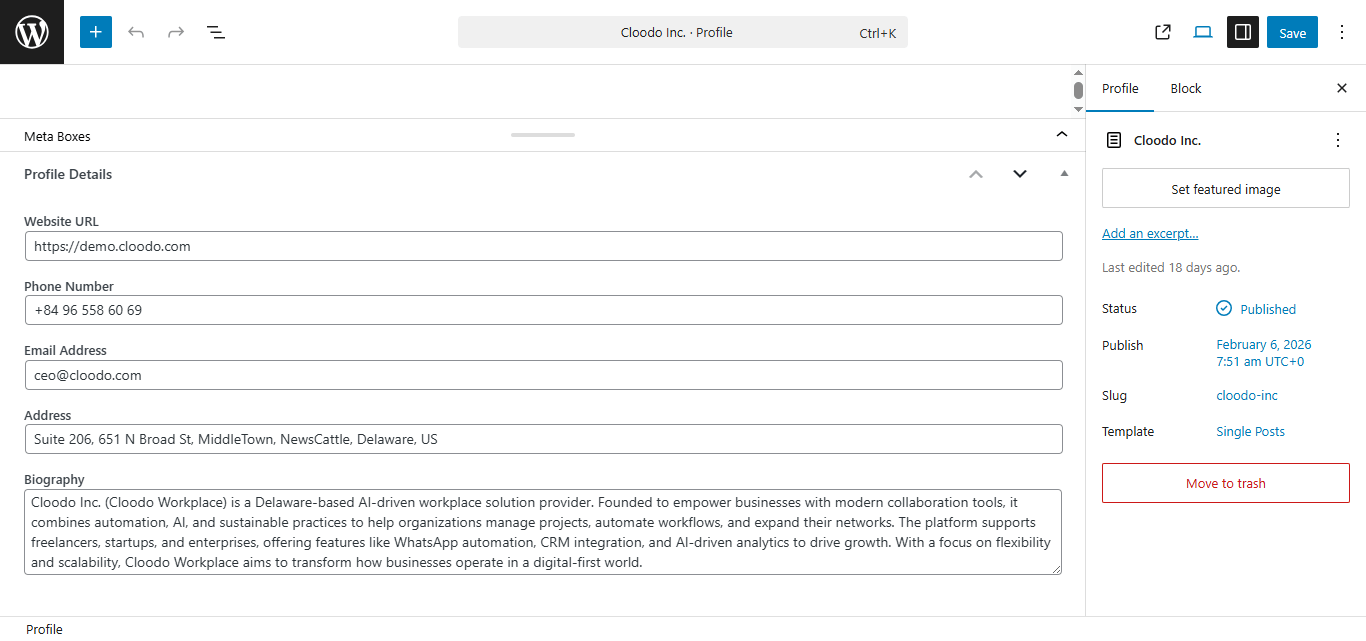
Company Profile Editor 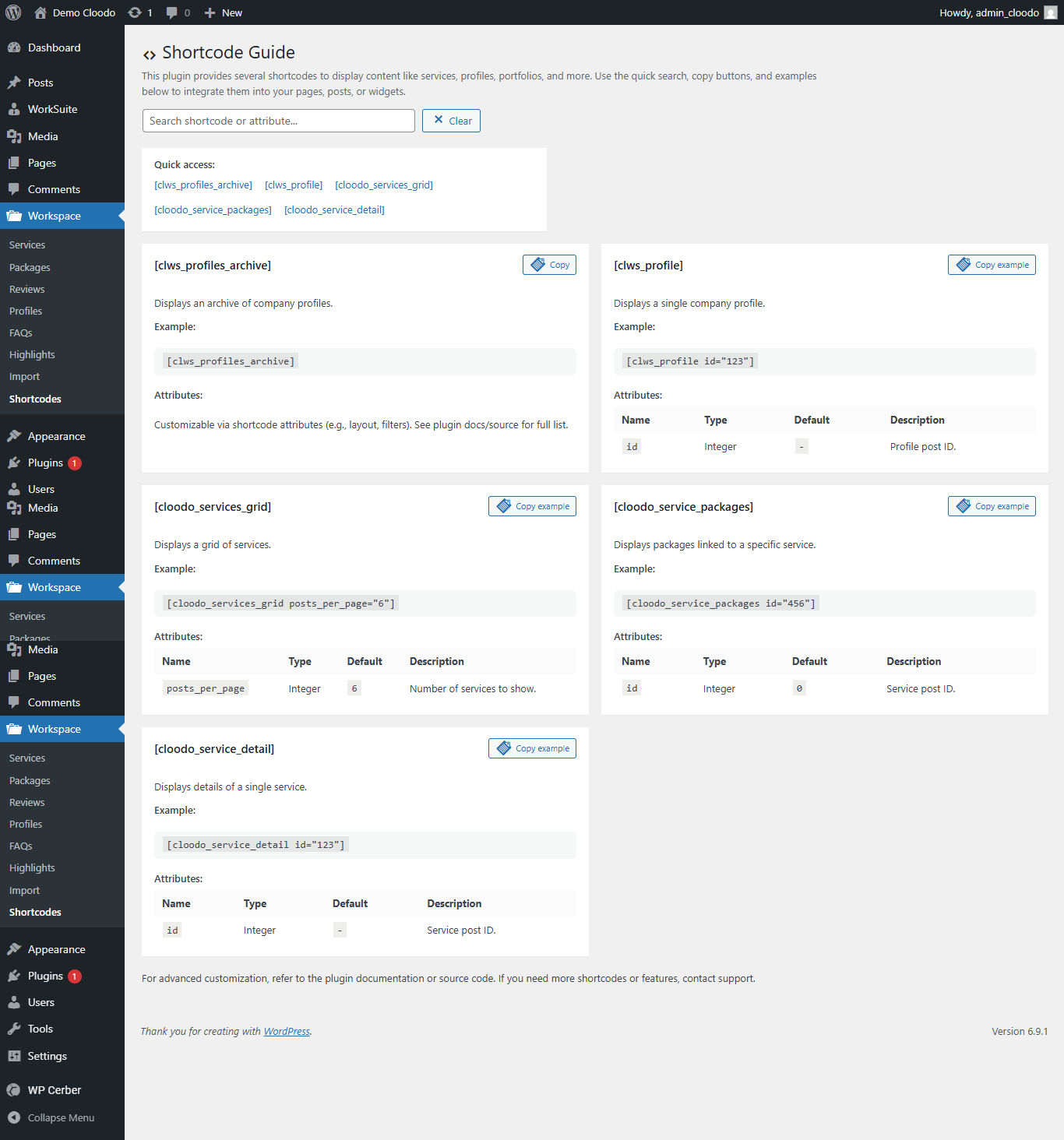
Shortcode & Widget Guide 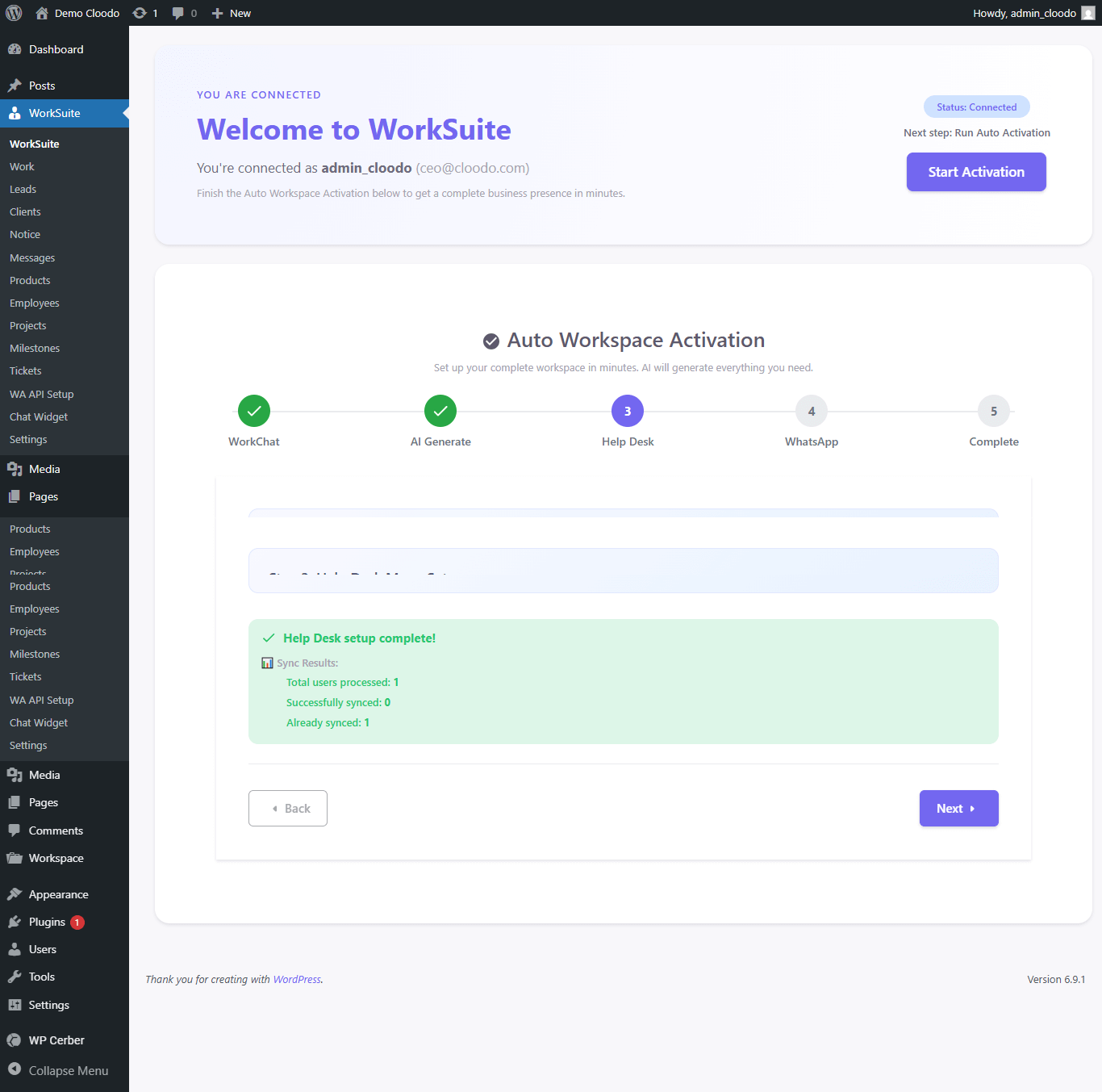
AI Onboarding – Helpdesk Sync 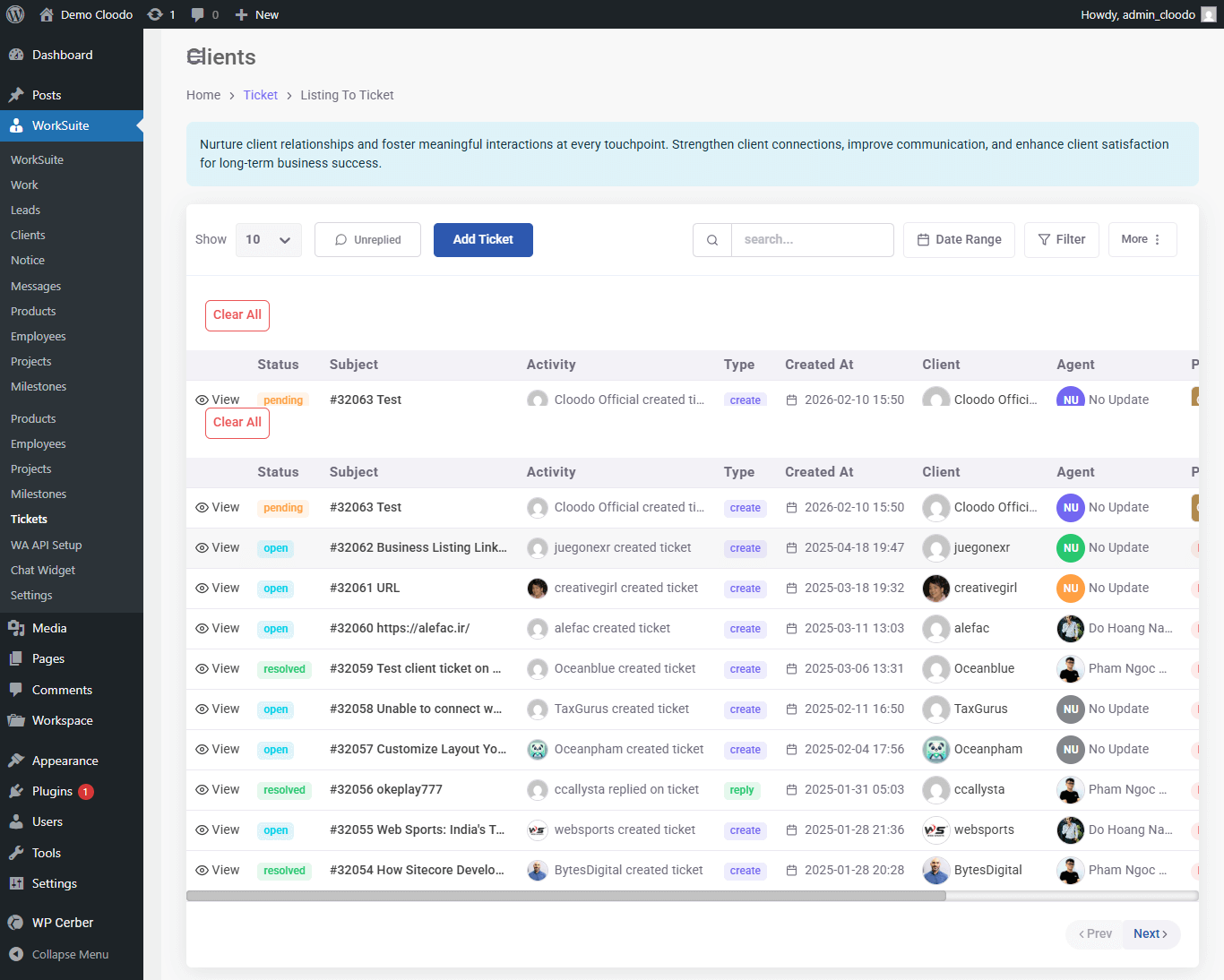
Helpdesk – Ticket Management Dashboard 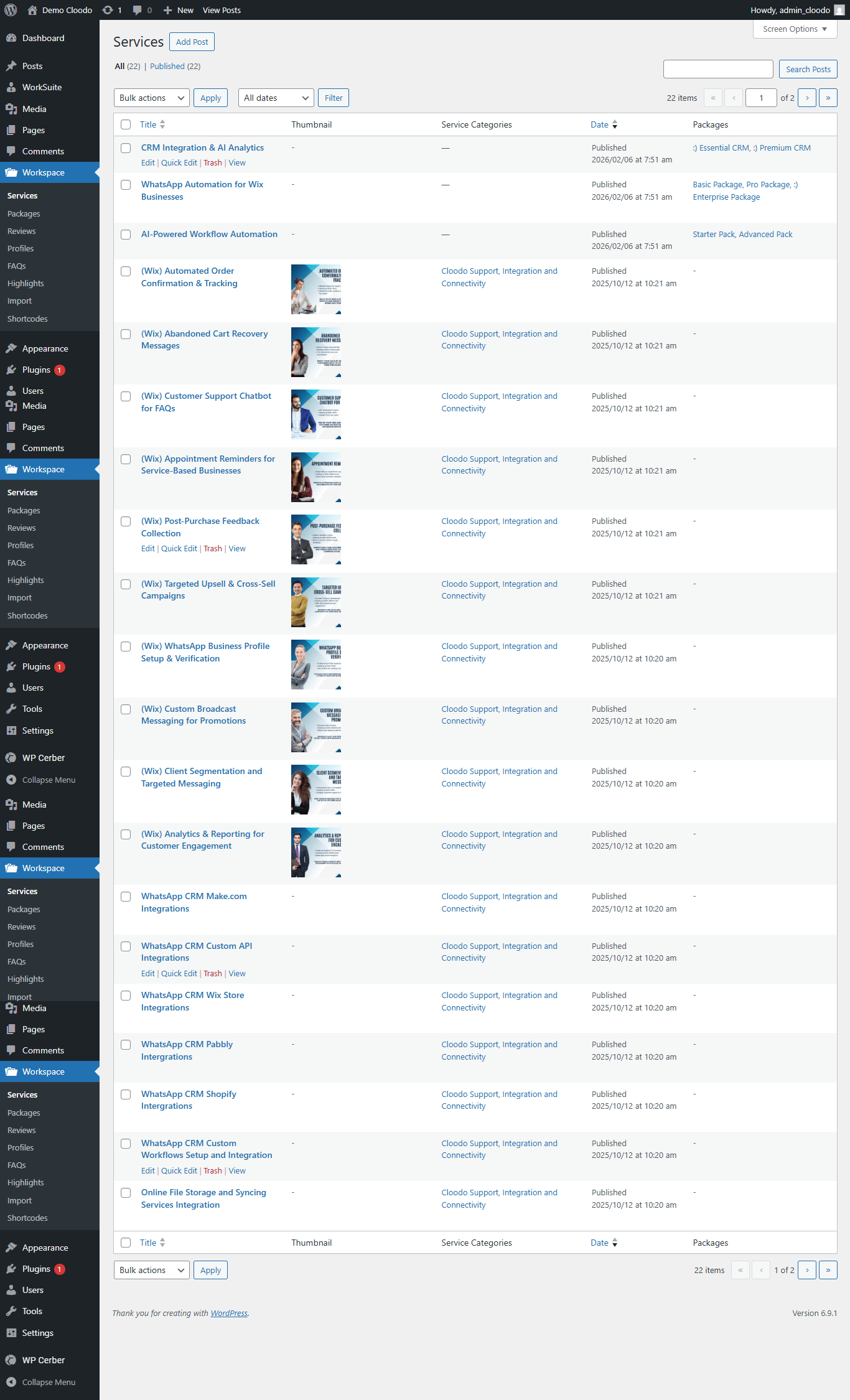
Service Catalog Management 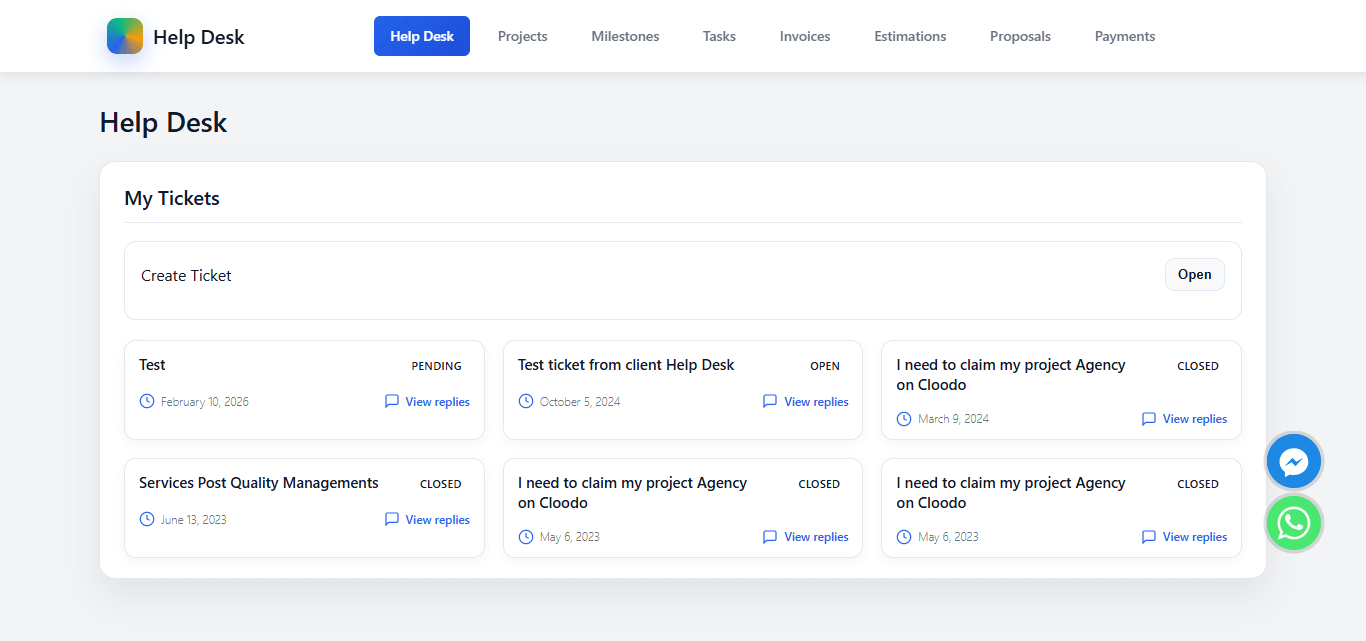
Client Portal – Support Center 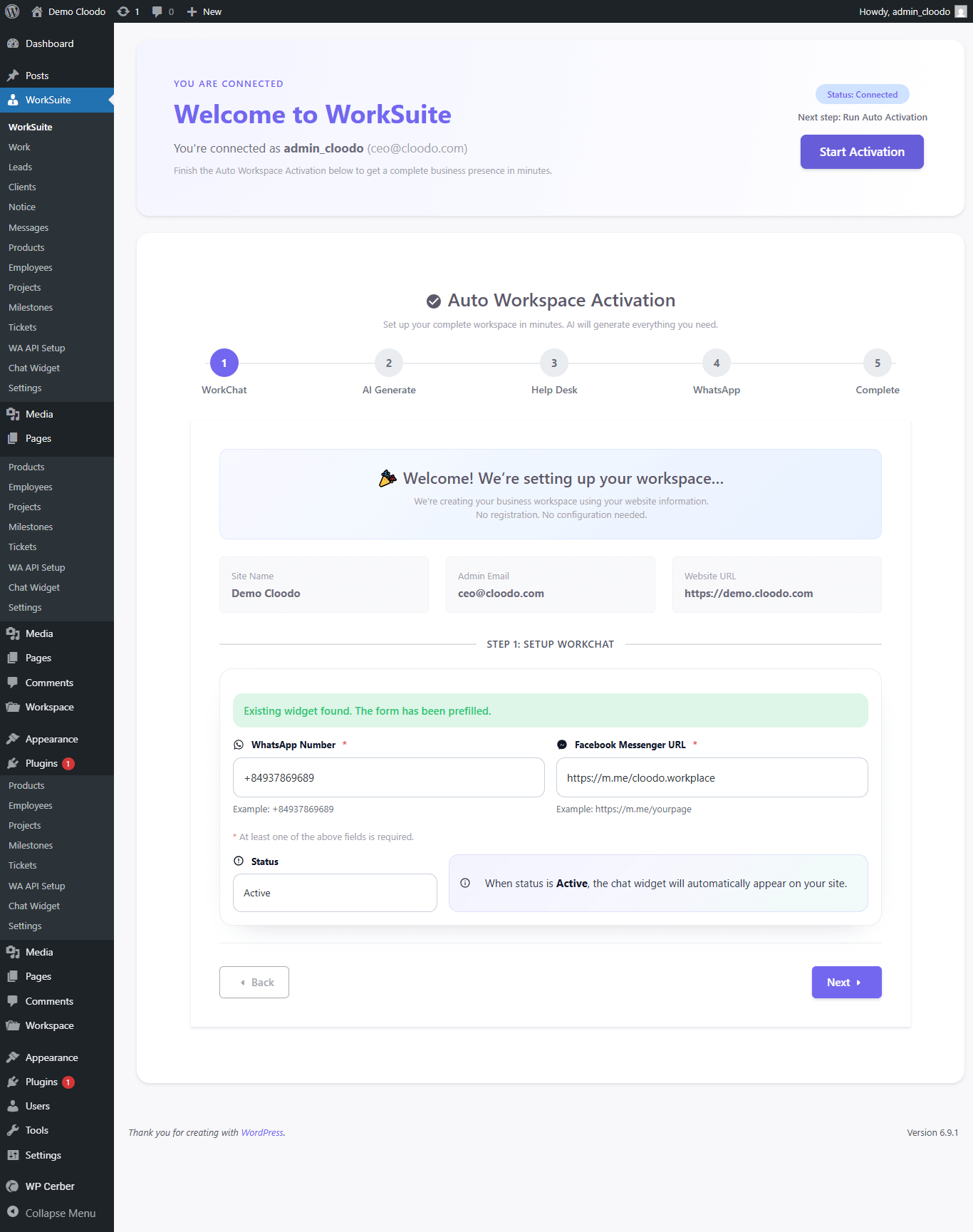
AI Onboarding – WorkChat Setup 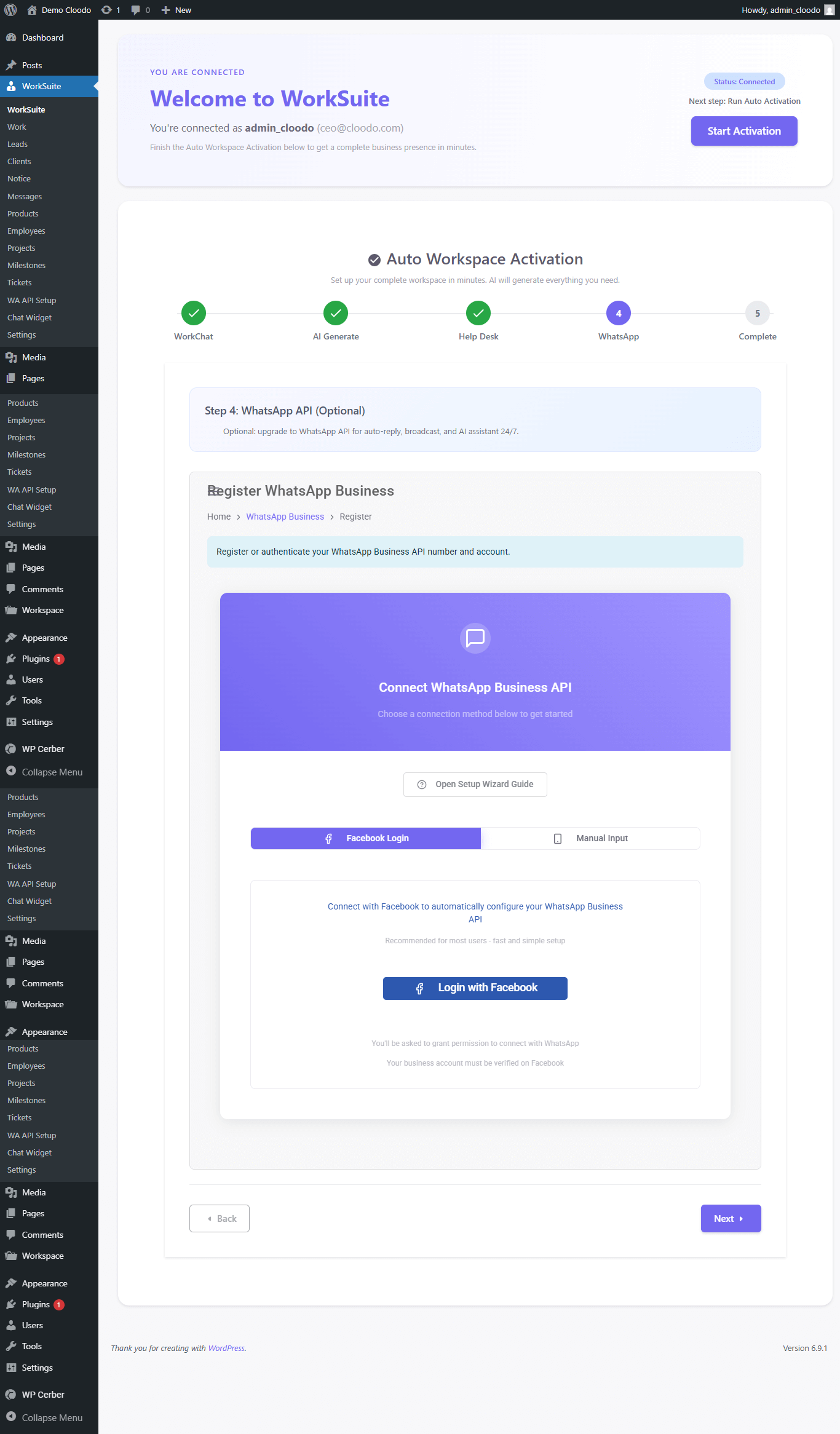
AI Onboarding – WhatsApp API Setup 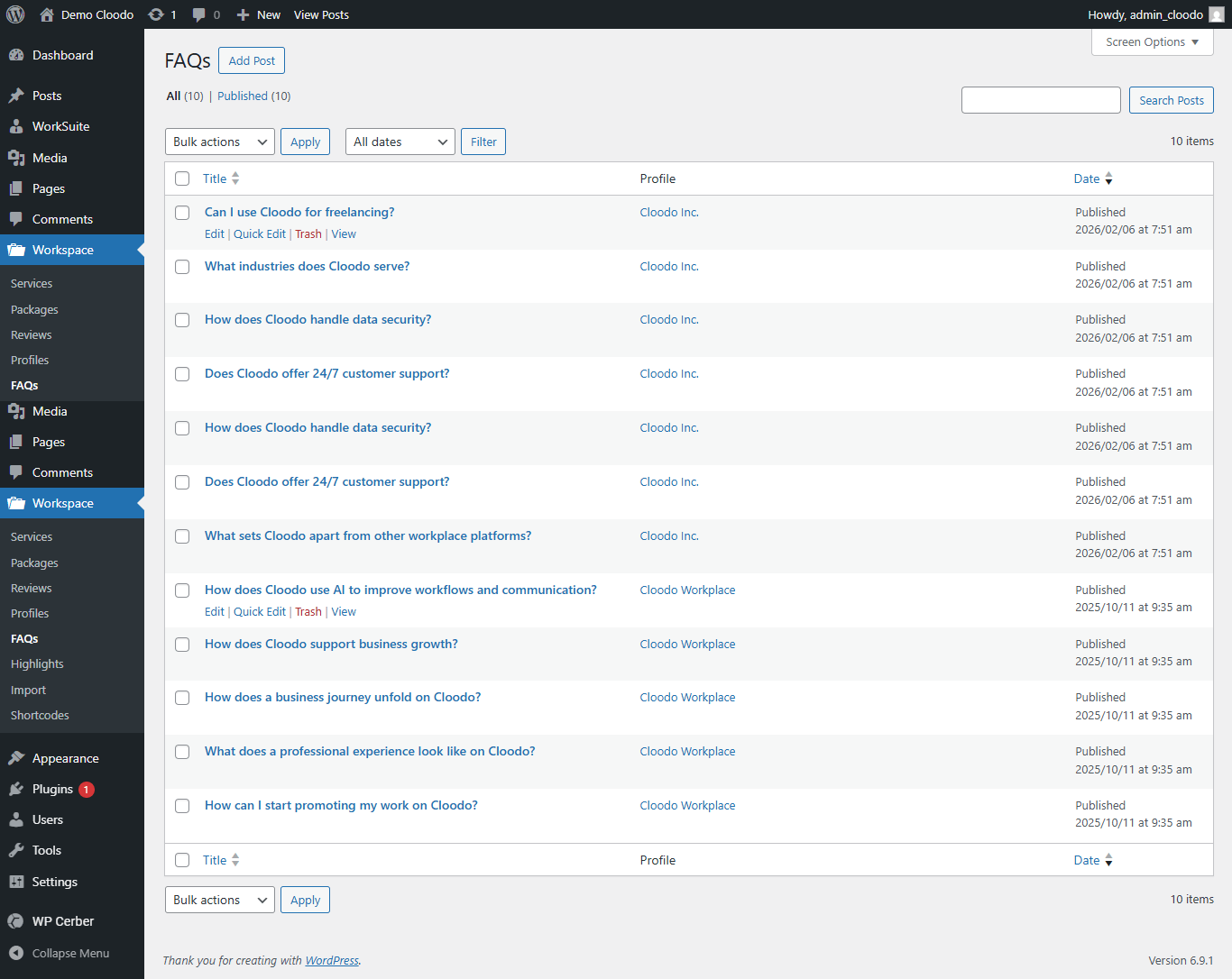
FAQ Management
Blocks
This plugin provides 2 blocks.
- Cloodo Services Grid
- Cloodo Service Detail
Installation
- Upload the plugin files to
/wp-content/plugins/cloodo-workplaceor install via the WordPress Plugin Directory. - Activate the plugin through the ‘Plugins’ screen in WordPress.
- Upon activation, your Cloodo account will be automatically created or linked.
- Follow the onboarding wizard to import AI-generated service content.
- Configure your Helpdesk and LiveChat settings.
- Start managing services, clients, and projects.
FAQ
-
Do I need to manually register a Cloodo account?
-
No. The plugin automatically creates or connects your account using your WordPress admin email and domain.
-
Is this compatible with my theme?
-
Yes. All widgets and shortcodes are responsive and compatible with most modern WordPress themes.
-
Is this a replacement for WooCommerce?
-
No. Cloodo is built for service-based businesses, not product-based eCommerce.
-
Can clients track their projects?
-
Yes. Clients can log in to access the Client Portal, view projects, milestones, tickets, and invoices.
-
Does it include AI features?
-
Yes. Cloodo includes AI-powered QuickStart to generate structured service content automatically.
Reviews


Contributors & Developers
“Cloodo WP Workplace – CRM & Project Management for Services Business” is open source software. The following people have contributed to this plugin.
Contributors
Translate “Cloodo WP Workplace – CRM & Project Management for Services Business” into your language.
Interested in development?
Browse the code, check out the SVN repository, or subscribe to the development log by RSS.
Changelog
2.3.0 (February 23, 2026)
- Major AI improvement: Enhanced AI QuickStart engine with smarter business profile detection.
- Improved Service Package Builder with better pricing layout and CTA controls.
- Optimized CRM Project automation workflow performance.
- UI/UX refinements across WorkSpace dashboard.
- Security and performance improvements.
2.2.5 (October 20, 2025)
- Add Shortcode Guide and Cleanup
- Profile Grid UI & Import Wizard Updates + New CBs Reviews/FAQs
- Enhance Content Generation & Admin UI with Shortcodes, Meta Boxes and More
2.2.4 (March 13, 2024)
- Fix iframe can’t load for new user
2.2.3 (March 11, 2024)
- Fix dashboard link
- Update iframe loading
- Update settings interface
- Update CSS for settings interface
- Fix warning
2.2.2
- Fix error on new API version
2.2.1
- Security fix
2.2.0
- Sync WordPress User to Employees
- Update core app login via email
2.1.1
- Fix error register account
2.1.0
- Add new feature: Products Management
- Sync Woocommerce Customers to Clients
2.0.0
- Update New UI
- Add new feature Projects, Leads, Notice Board, Messages
1.1.0
- Add Client feature
1.0.0
- Init