
Description
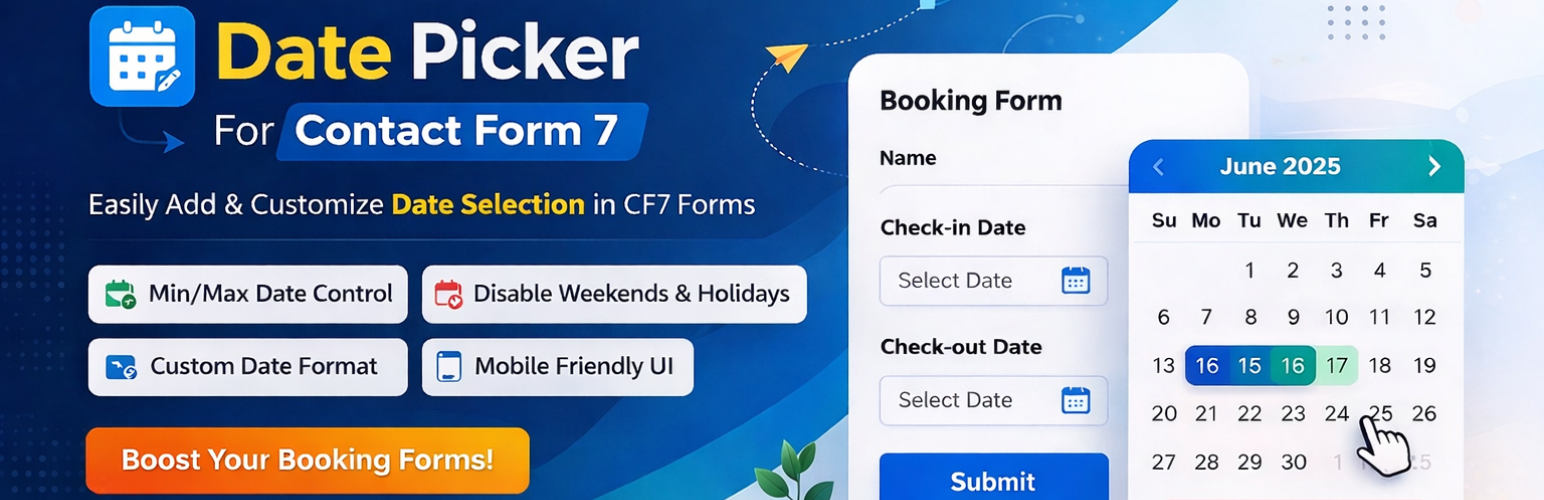
Date Picker For Contact Form 7 is a powerful add-on that integrates a flexible calendar widget into your CF7 forms. Say goodbye to manual date entry errors and provide your users with a sleek, mobile-friendly interface for selecting dates.
Whether you are setting up an Arrival/Departure system, a Check-in/Check-out flow, or a simple Appointment Booking form, this plugin gives you full control over how dates are selected.
Why choose this Date Picker?
- User Experience: Faster date selection leads to higher form conversion rates.
- Data Accuracy: Forces a consistent date format, making data management easy.
- Scheduling Control: Perfect for businesses that need to restrict weekends, holidays, or past dates.
Main Features
- Multiple Date Pickers: Add multiple unique date fields to a single form.
- Custom Date Formats: Choose how the date appears (e.g., dd/mm/yy, mm-dd-yy).
- Min/Max Date Restrictions: Prevent users from picking dates in the past or too far in the future.
- Custom Skins: Change the design and look of the calendar to match your site.
- Placeholder Support: Add custom placeholder text inside the date field.
[Pro] Advanced Features
- Disable Specific Days: Blackout holidays, weekends, or specific dates where you are unavailable.
- Advanced Logic: Perfect for complex booking requirements.
Screenshots
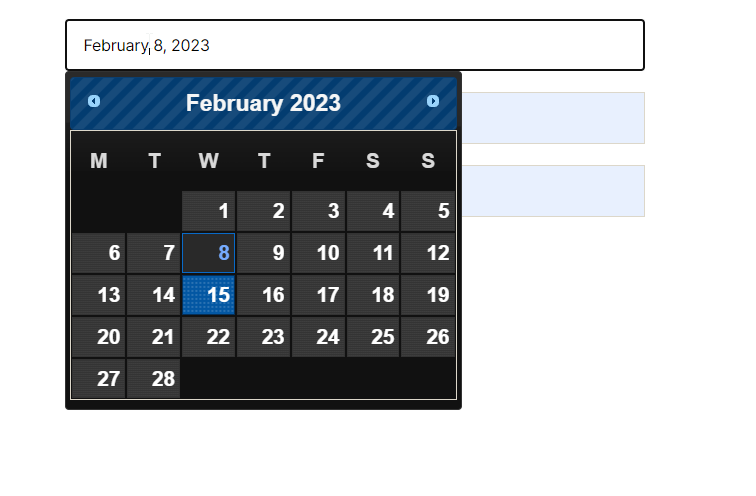
The Date Picker tag generator interface in Contact Form 7. 
Example of a front-end date picker with a custom skin. 
Settings panel for restricting minimum and maximum dates.
Installation
- Upload the
date-picker-for-contact-form-7folder to the/wp-content/plugins/directory. - Activate the plugin through the ‘Plugins’ menu in WordPress.
- Open your Contact Form 7 editor.
- Look for the “Date Picker” tag generator button.
- Configure your settings (Min/Max date, Skin, etc.) and insert the shortcode.
FAQ
-
Does this work with the latest version of Contact Form 7?
-
Yes, we regularly test the plugin against the latest CF7 updates to ensure 100% compatibility.
-
Can I have two date pickers for “Check-in” and “Check-out”?
-
Absolutely. You can add multiple fields and set different rules for each.
-
Is it mobile-friendly?
-
Yes, the date picker is responsive and works smoothly on touch devices.
Reviews


Contributors & Developers
“Date Picker For Contact Form 7” is open source software. The following people have contributed to this plugin.
Contributors
Translate “Date Picker For Contact Form 7” into your language.
Interested in development?
Browse the code, check out the SVN repository, or subscribe to the development log by RSS.
Changelog
1.0
- Initial release.
- Added Min/Max date options.
- Added custom skin support.