

Description
WP CTA is a powerful and easy-to-use WordPress plugin designed to help you create high-converting call-to-action elements that drive clicks, calls, and leads.
With WP CTA, you can quickly add sticky CTAs and call buttons to your website, ensuring your most important offers stay visible and accessible at all times. Whether you want to increase phone calls, capture leads, or promote a special offer, WP CTA makes it simple.
The free version includes a Sticky CTA and a Tab CTA (call button / click-to-call) to give you an instant way to boost engagement. Upgrade to Pro to unlock advanced CTA types, targeting, and conversion-focused features.
Key Features
- Sticky CTA (Free): Keep your call-to-action visible as users scroll your site
- Tab CTA (Call Button): Add a click-to-call style tab that expands on interaction
- Smart Display Controls: Show CTAs based on timing, scroll behavior, and user interaction
- Easy Customization: Customize colors, text, positioning, and content
- Responsive Design: Works perfectly on desktop and mobile devices
- Page Targeting: Display CTAs on specific pages or site-wide
- Development Mode: Test your CTAs before going live
- No Coding Required: Simple and user-friendly interface for fast setup
Perfect For
- E-commerce websites
- Lead generation campaigns
- Affiliate marketing
- Content promotion
- Newsletter signups
- Service-based businesses (call buttons)
- Special offers and discounts
Templates Included
Free Version
- Sticky CTA: Persistent sidebar or floating CTA
- Tab CTA (Call Button): Click-to-expand call or contact button
Pro Version
- Floating Buttons: Call now, contact, or custom actions
- Banner / Announcement Bar: Top or bottom promotional bars
- HTML & Shortcode CTAs: Fully customizable CTA blocks
- GDPR Bar: Consent and compliance notifications
Easy Setup
- Install and activate the plugin
- Create your first CTA
- Choose a CTA type (sticky or tab)
- Customize design and content
- Set display conditions
- Publish and track results
Pro Version Available
Upgrade to WP CTA Pro for advanced features:
- Unlimited CTAs
- Multiple CTA types (floating, banner, HTML, GDPR, and more)
- Advanced targeting options (time, scroll, behavior-based)
- Entrance animations (slide, fade, and more)
- Click tracking and analytics
- Custom CSS editor
- Priority support
- And much more
Support
For support, please visit our support page or contact us at support@wpctapro.com.
Pro Version
Upgrade to WP CTA Pro for advanced features and priority support.
Screenshots
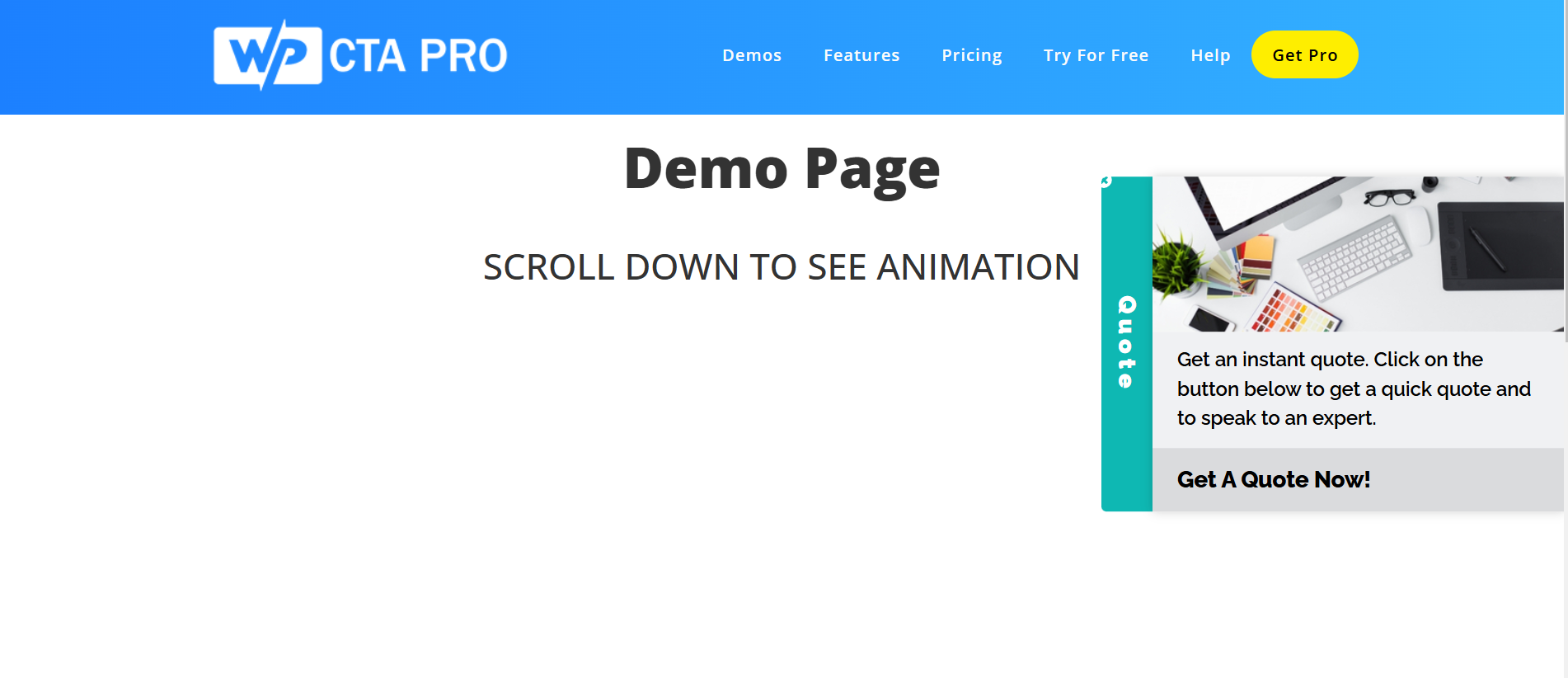
CTA Demo 1 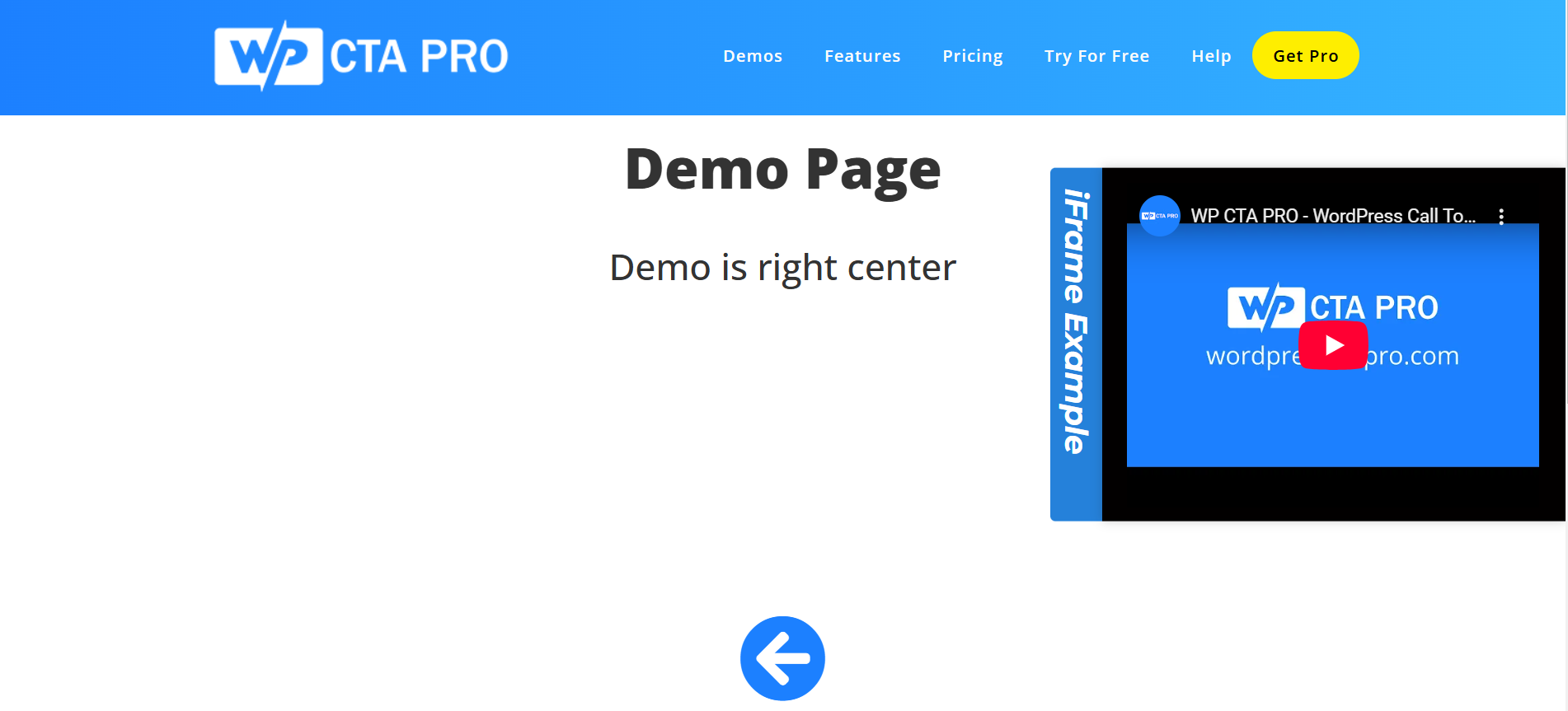
CTA Demo 2 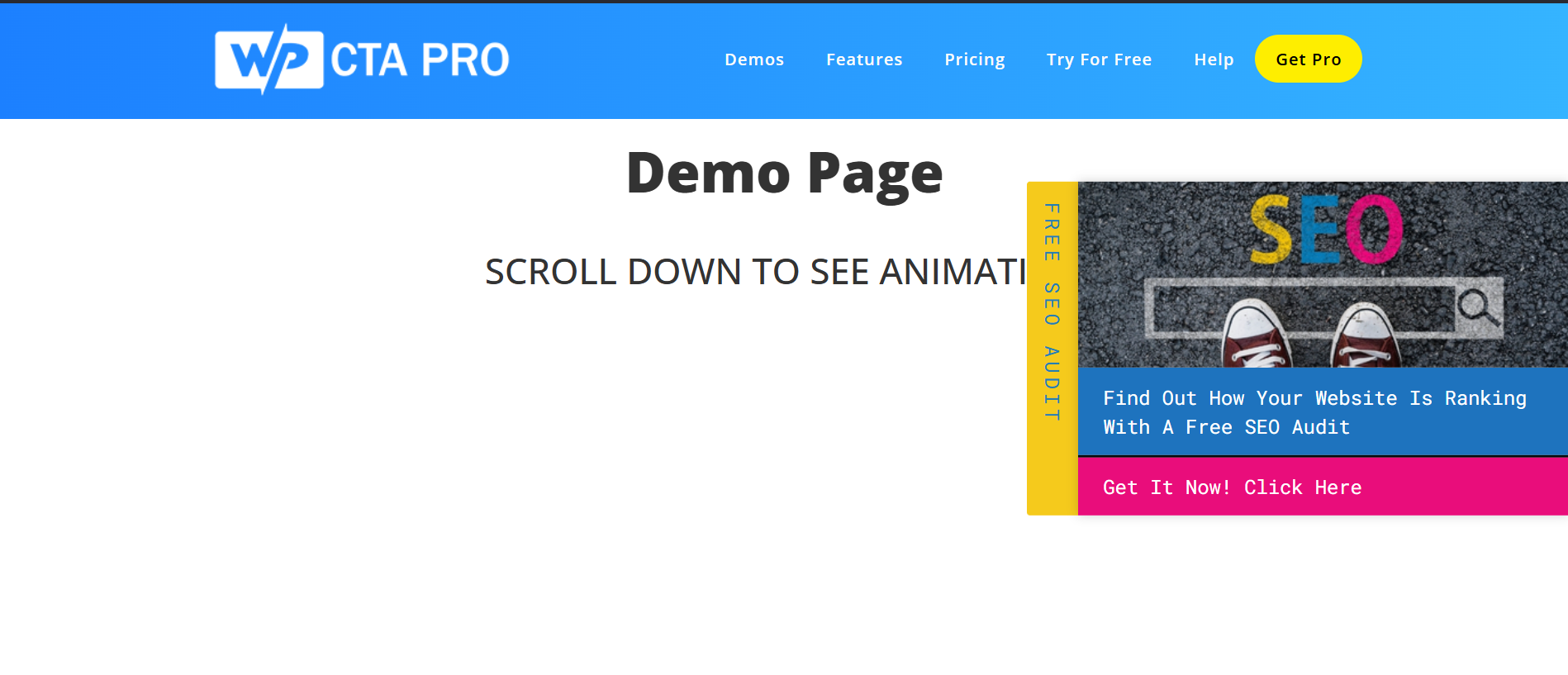
CTA Demo 3 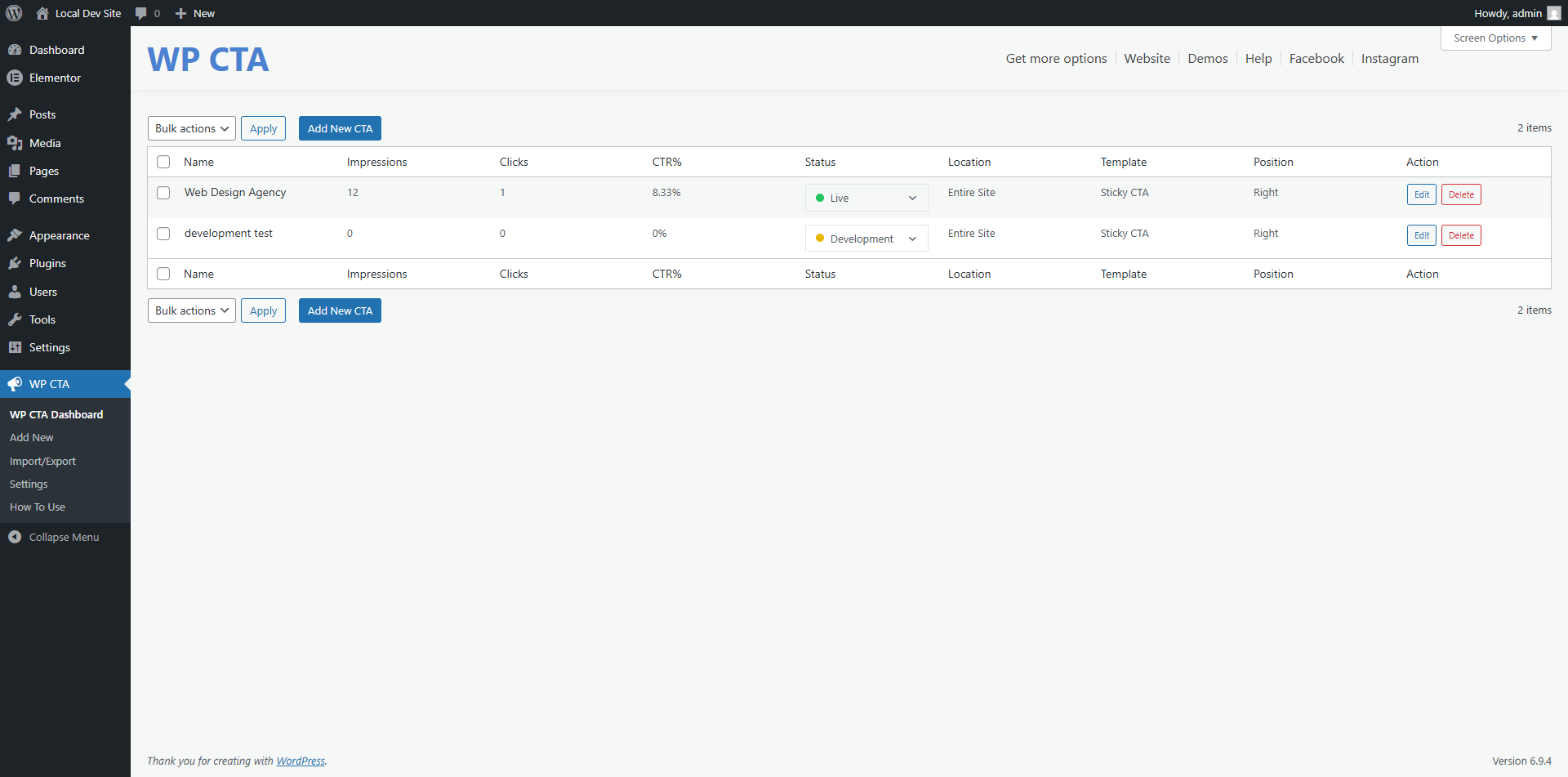
CTA Plugin dashboard 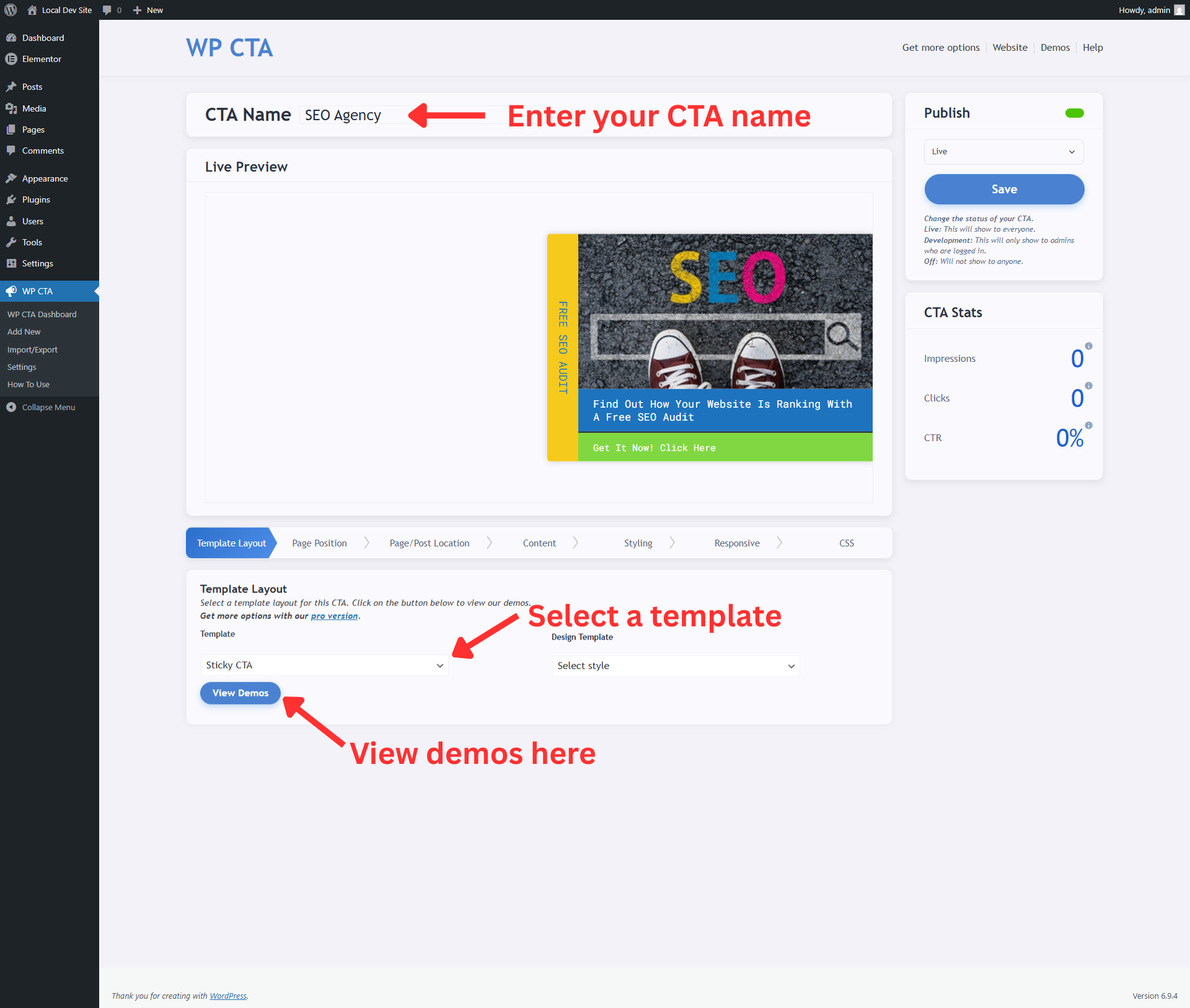
CTA Template selection 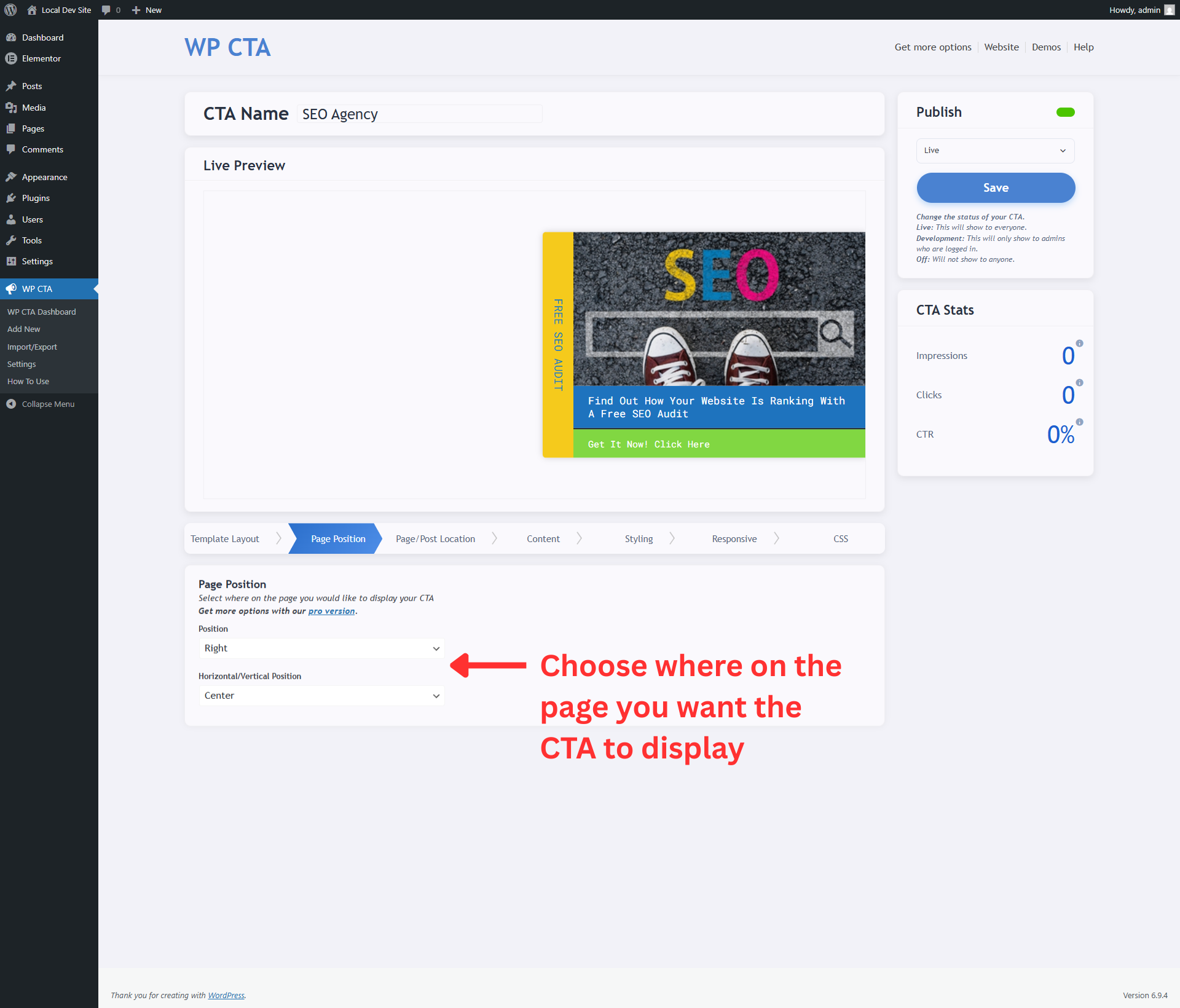
CTA Page position selection 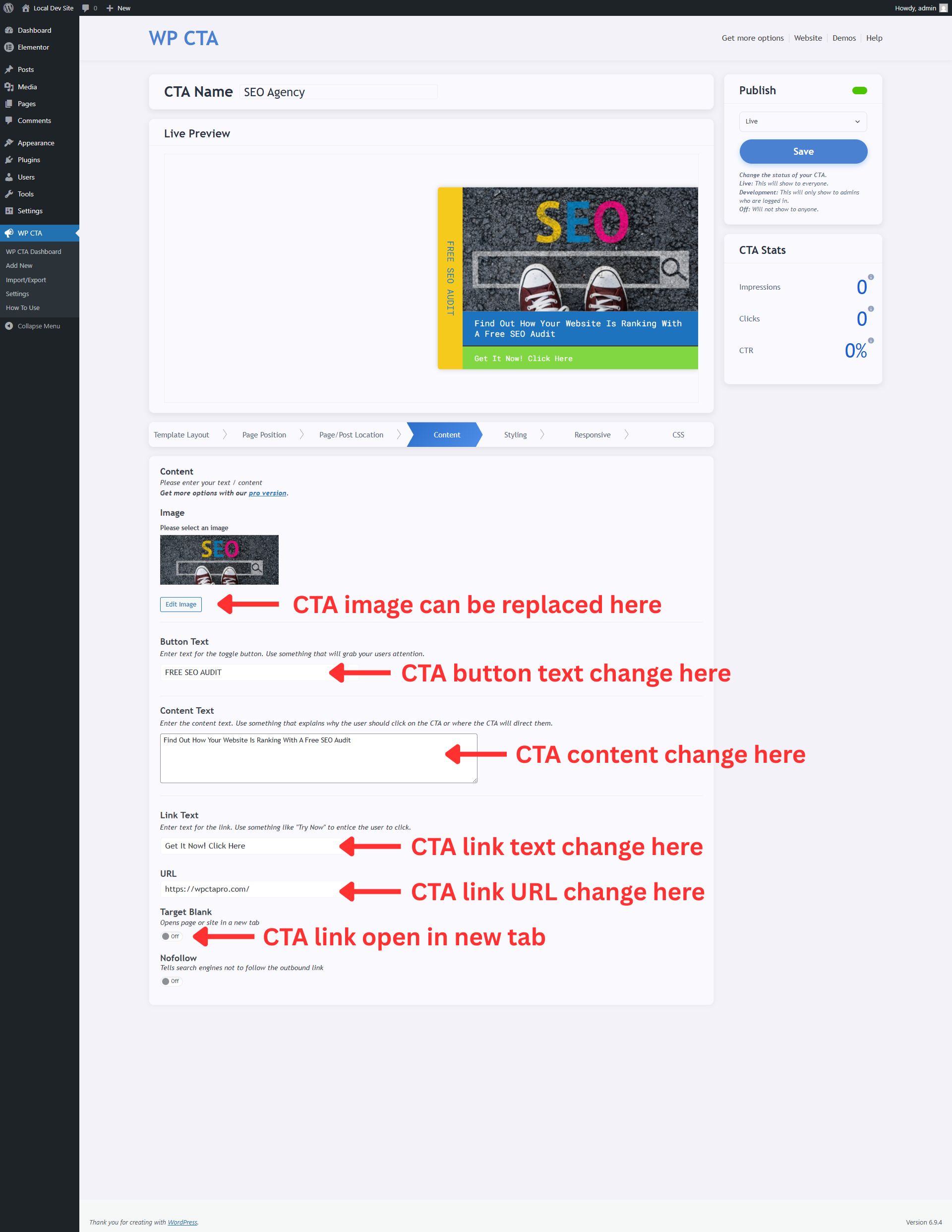
CTA Content customization 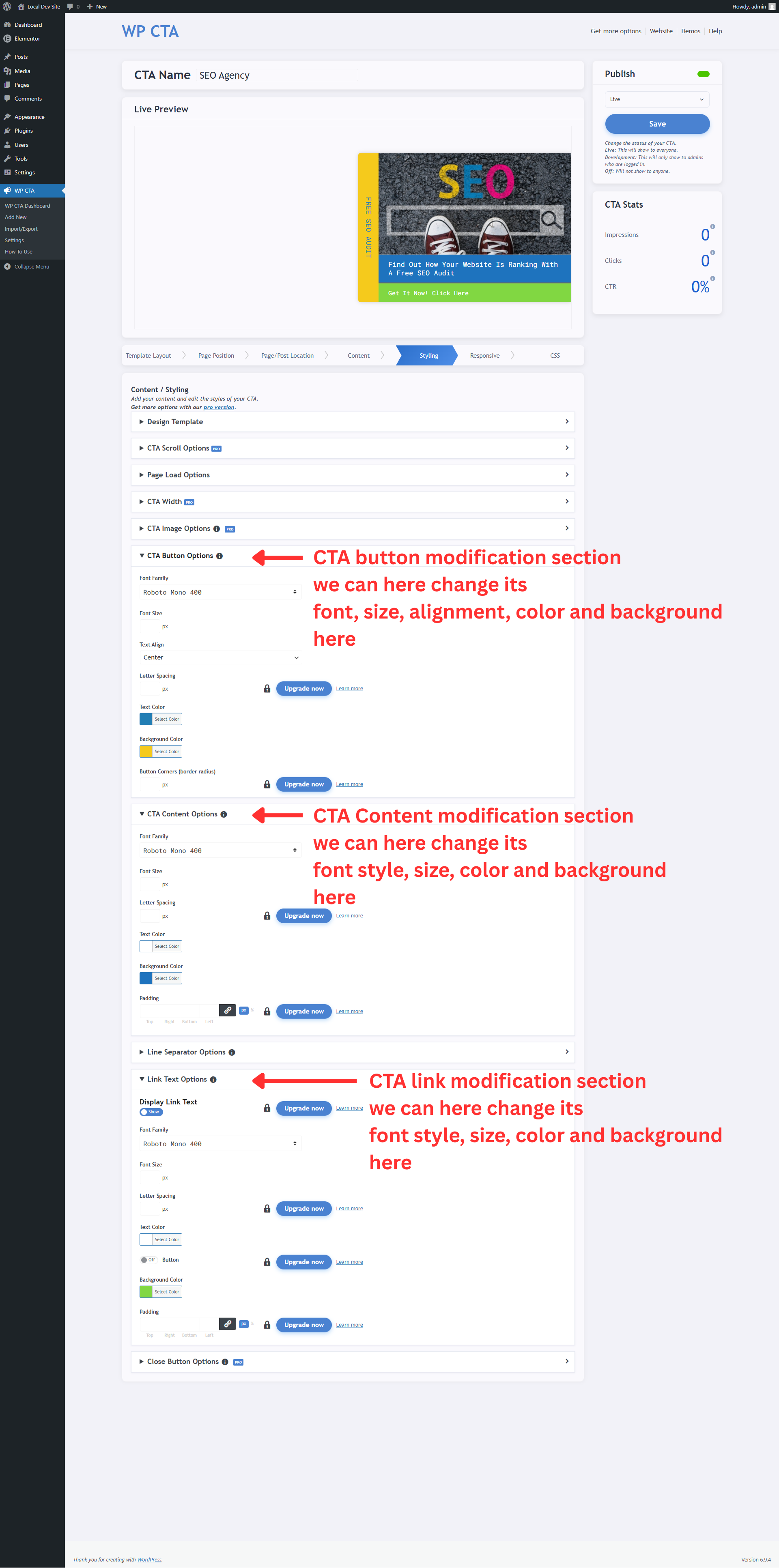
CTA Design modifications 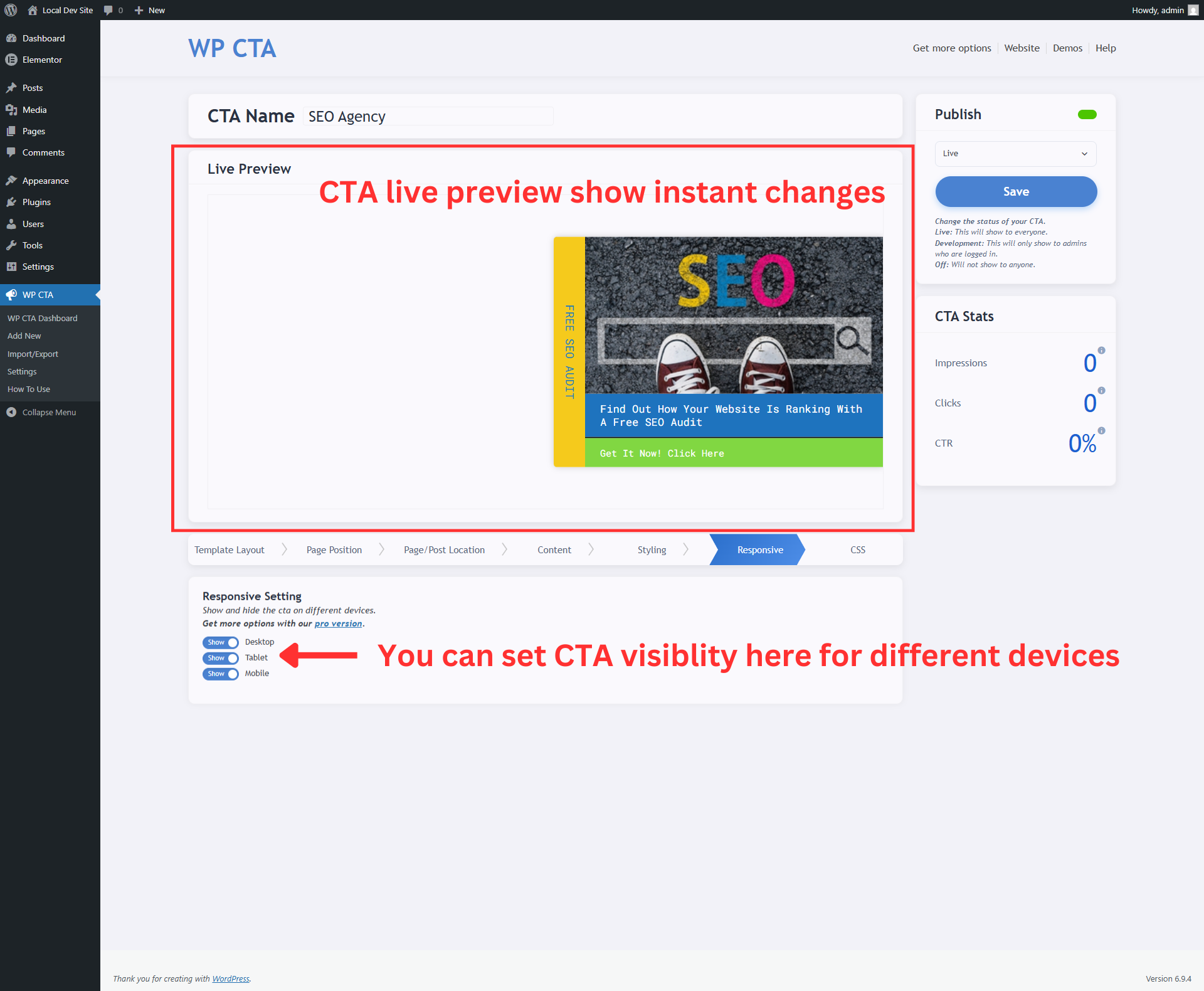
CTA Responsive setting for visiblity on different devices 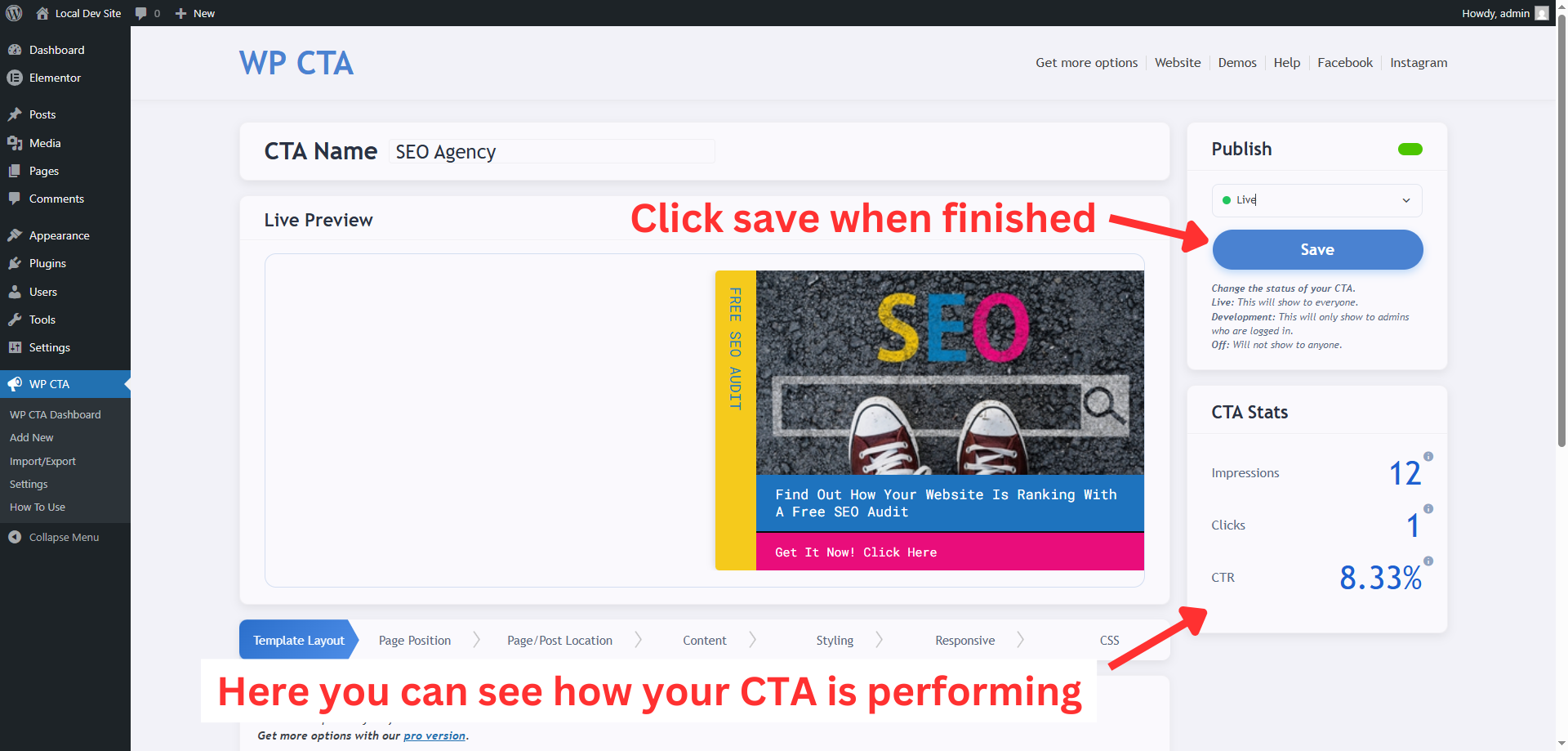
CTA Save and STATS visiblity
Installation
- Upload the plugin files to the
/wp-content/plugins/easy-sticky-sidebardirectory, or install the plugin through the WordPress plugins screen directly. - Activate the plugin through the ‘Plugins’ screen in WordPress
- Use the WP CTA menu to configure the plugin
FAQ
-
How many CTAs can I create with the free version?
-
The free version allows you to create up to 3 CTAs.
-
Can I customize the colors and fonts?
-
Yes! You can customize colors, fonts, positioning, and other design elements through the easy-to-use interface.
-
Is the plugin responsive?
-
Yes, all templates are fully responsive and work perfectly on desktop, tablet, and mobile devices.
-
Can I target specific pages?
-
Yes, you can choose to display your CTAs on specific pages, posts, or site-wide.
-
Do I need coding knowledge?
-
No! The plugin is designed to be user-friendly and doesn’t require any coding knowledge.
-
Is there a pro version?
-
Yes! WP CTA Pro offers advanced features like unlimited CTAs, A/B testing, analytics, and more.
Reviews


Contributors & Developers
“WP CTA – Call Now Button, Sticky Button & Call to Action Builder” is open source software. The following people have contributed to this plugin.
Contributors

Translate “WP CTA – Call Now Button, Sticky Button & Call to Action Builder” into your language.
Interested in development?
Browse the code, check out the SVN repository, or subscribe to the development log by RSS.
Changelog
2.1.3
- Security hardening and validation fixes
- Admin UX and preview safety improvements
- Code quality and compatibility updates
2.1.2
- Tab CTA launched for free version
- Live preview fixes
- New description for new features
- Minor code improvements
2.1.1
- Plugin title update
- Plugin tags updated
- Input size increased min 100px
- Contributor name issue fixed
- Minor code quality improvements
2.1.0
- Optimized live preview performance for better responsiveness
- Added infrastructure for animation support (available in Pro)
- Minor UI enhancements and bug fixes
2.0.1
- Live preview fixings
- Custom padding option for CTA Buttons
- CTA content show/hide toggle option
- Code quality and reliability improvements
2.0.0
- New Dashboard added with multi-step ui.
- Improved admin live preview loading experience with a dedicated spinner.
- Enhanced preview alignment, template switching behavior, and status indicators.
- Added safer handling for imported media URLs during CTA import.
- UI refinements across admin screens.
1.7.4
- Minor security enhancements
- Updated plugin name for better clarity
1.7.3
- Fixed fatal error in import/export functionality
- Resolved PHP 8.2+ deprecation warnings
- Improved import success messages with count display
- Enhanced error handling for media file imports
- Fixed protected property access issues
- Updated compatibility to WordPress 6.8
- Improved overall stability and performance
1.7.2
- Fixed compatibility issues with WordPress 6.7
- Improved performance and stability
- Enhanced user interface
- Bug fixes and improvements
1.7.1
- Initial release
- 3 customizable templates
- Basic targeting options
- Responsive design