
Description
Broken links frustrate your visitors and hurt your search rankings. When someone clicks a link on your site and lands on a 404 page, they lose trust — and so does Google.
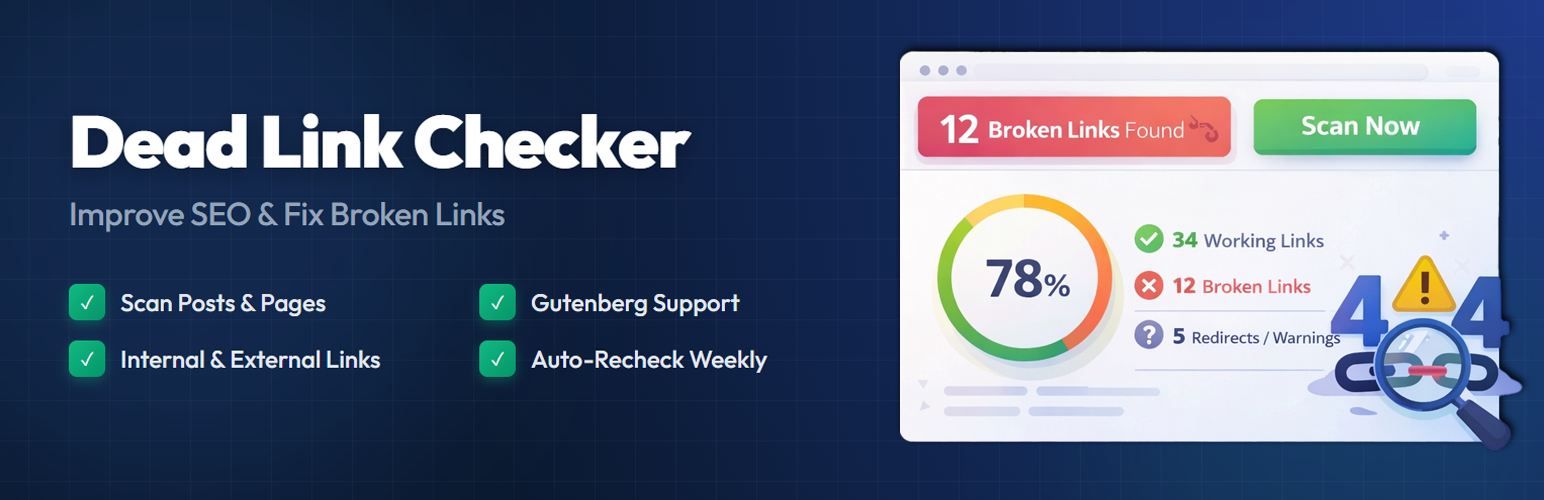
Dead Link Checker scans your WordPress posts and pages, finds broken links, and gives you a clear report so you can fix them quickly. It runs in the background without slowing down your site.
Whether you have a personal blog or a large content site, keeping your links healthy is one of the simplest things you can do for on-page SEO. This plugin handles the heavy lifting so you don’t have to check every link by hand.
How It Works
- Go to Dead Link Checker Dashboard in your WordPress admin.
- Click Scan Now to start scanning your content.
- The plugin checks every link in your posts and pages.
- Broken links, redirects, and slow responses show up in a visual report.
- Fix or dismiss links directly from the dashboard.
The scanner runs efficiently in batches, so it won’t overload your server or affect page load times for your visitors.
Free Features
- Automatic Link Scanning – Scans all links in your Posts and Pages automatically.
- Internal & External Link Checks – Detects broken links whether they point inside your site or to other websites.
- Block Editor Compatible – Works with Gutenberg and Classic Editor content.
- Visual Dashboard – See broken, working, and warning links at a glance with status cards and stats.
- Dismiss Links – Mark specific links as dismissed if you want the scanner to skip them.
- Manual Scan Control – Run a scan anytime with a single click from the dashboard.
- Scan History – View records of previous scans to track your site’s link health over time.
- Lightweight & Fast – Designed to use minimal server resources with background processing.
Pro Features
Take your broken link management further with Dead Link Checker Pro:
- Extended Content Scanning – Scan Custom Post Types, Comments, Navigation Menus, Widgets, and Custom Fields (including ACF).
- Page Builder Support – Full compatibility with Elementor, Divi, and WPBakery page builders.
- Redirect Manager – Create 301, 302, and 307 redirects directly from the broken link report. Includes a hit counter and import/export functionality.
- Email Notifications – Receive email alerts when new broken links are found. Set up weekly or monthly digest reports.
- Export Reports – Download your broken link reports as CSV or JSON files for offline review or sharing with your team.
- Multisite Support – Manage broken links across your entire WordPress multisite network.
- Priority Support – Get dedicated help from the development team with faster response times.
- Lifetime Updates – One-time purchase with lifetime access to plugin updates.
Free vs Pro Comparison
- Post & Page Scanning – Free ✓ | Pro ✓
- Internal & External Links – Free ✓ | Pro ✓
- Visual Dashboard – Free ✓ | Pro ✓
- Dismiss Links – Free ✓ | Pro ✓
- Scan History – Free ✓ | Pro ✓
- Custom Post Types – Free ✗ | Pro ✓
- Comments & Menus – Free ✗ | Pro ✓
- Page Builder Support – Free ✗ | Pro ✓
- Redirect Manager – Free ✗ | Pro ✓
- Email Notifications – Free ✗ | Pro ✓
- CSV/JSON Export – Free ✗ | Pro ✓
- Multisite Support – Free ✗ | Pro ✓
- Priority Support – Free ✗ | Pro ✓
Screenshots

Dead Link Checker Dashboard – Overview of your site’s link health with status cards and scan controls. 
Broken Link Report – Detailed list of broken, working, and warning links with source information. 
Scan Settings – Configure scan setting options like Scan Type, Scan Frequency, and Request Timeout. 
Scan Scope Settings – Configure scan setting for content and link types. 
Tools Settings – Tools for Force Stop Scan, Clear Scan History, Reset Settings, and Full Plugin Reset. 
Scan History – Complete scan history log table with Date, Time and Status.
Installation
- Upload the
frank-dead-link-checkerfolder to the/wp-content/plugins/directory, or install it directly from the WordPress plugin repository. - Activate the plugin through the Plugins menu in WordPress.
- Navigate to Dead Link Checker in your admin sidebar.
- Click Scan Now to run your first broken link scan.
FAQ
-
Will this plugin slow down my website?
-
No. The scanner runs in the background using small batches of requests. It does not affect front-end page load times for your visitors.
-
What types of links does it check?
-
The free version checks internal links (pointing to your own site) and external links (pointing to other websites) within your Posts and Pages.
-
Does it work with the Block Editor (Gutenberg)?
-
Yes. The plugin scans content from both the Block Editor and the Classic Editor without any extra configuration.
-
How often should I scan my site?
-
That depends on how frequently you publish or update content. For most sites, running a scan once a week is enough. You can trigger a scan manually anytime from the dashboard.
-
Can I ignore certain broken links?
-
Yes. You can dismiss any link from the report if you don’t want it flagged. Dismissed links won’t appear in your broken link count.
-
What happens when a broken link is found?
-
It appears in the dashboard with details like the source page, the URL, HTTP status code, and response time. You can then decide to fix, dismiss, or redirect the link (redirect available in Pro).
-
Does it detect redirected links?
-
Yes. The plugin identifies links that return redirect status codes (like 301 or 302) and shows the redirect count so you know which links are being forwarded.
-
Can I scan Custom Post Types?
-
Custom Post Type scanning is available in the Pro version. The free version covers standard Posts and Pages.
-
Does it support page builders like Elementor?
-
Page builder support (Elementor, Divi, WPBakery) is available in the Pro version.
-
Is there a way to get email reports?
-
Yes, the Pro version includes email notifications. You can receive alerts when broken links are detected and set up weekly or monthly digest reports.
-
Can I export the broken link report?
-
Report export in CSV and JSON format is available in the Pro version.
-
Does it work on WordPress Multisite?
-
Multisite network support is available in the Pro version.
Reviews
There are no reviews for this plugin.
Contributors & Developers
“Dead Link Checker” is open source software. The following people have contributed to this plugin.
Contributors


Translate “Dead Link Checker” into your language.
Interested in development?
Browse the code, check out the SVN repository, or subscribe to the development log by RSS.
Changelog
1.0.2
- Removed edit button and edit link functionality from the dashboard.
- Removed recheck option and its functionality.
- Removed images option from link type settings.
- Added “Upgrade to Pro” submenu page with feature highlights and comparison table.
- Centered help page content for improved readability.
- Fixed SQL prepared statement warnings for WordPress Plugin Check compliance.
- Fixed unescaped database parameter warnings in scanner and uninstall files.
- Rewrote readme.txt for WordPress.org guideline compliance.
- Updated plugin name to “Dead Link Checker” for consistency.
1.0.1
- Maintenance release.
- Updated readme for WordPress.org compliance.
1.0.0
- Initial release.