
Description
WP Data Access transforms your WordPress site into a platform for building data-driven applications — without writing a single line of code.
With the intuitive App Builder, you can create:
- Interactive Data Tables – manage and display data with ease
- Custom Data Forms – collect and process input seamlessly
- Charts, Maps & Dashboards – visualize data beautifully
- Role-Based Access – control who can view or manage apps
- Multilingual Support – 35+ languages ready to use
WP Data Access is designed as a true no-code builder: everything works out of the box, intuitive and effortless. For those who want more, a full set of developer hooks makes it possible to fine-tune behavior, extend functionality, or integrate with custom workflows. Hooks are completely optional and invisible to no-code users, but a powerful bonus for developers.
App Builder ❤️
The ultimate data-driven Rapid Application Development tool. Build dynamic, interactive apps in minutes with Builders, Managers, and Wizards — all fully customizable with Hooks.
* Build dynamic, data-driven apps for both front-end and back-end 📱
* Connect to local and remote databases ⚡
* Real-time build and run capabilities 💻
* Run apps in 35+ languages to reach a global audience 🌍
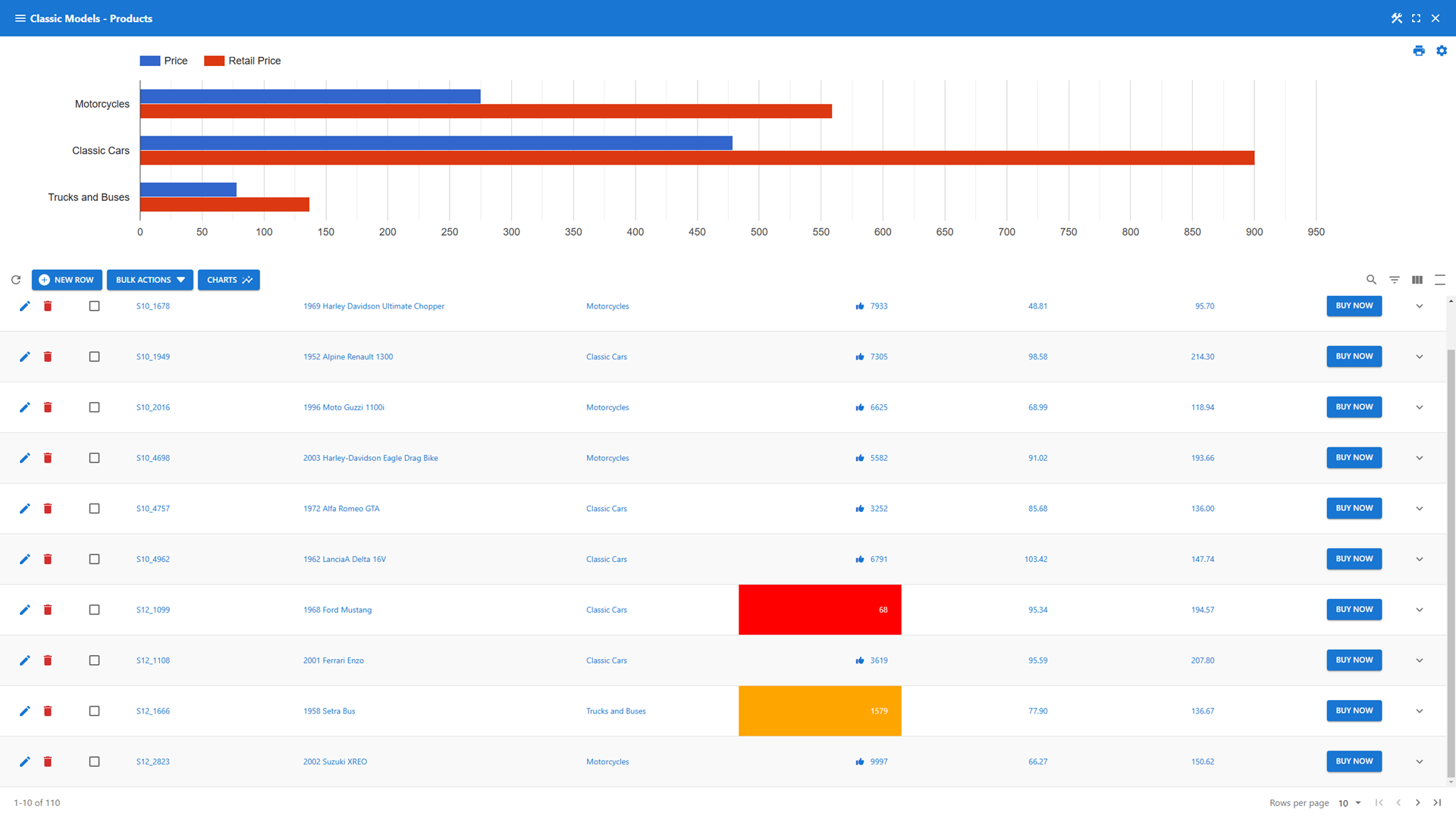
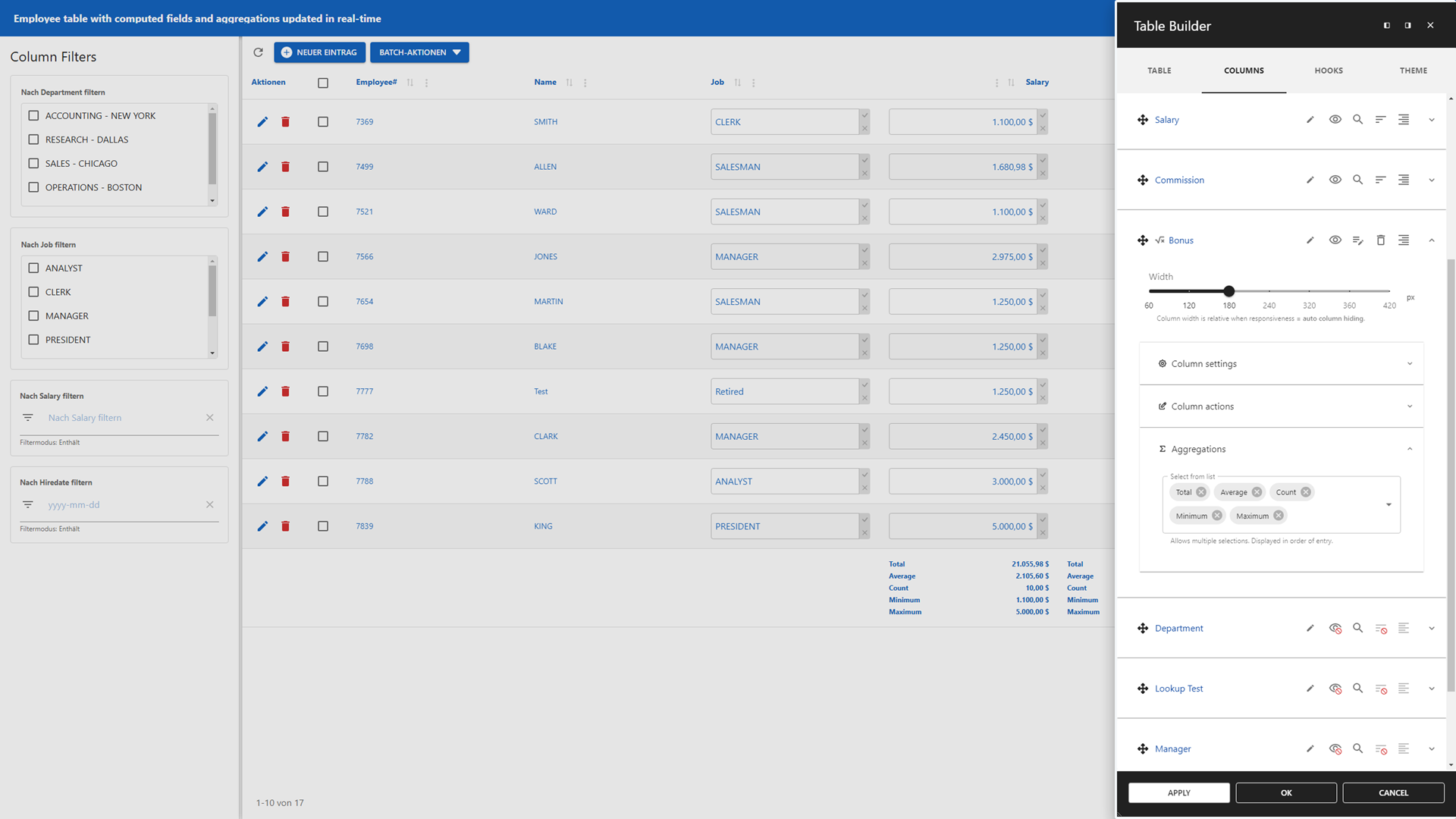
- Table Builder – Create powerful, interactive data tables effortlessly
- Add static and dynamic data table filtering options 🔍
- Real-time computed fields and aggregations for instant insights 📈
- A Lookup Wizard to add lookups to your data table 🧙
- Inline editing for instant updates 📝
- Integrates with the WordPress media library for rich content 📷🎞
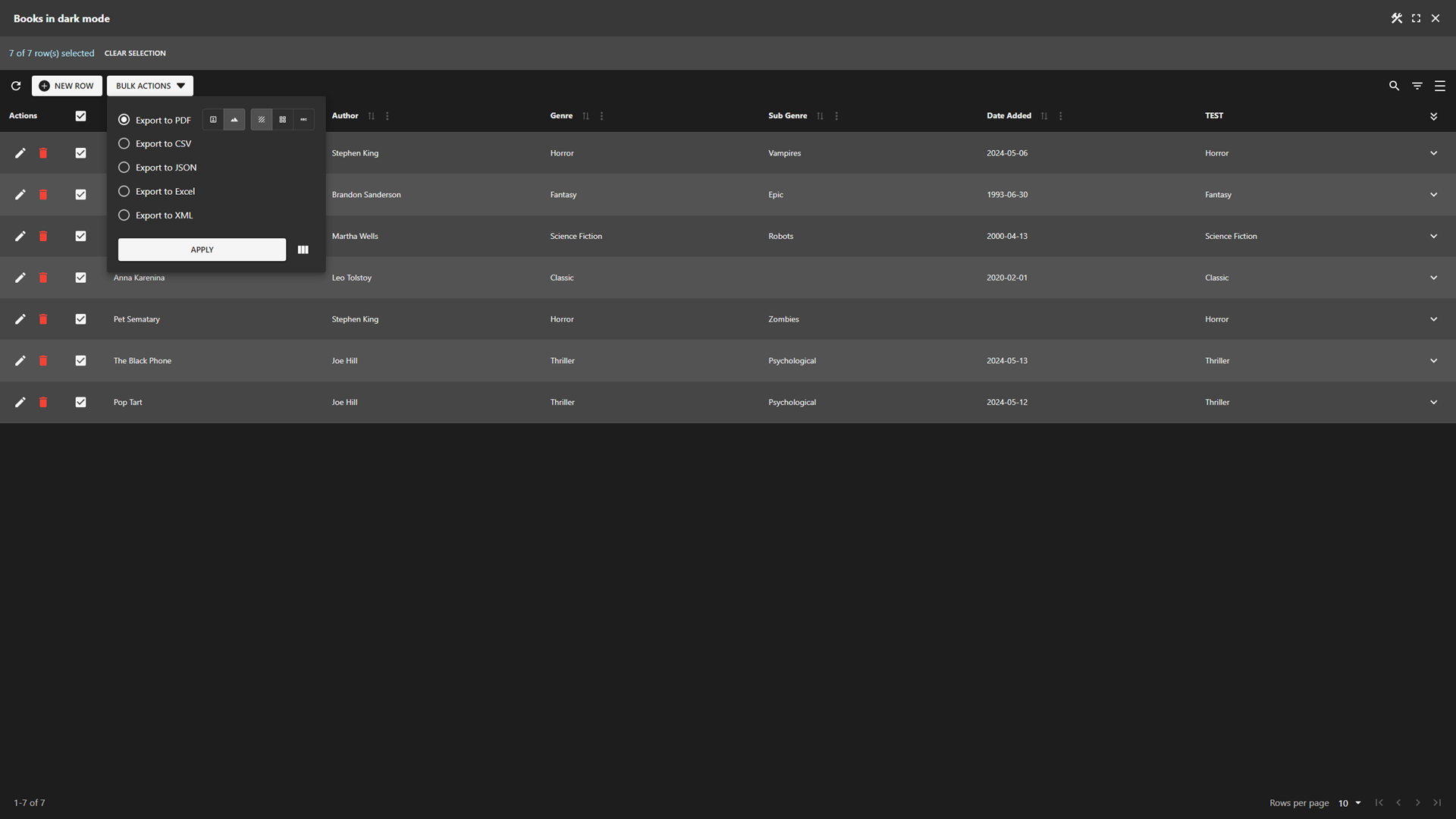
- Export data tables to PDF, CSV, JSON, XML, SQL, and Excel 📄
- Add charts and maps to your data table header and footer 📊
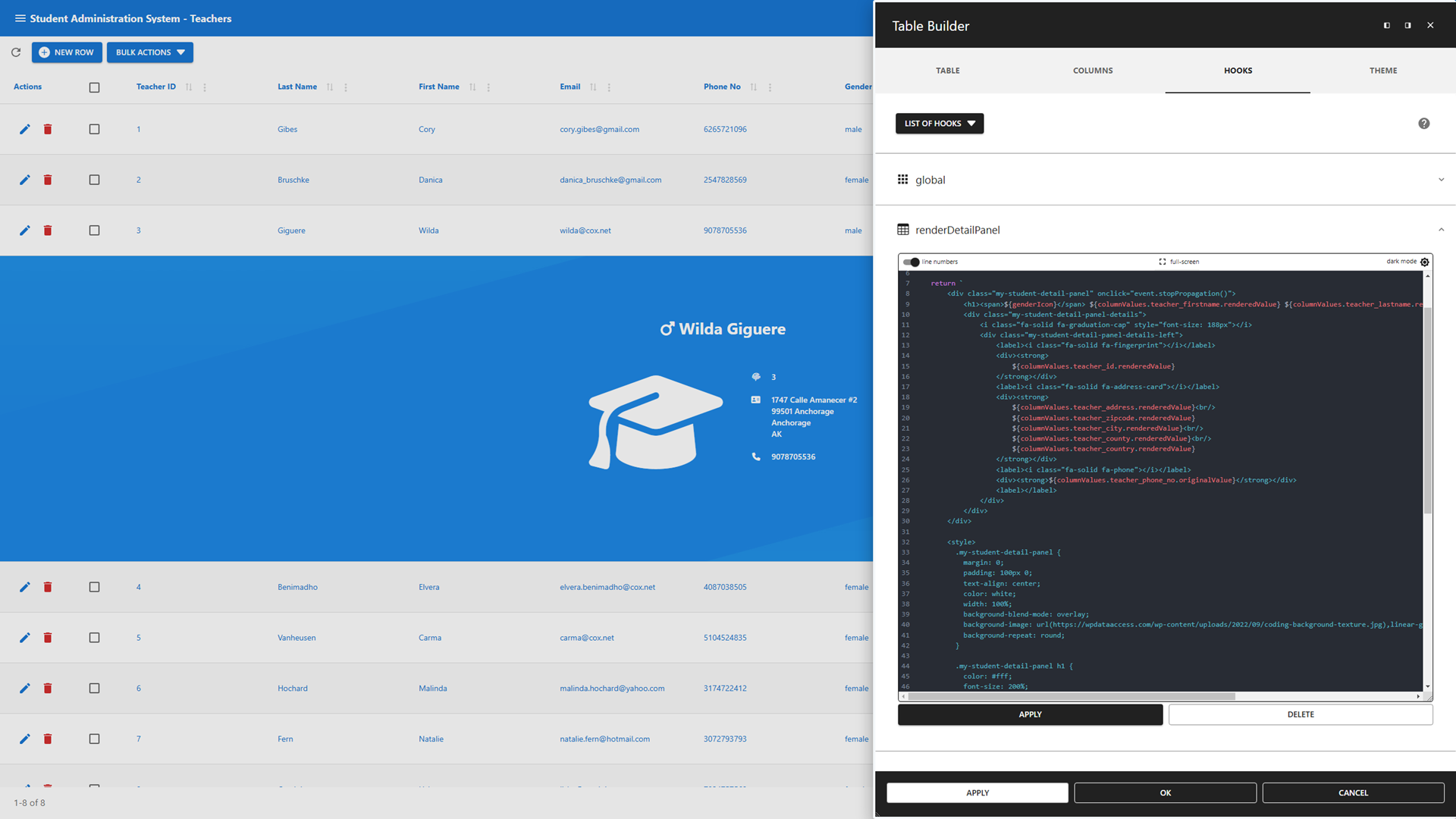
- JavaScript hooks to customize data table layout and behavior 🔧
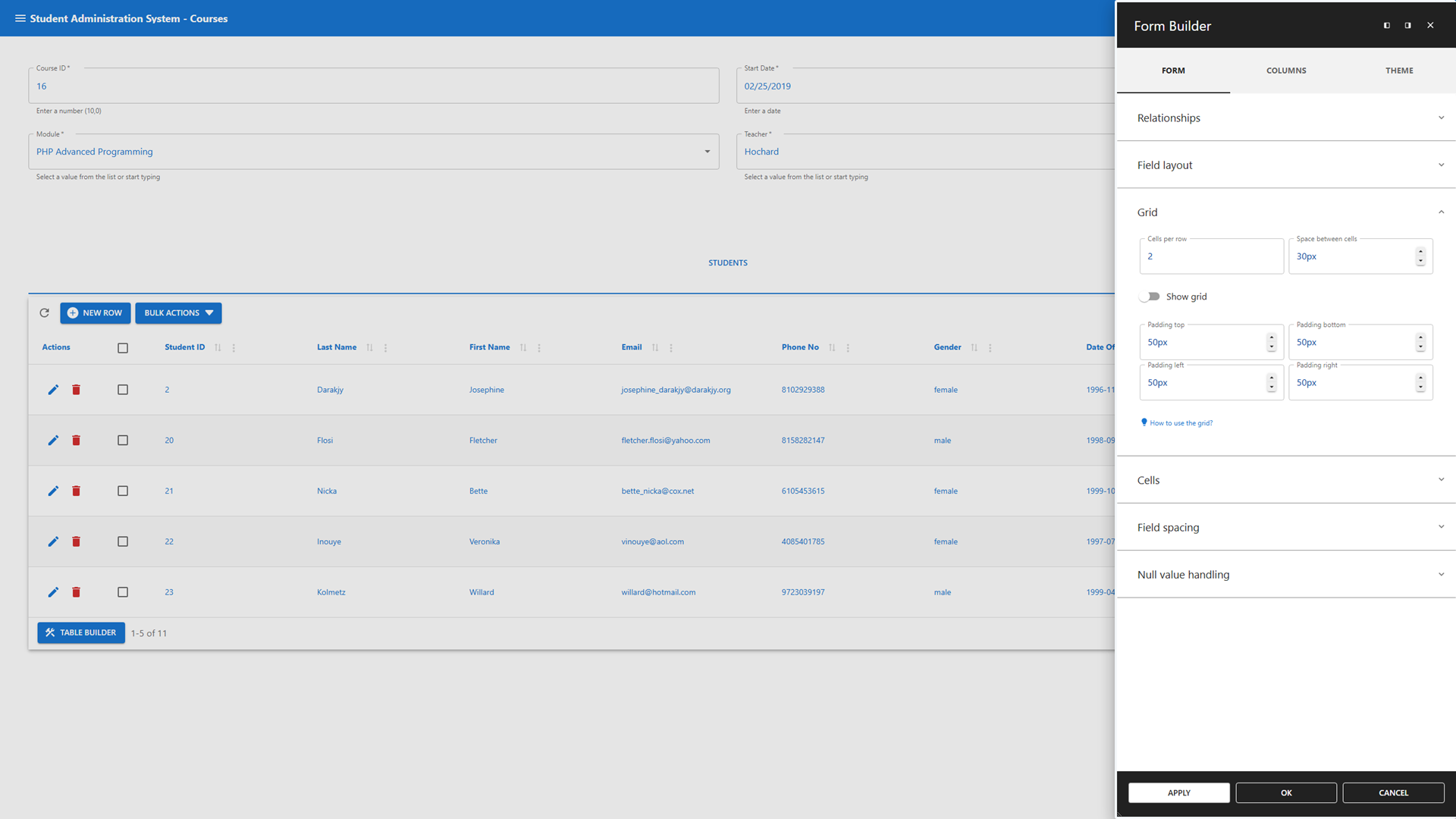
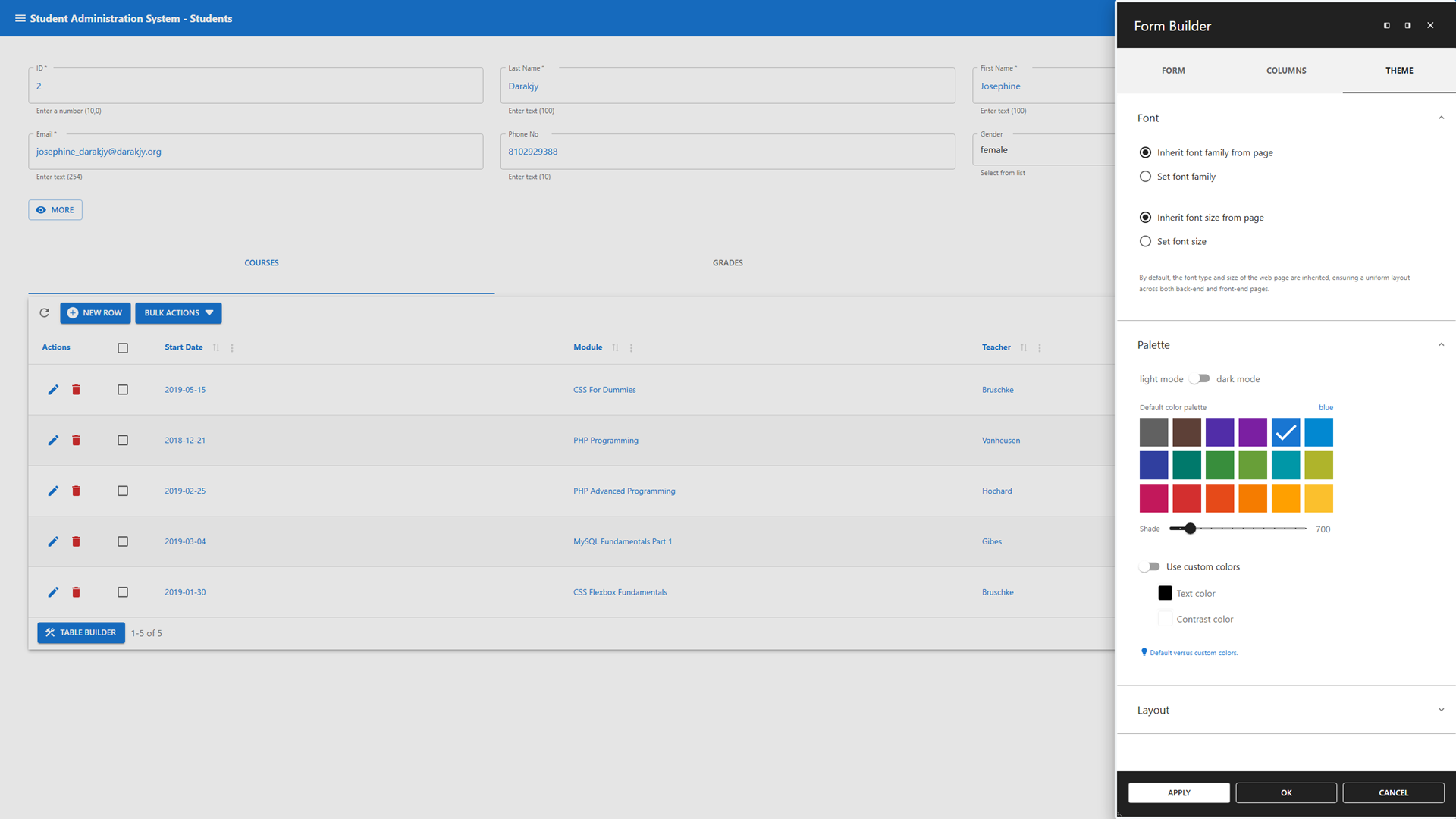
- Form Builder – Design forms that adapt to your workflow
- Grid-based layouts for precise control ➕➖
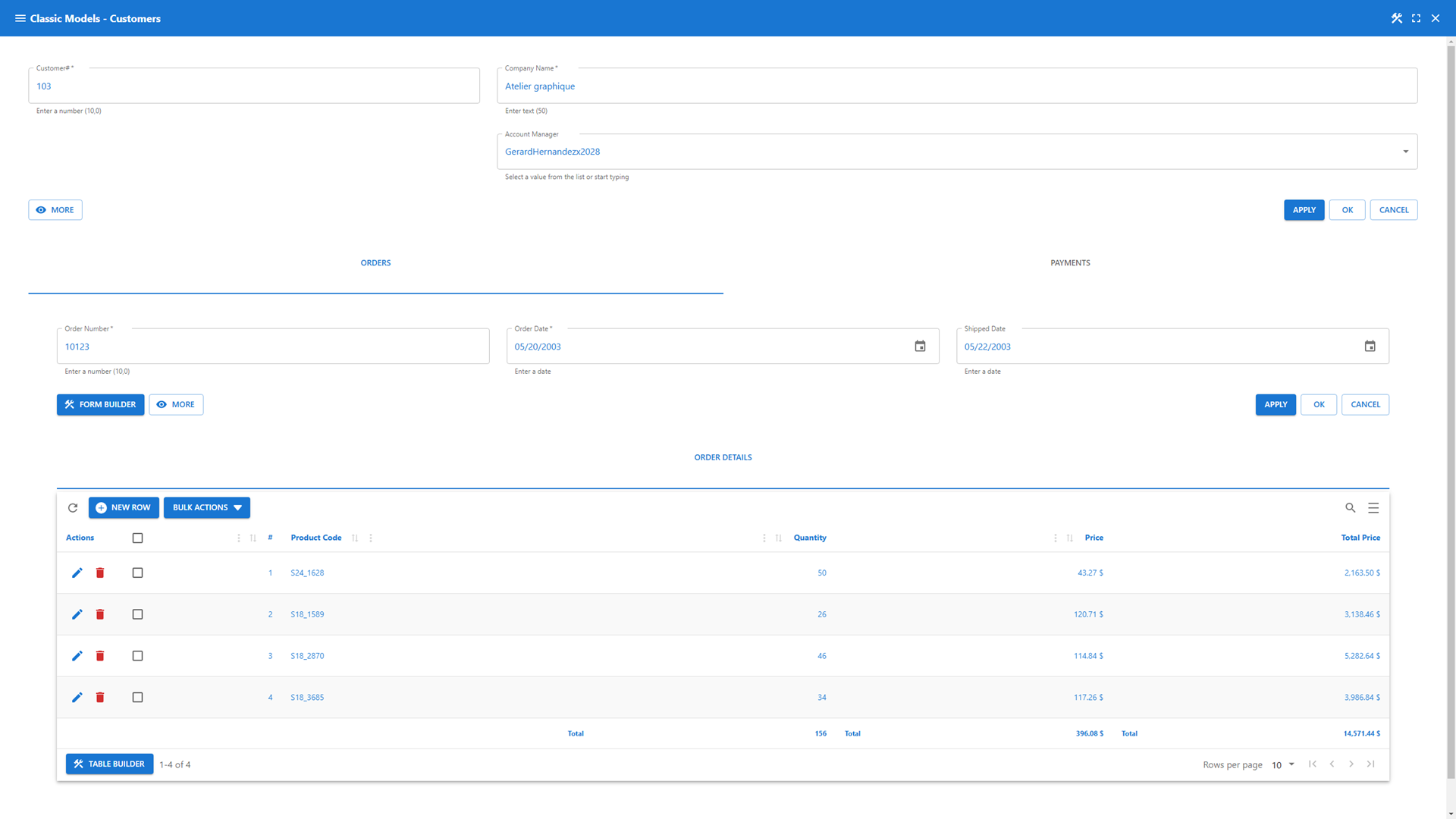
- Master-detail relationships for multi-level data structures 🔄
- Lookup and Computed Field Wizards to add functionality instantly 🧙
- Interactive client-side validations tied to your database constraints ✅
- Full access to the WordPress media library 📷🎞
- JavaScript hooks to customize business rules, validations and layout 🔧
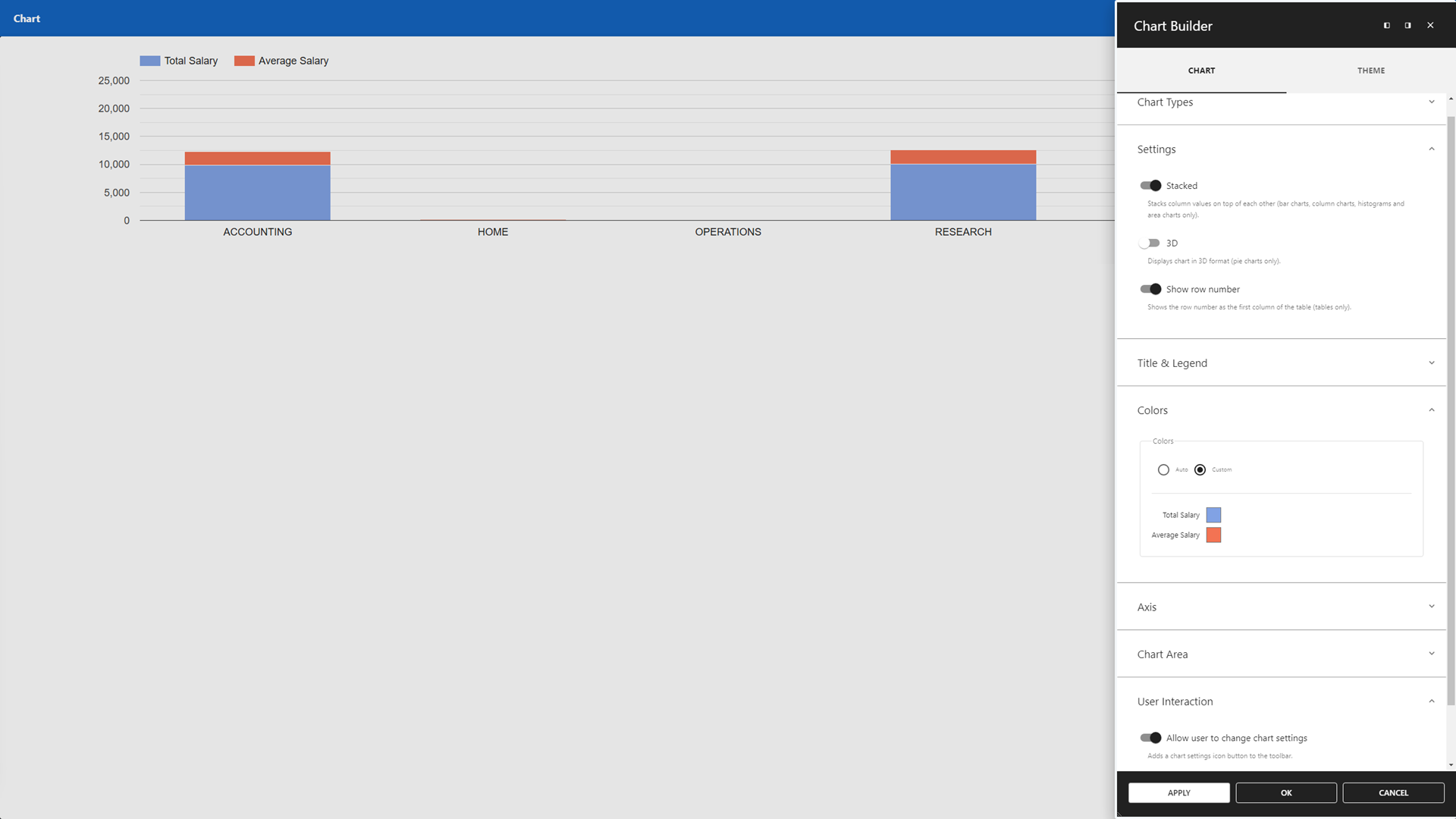
- Chart Builder – Transform your data into visual insights
- Google Charts integration 📊
- Create charts from SQL queries 📑
- Interactively adjustable chart configurations ✔
- Print/export charts 🖨📄
- Map Builder – Visualize your data geographically
- Google Maps integration for location-based apps 🌎
- Query-driven location visualizations 📍
- Interactively adjustable search radius 🔍
- Customizable marker content and layout 📌
- Dashboard Builder – Centralize insights with customizable widgets
- Combine all app types into cohesive dashboards ✅
- Customize dashboard layouts with flexible positioning and sizing ➕➖
- Customizable widgets presenting dynamic and static data
- Mix real-time data with fixed information for comprehensive overviews 📊
- Theme Builder – Make your app truly yours
- Personalize your app’s appearance with ease 🎨
- App Manager – Control your apps with confidence
- Authorization management based on WordPress user and role principles 🔒
- Add apps to back-end menus or front-end pages via shortcodes 🔽🌐
- Safe mode to temporarily disable hooks without breaking functionality 🔧
SQL Query Builder
Run and schedule SQL queries effortlessly from your WordPress dashboard.
- Schedule queries to run automatically at defined intervals 🕝
- Run batch jobs for automated data exchange across multiple databases 🤝
- AI Assistant to generate queries and fix common errors 🤖
- Tabbed interface for running multiple queries in parallel ▶
- Save and reuse queries – privately or globally 🔄
- Built-in safeguards to protect core WordPress tables and ensure data integrity 🔒
- Visual Query Builder to create complex queries without writing SQL 🎨
Data Explorer
Take full control of your data with a GUI-driven interface.
- Manage local and remote data 🗺
- Perform global search and replace across multiple databases and tables 🔍
- Import SQL and CSV files, with ZIP support for handling large datasets 📄
- Export data in various formats, including SQL, CSV, JSON, and XML 📄
- Rename, copy, truncate, drop, optimize, or alter tables 👤
- Advanced table and column options, such as geolocation, and enhanced search ✔
Premium Data Services
Connect, sync, and manage remote databases and data files.
- Compatible with all plugin features ✅
- Premium Remote Connection Wizard 🧙
- Remote Databases: Connect to SQL Server, Oracle, PostgreSQL, MariaDB, MySQL, and MS Access (file-based) 💻
- Remote Data Files: Sync with CSV, JSON, and XML files for dynamic updates (e.g., Google Sheets sync) 📄
Legacy Tools
Will be replaced by the App Builder.
- Available until at least december 2026 🕝
- Featuring
- Data Tables 🔍 – Can be replaced with Data Table app.
- Data Forms ✅ – Can be replaced with Data Management app or Registration Form.
- Maps 🌎 – Can be replaced with Map app.
- Charts 📊 – Can be replaced with Chart app.
- Dashboards 🎛️
- Use to maintain old solutions 🙏
- Use App Builder for new projects 🚀
Useful Links
Screenshots

Installation
(1) Upload the WP Data Access plugin to your WordPress site
(2) Activate the plugin
(3) Navigate to the WP Data Access menu
And you’re all set! 🚀
Reviews


Contributors & Developers
“WP Data Access – App Builder for Tables, Forms, Charts, Maps & Dashboards” is open source software. The following people have contributed to this plugin.
Contributors


“WP Data Access – App Builder for Tables, Forms, Charts, Maps & Dashboards” has been translated into 1 locale. Thank you to the translators for their contributions.
Interested in development?
Browse the code, check out the SVN repository, or subscribe to the development log by RSS.
Changelog
5.5.70
- Released 2026-04-02
- Added: Update hard row count in Data Explorer and App Builder
- Fixed: Textarea inline editing field height
- Fixed: Column Filters title not correctly aligned in compact mode
- Fixed: Filter state return null for column filter
- Fixed: Cannot unset media column type
- Fixed: Dynamic lookup not working for column values used in default where clause
- Fixed: Lookup fails with client-side processing and cascade drop-down lists
- Fixed: Remove column from form if deselected in App Manager
- Fixed: Prevent class pp-fullscreen being removed from body on app load for Data Apps
- Fixed: Class pp-fullscreen not added to body for dashboards
- Fixed: Adjust Divi and Elementor fullscreen CSS automatically
- Fixed: Remove gap from dashboard in fullscreen mode
- Updated freemius SDK
5.5.69
- Released 2026-03-09
- Added: Change highlight color (new Table Builder feature)
- Added: Change app title tag on toolbar (new App Manager feature)
- Added: Hide column filters title
- Added: Alternative column filter icon
- Added: Show column filters in compact mode
- Added: Save filter states
- Fixed: Highlighting corrupts HTML
- Fixed: Global hook not executed
- Fixed: Show correct error message if table drop attempt fails
- Fixed: Missing computed field label in table footer
- Fixed: Inline editing fields different width and height
- Fixed: SQL Query Builder navigates to other page without warning for unsaved changes
- Fixed: Table layout breaks when column filters are disabled (position left|right)
- Fixed: Cascading column filter behavior
- Fixed: Grid gap in full screen mode
- Fixed: Grid borders in full screen mode
- Fixed: CSS Table Editor document link
- Fixed: Form lookups updated on each field update
- Fixed: Responsive column hiding not working correctly with tabs
5.5.68
- Released 2026-02-12
- Fixed: Connect icon missing
5.5.67
- Released 2026-02-10
- Fixed: PDS authorization failure
5.5.66
- Released 2026-02-10
- Removed space between action column and first table column
- Spread app access over multiple access points to reduce load bundle and time
- Removed legacy icons from toolbar on fresh install
- Cleanup dynamically created app assets
- Use new Data Explorer by default
- Updated AI models
- Added: Table CSS editor
- Added: Always keep global search box visible option
- Added: More descriptive message if token has expired
- Added: Disable token verification for cached pages
- Added: Link to App Builder Getting Started video tutorial
- Fixed: Columns not properly displayed on tabs
- Fixed: Initial map and chart settings not affective
- Fixed: Limit number of rows to max table rows (instead of possible rows)
- Fixed: Media library not searchable with modal forms
- Fixed: Hide spinner on token expired message
- Fixed: Allow bulk delete without row delete
- Fixed: Disable navigation settings in Form Builder when not available
- Fixed: Delete row via bulk actions returns unauthorized error when delete is disabled in row actions
< 5.5.66
- See changelog.txt