

Description
JS Help Desk is a professional, AI-enhanced helpdesk and customer support system for WordPress. It offers a complete ticketing solution with front-end submission, guest tickets, and a native AI Copilot to boost agent efficiency.
Powered by Zywrap, the AI Copilot brings top-tier large language models directly into your ticket editor. Call AI by Code. Zero Prompt Engineering.
Key Resources
Free Version Major Features
Core Ticketing & Management
– Professional Support System: Enterprise-level ticketing for all users.
– Unlimited Tickets & Agents: No artificial limits on your growth.
– Unlimited Departments: Organize by Sales, Support, Billing, etc.
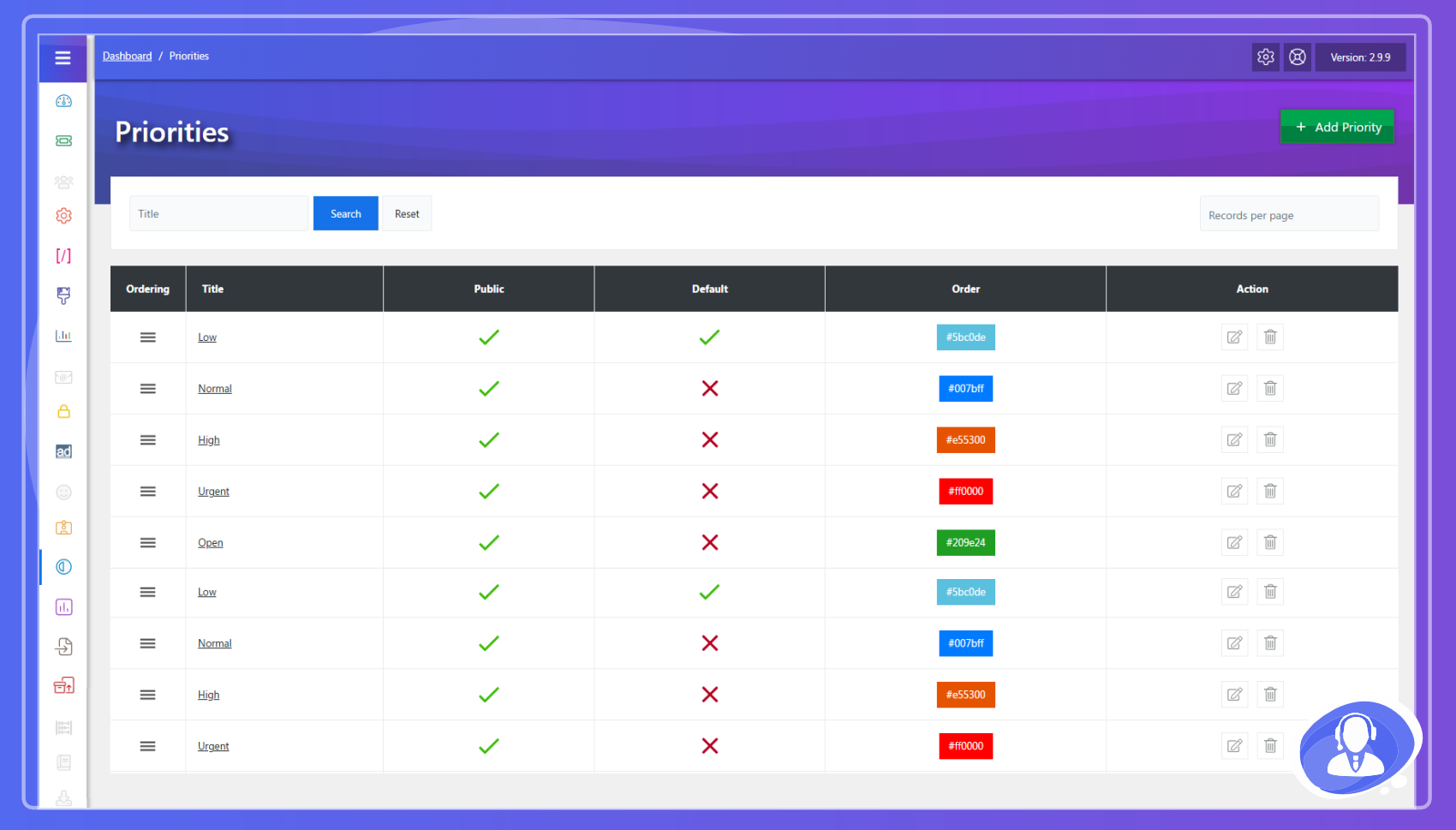
– Priority Management: Highlight urgent issues with custom colors.
– Internal Notes: Private notes with a title and a file attachment, never visible to the customer, plus a reason note when a ticket is transferred or assigned.
– Custom Statuses: Track ticket progress with clear status messages.
Zywrap AI Copilot (New!)
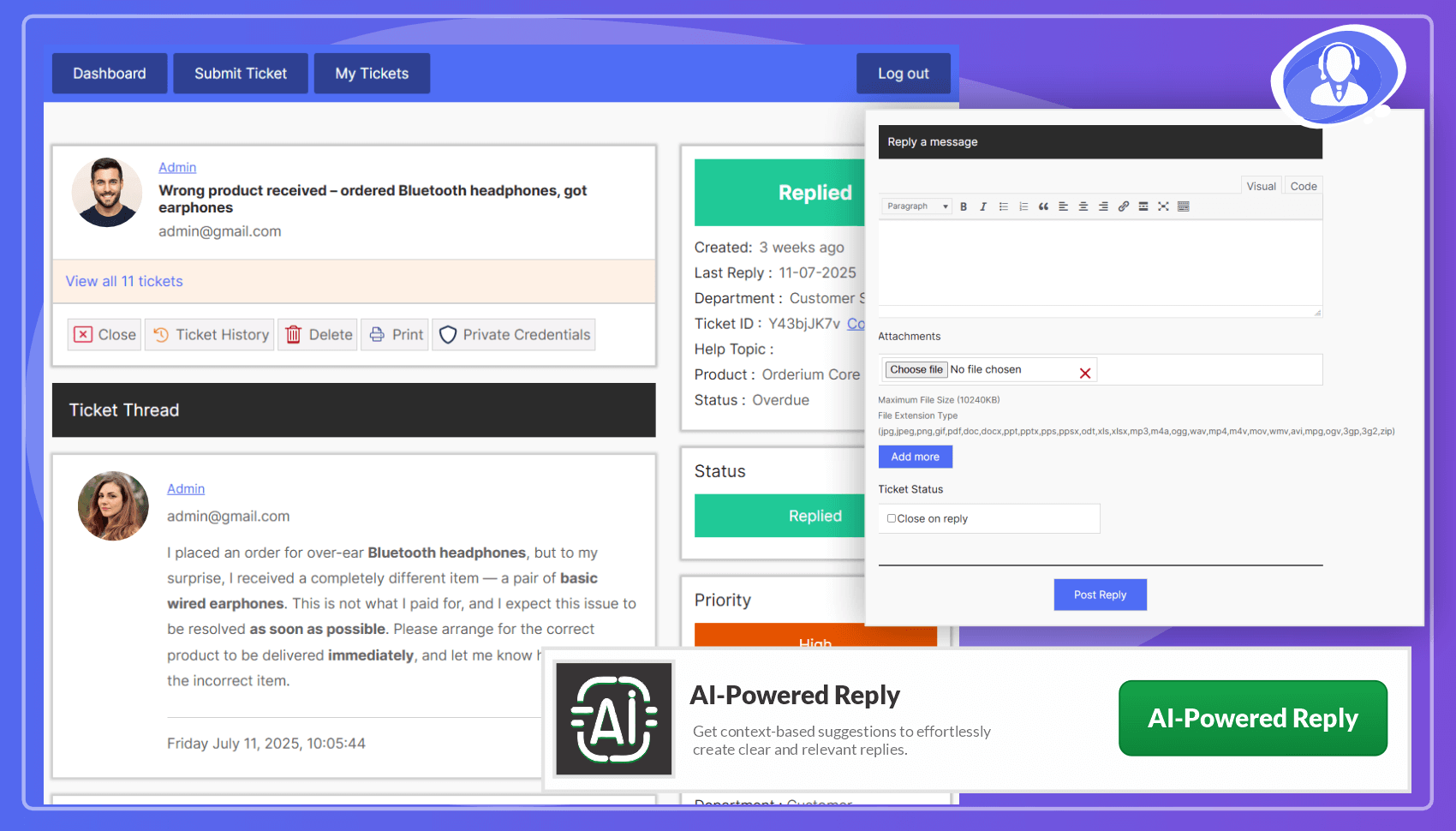
– Zero Prompt Engineering: Agents don’t need to write prompts. Simply select a Support Intent (e.g., “Ask for Info” or “Escalate”) and the AI does the rest.
– 1-Click Summaries: Instantly summarize long, complex ticket threads to get up to speed in seconds.
– Smart Data Extraction: Automatically extract error codes, browser versions, and URLs from customer messages into clean, readable Data Cards.
– Instant Translation: Break language barriers by translating customer messages or agent replies with a single click.
– Auto-Draft Replies: Generate complete, professional responses based on the context of the entire ticket history.
– Dynamic Routing: Automatically routes requests through the best available AI models (OpenAI, Anthropic, Gemini, Groq) via the Zywrap API.
User & Agent Experience
– Front-end Submission: Users create and track tickets without accessing the dashboard.
– Guest/Visitor Tickets: Allow users to open tickets without creating an account.
– Fully Responsive: Optimized for smartphones, tablets, and desktops.
– HTML Editor: Rich text support for ticket summaries and replies.
– Multiple Attachments: Admin-controlled size and file type limits.
– Two Agent Tiers, Free: Staff the help desk from ordinary WordPress roles, with no add-on. Help Desk Agent works the queue in full; Help Desk Light Agent reads tickets and writes internal notes but can never answer the customer — the seat for the developer who has to look at the bug but must not reply to the person who reported it.
Automation & AI
– Instant Answers (New!): As a customer describes their problem, matching knowledge base articles, FAQs and canned responses surface right on the ticket form – so the simple questions get answered before a ticket is ever filed.
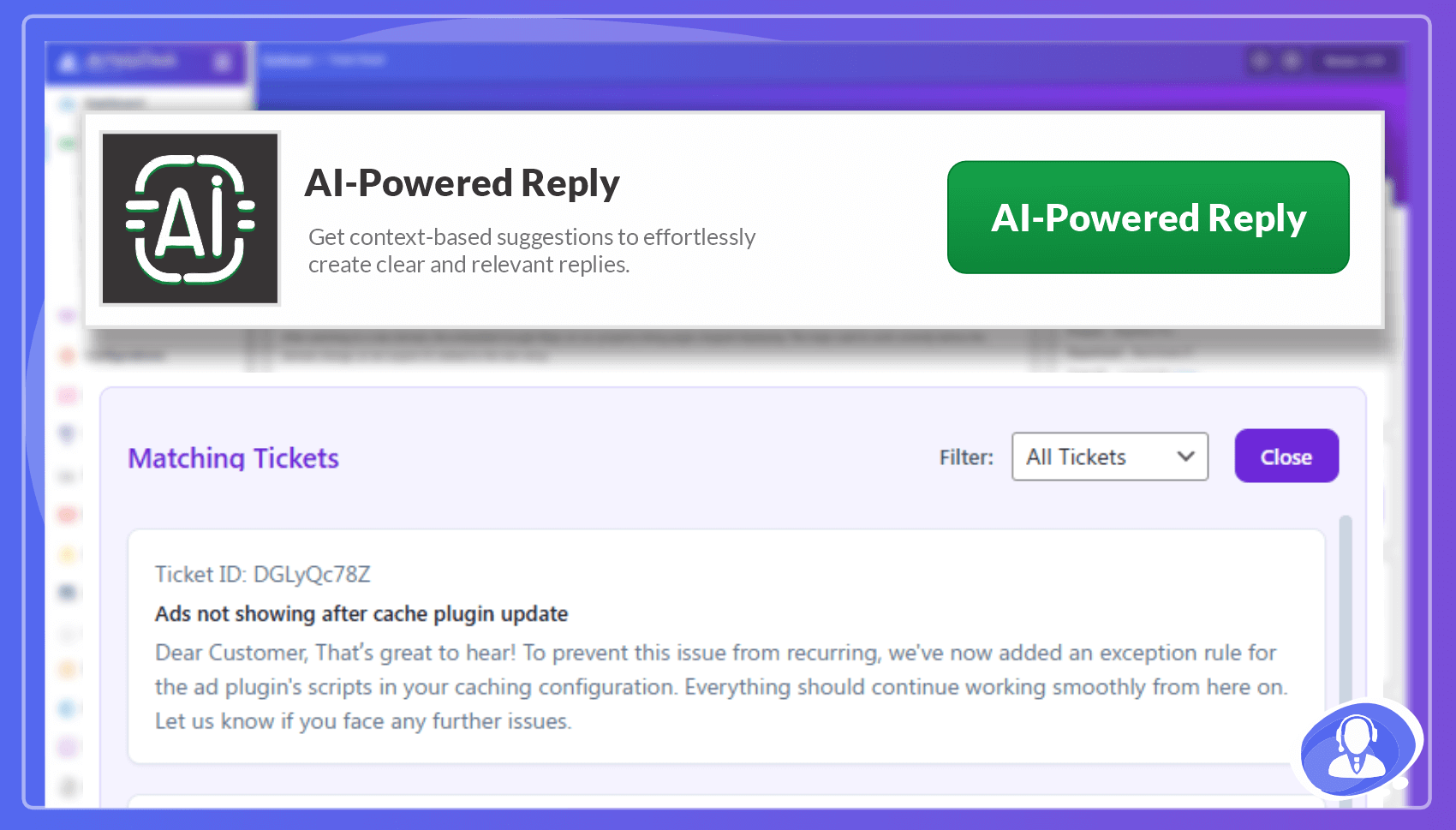
– AI-Powered Reply Suggestions: Generate context-aware smart responses to save time.
– Email Notifications: Automated alerts for new tickets, replies, and status changes.
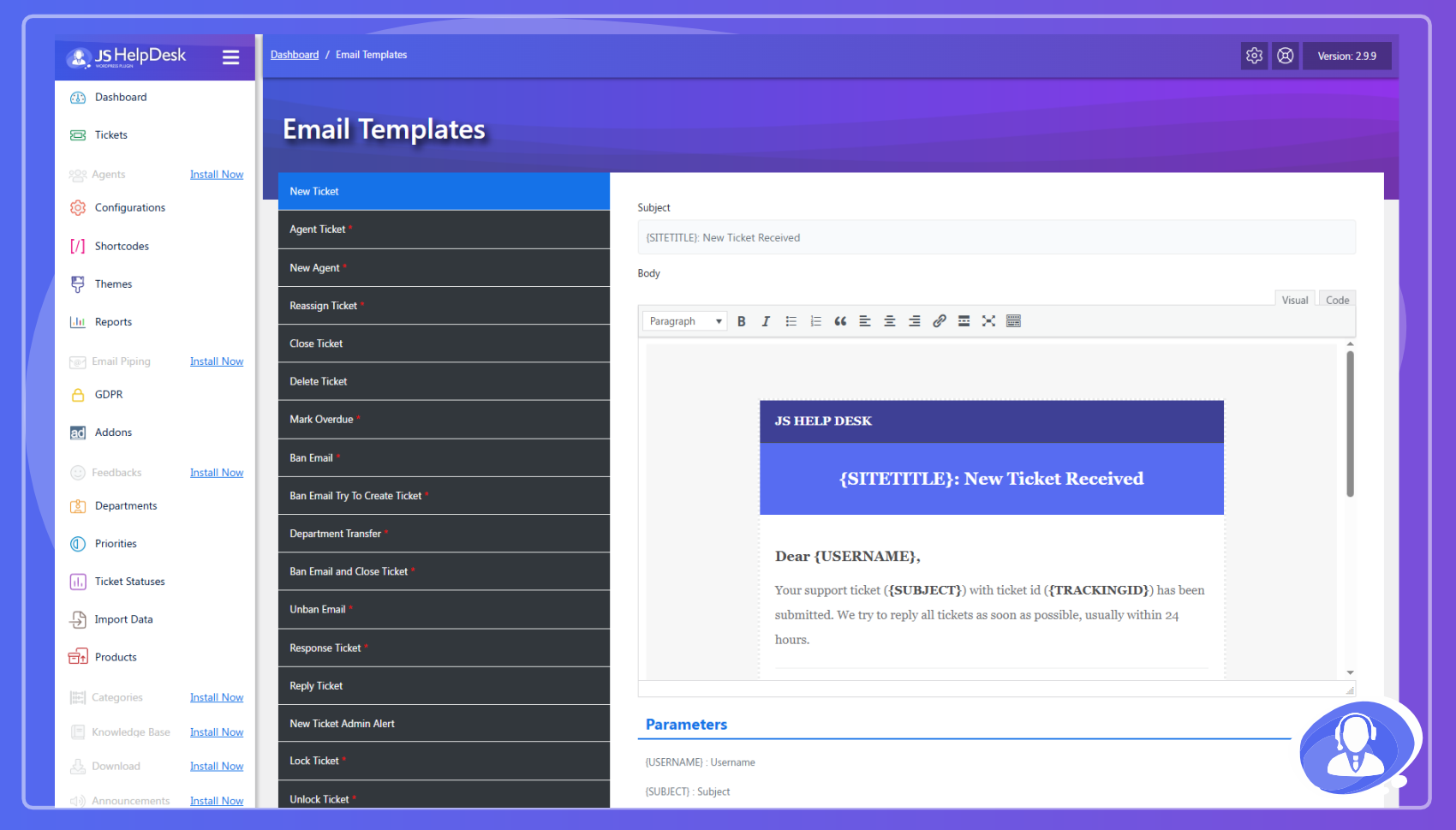
– Field & Email Managers: Full control over 12+ custom fields and HTML email templates.
Security & Compliance
– GDPR Ready: Built-in tools for data erasure and anonymization.
– Spam Protection: Invisible verification with no third-party account needed, or Cloudflare Turnstile, hCaptcha or Google reCAPTCHA v2/v3 if you prefer. Plus per-visitor submission rate limits.
– Ticket Activity Timeline: Every ticket keeps a readable event stream — who did what, from where, and which field changed from what to what.
– Terms & Conditions: Require agreement before ticket submission.
Customization & Reporting
– Color Themes: 7 preset palettes to match your brand.
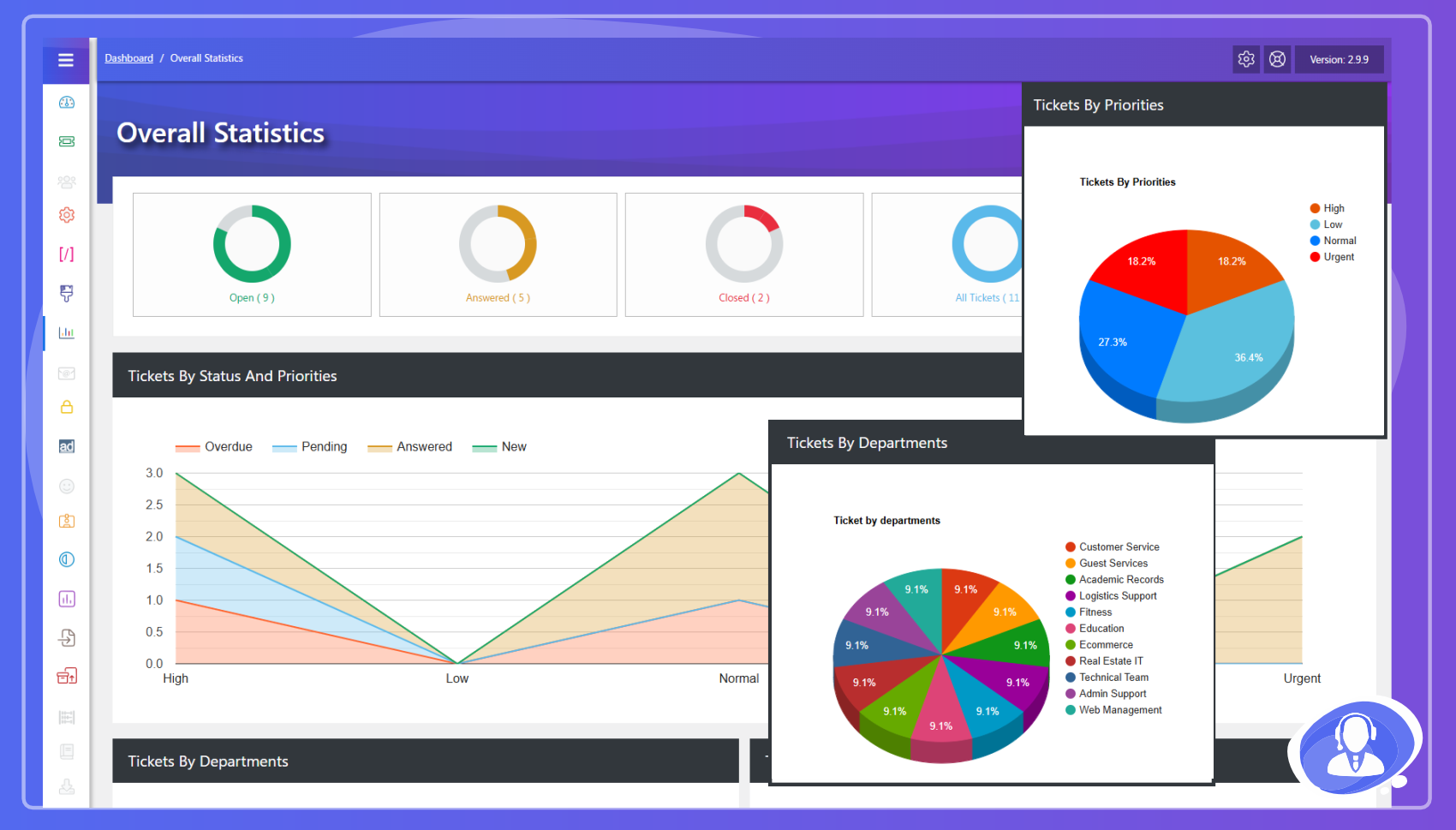
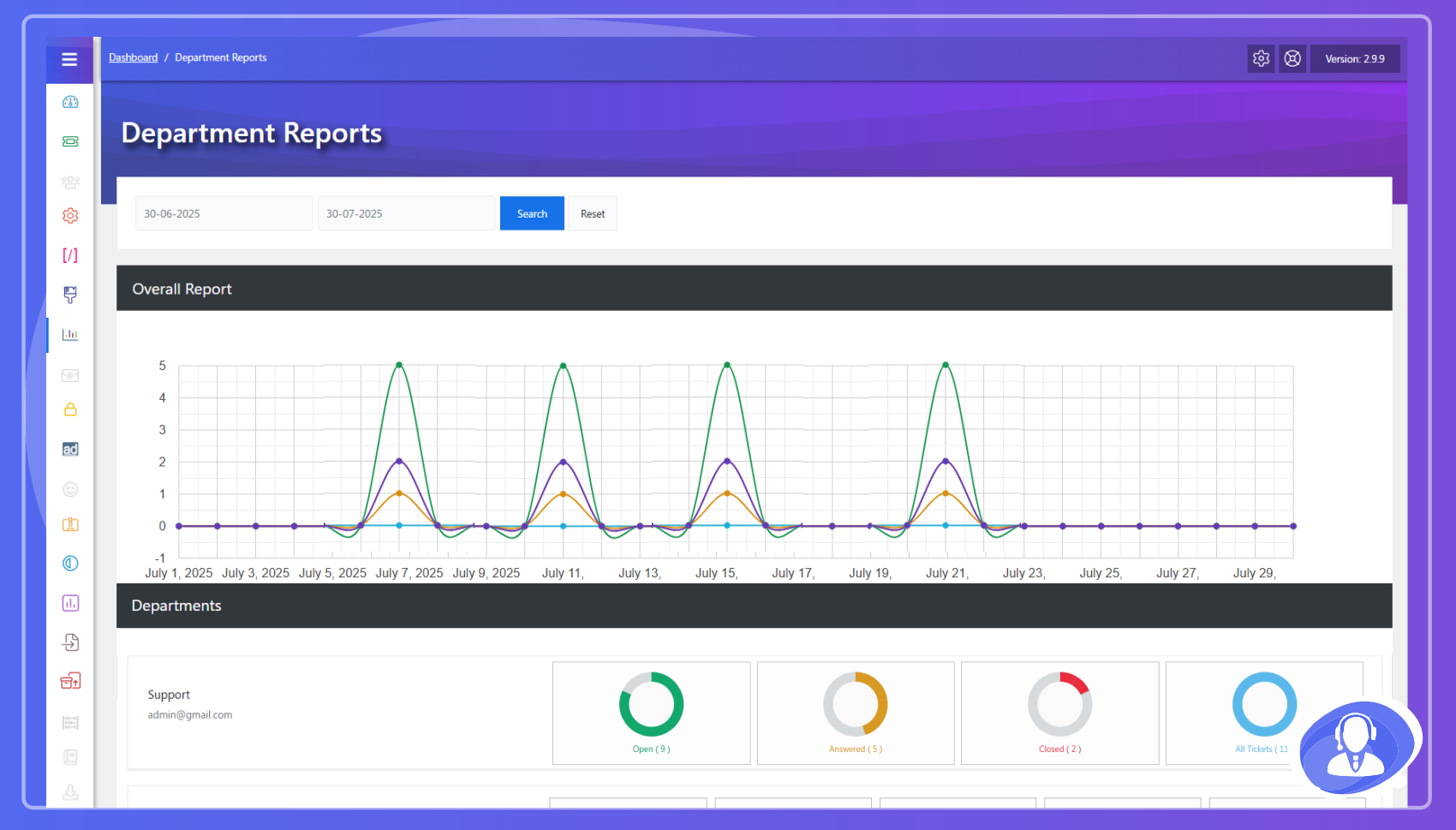
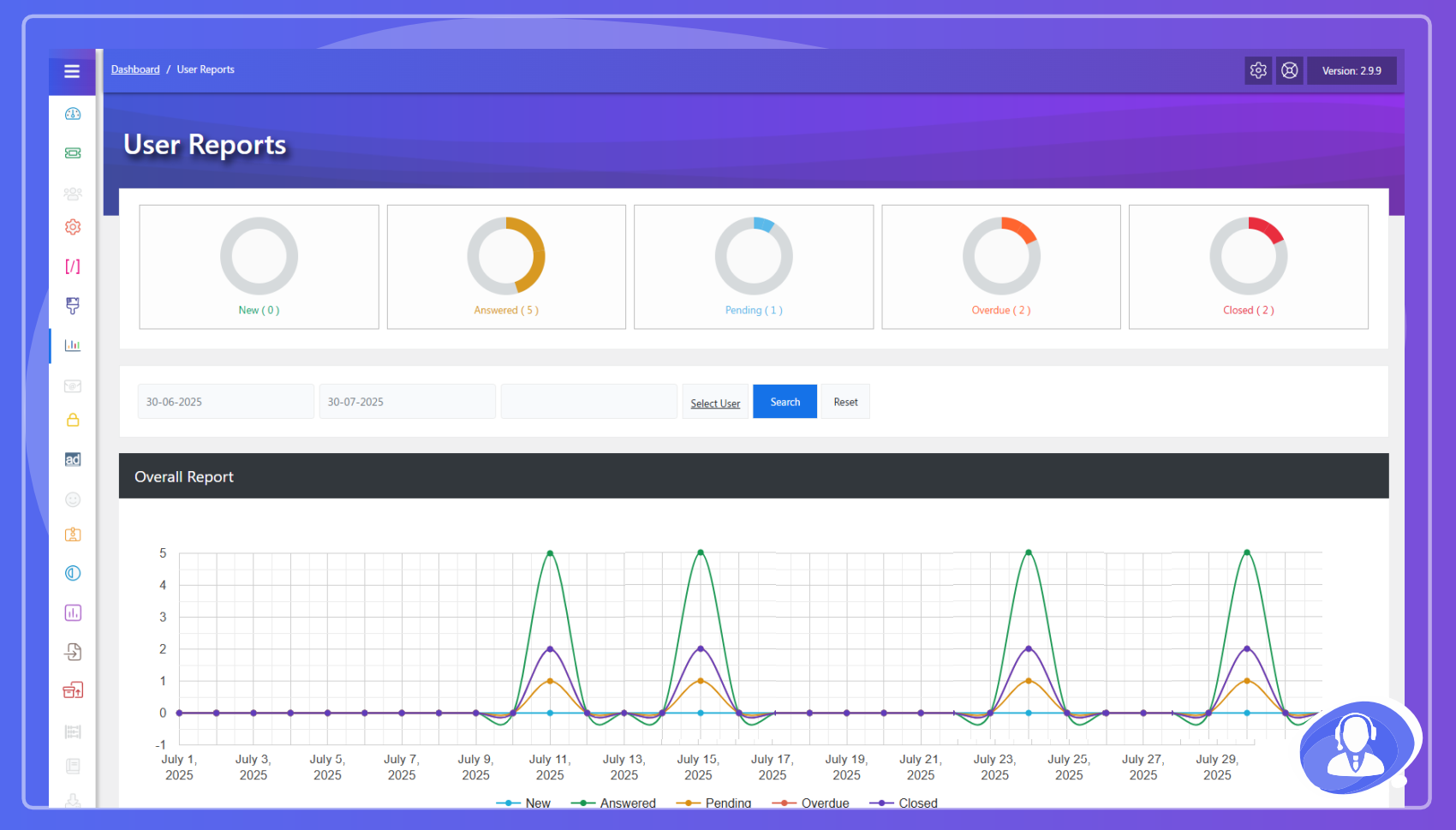
– Detailed Reports: Summaries by agent, department, priority, and status.
– RTL Ready: Full support for right-to-left languages.
– Translations: Supports 35+ languages including French, German, Spanish, Arabic, and Chinese.
Shortcodes
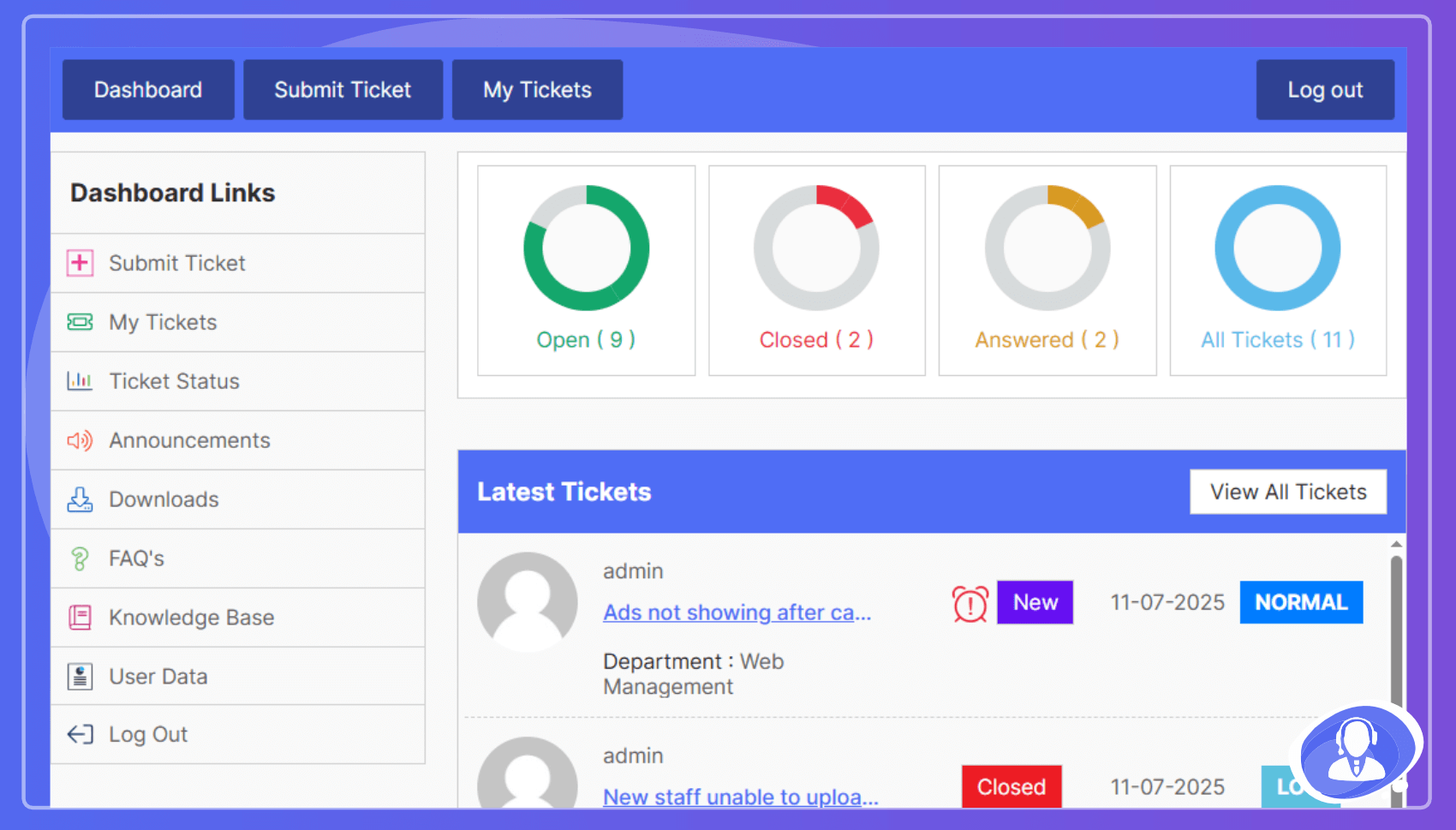
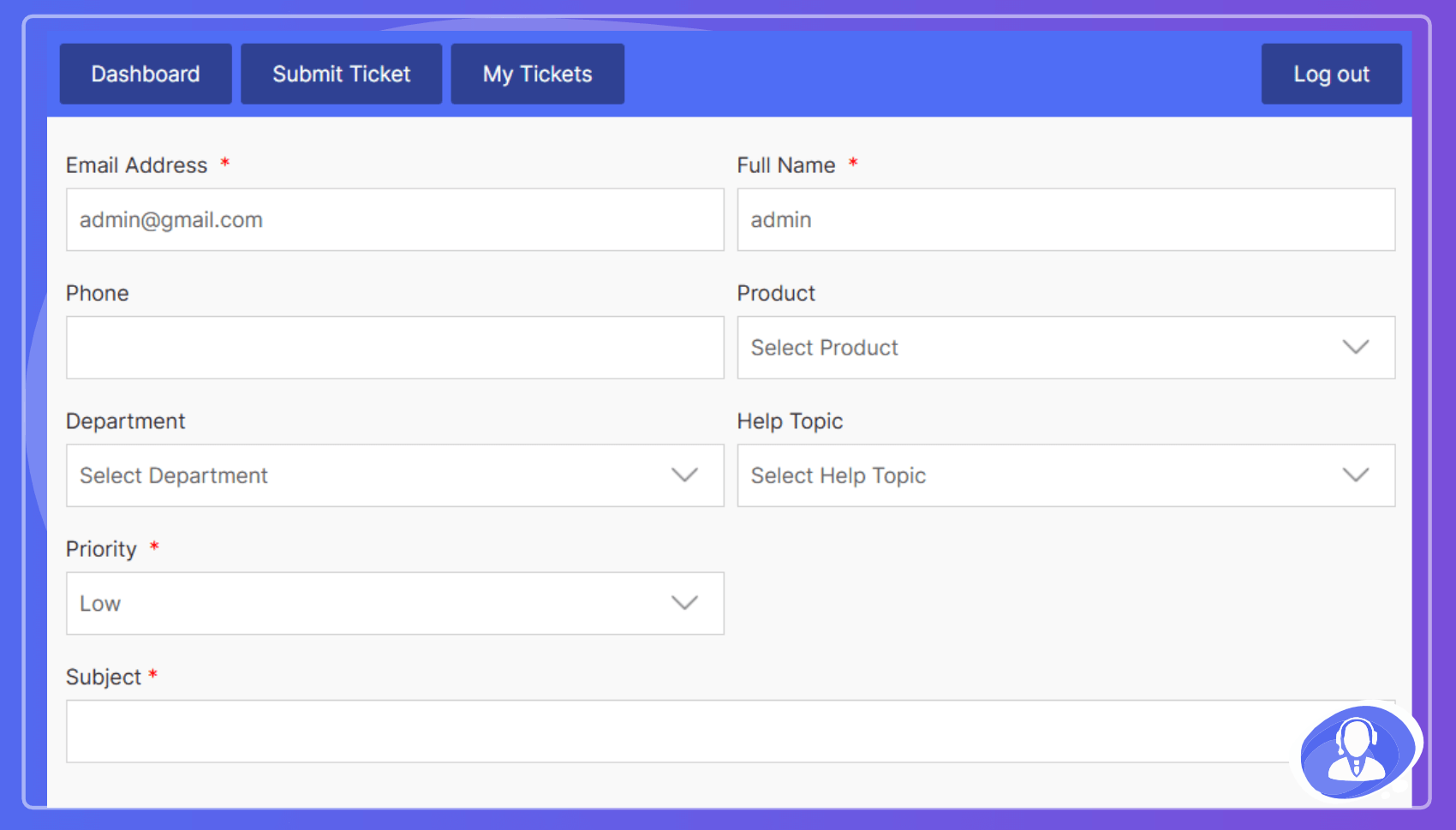
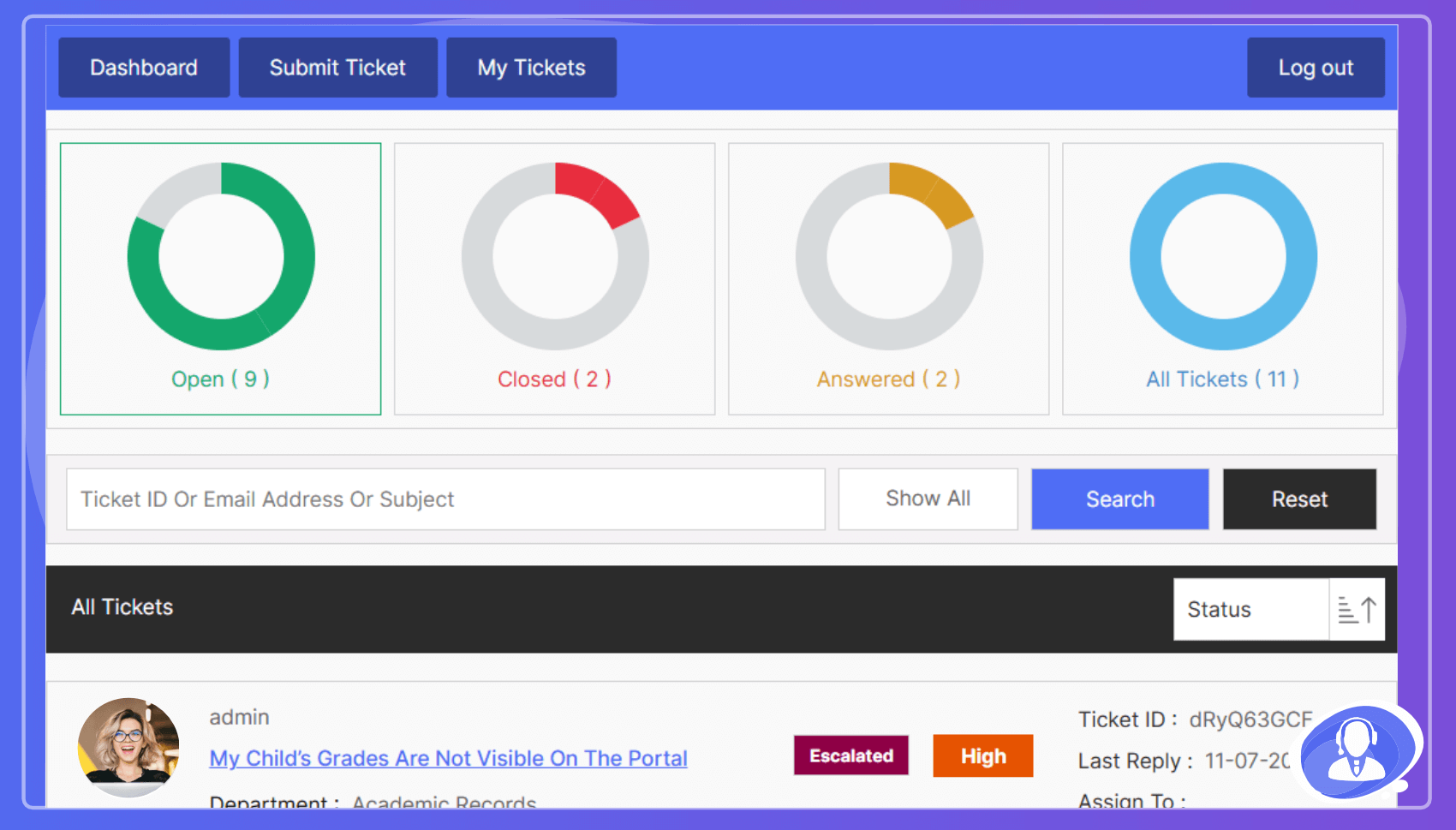
[jssupportticket]– Control Panel[jssupportticket_addticket]– Add New Ticket form[jssupportticket_mytickets]– User Ticket List
Premium Add-Ons
JS Help Desk is a complete help desk system with 35+ professional addons.
- Email Piping – Create/reply to tickets via email.
- Time Tracking – Log time spent on resolutions.
- Paid Support – Charge per ticket or subscription.
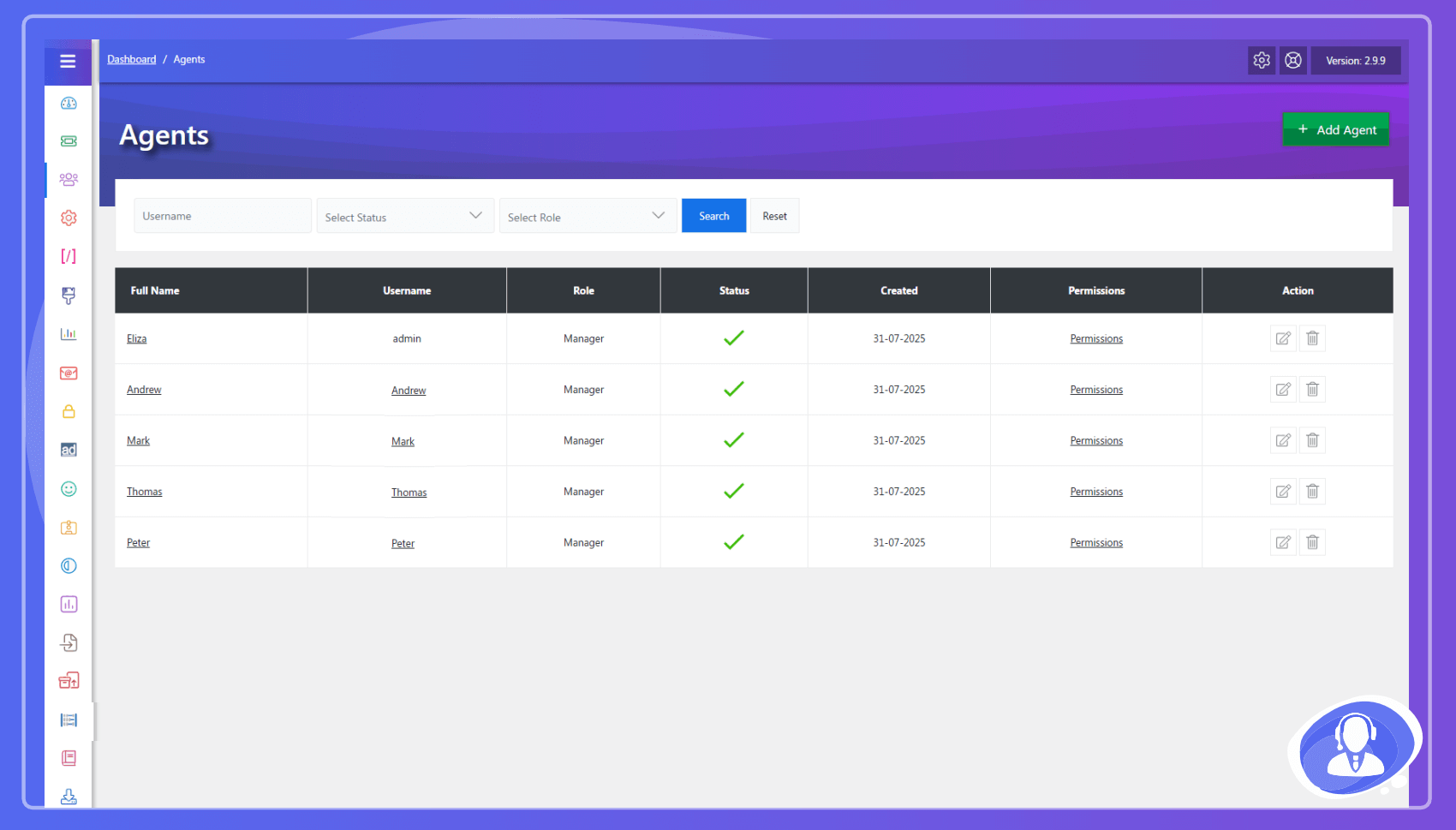
- Agents – Multi-agent management & permissions.
- Agent Auto Assign – Rule-based ticket routing.
- Multi Forms – Unique forms per department.
- Merge Tickets – Combine duplicate queries easily.
- Ticket Overdue – Track SLA deadlines & response times.
- SMTP – Custom email protocol for reliability.
- Ban Email – Block specific users or domains.
- WooCommerce – Connect support to customer orders.
- Private Credentials – Store & auto-delete sensitive data.
- Export – Export ticket data/history.
- Desktop Notification – Real-time browser alerts.
- Ticket Auto Close – Auto-close inactive ticket threads.
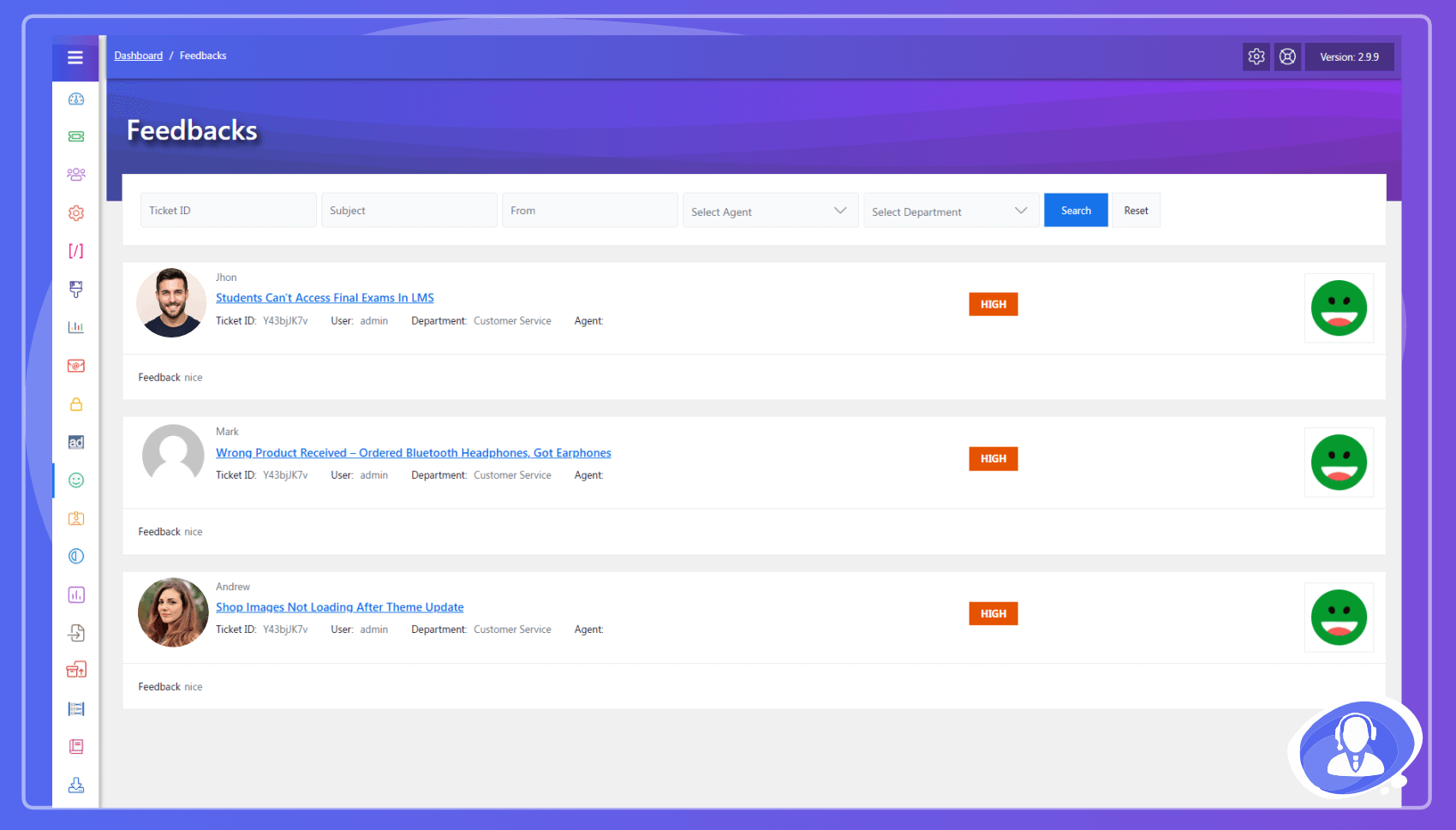
- Feedback – Collect agent performance ratings.
- Knowledge Base – Self-service documentation portal.
- Mail Chimp – Sync users to marketing mailing lists.
- Announcements – Broadcast news to all support users.
- Downloads – Share supporting files with customers.
- FAQ – Database of frequently asked questions.
- Internal Mail – Agent-to-agent messaging system.
- Envato Validation – Verify purchase codes for tickets.
- Front-End Widgets – Display ticket stats in sidebars.
- Multi Language Emails – Language-based templates.
- Easy Digital Download – Integrated support for EDD.
Privacy & Third-Party Service Disclosure
AI Copilot (Zywrap)
To provide advanced AI functionalities, JS Help Desk integrates with the Zywrap Cloud API (a third-party service).
- Data Transmission: When an agent actively uses an AI feature (such as “Generate Reply”, “Summarize”, “Extract Details”, or “Translate”), the content of the specific ticket thread and the customer’s message are securely transmitted to the Zywrap API to generate the response.
- Opt-In Required: The AI Copilot is completely disabled by default. No data is transmitted unless an Administrator explicitly registers for a Zywrap account, inputs their API Key in the settings, and an agent clicks an AI action button.
- Data Usage: Data sent to the Zywrap API is used strictly for generating the requested AI text in real-time. Please review the Zywrap Privacy Policy for full details on data handling.
Spam Protection (CAPTCHA)
JS Help Desk can verify that a ticket submission was made by a person. It ships with a self-hosted verification method, and optionally supports four third-party CAPTCHA services.
- The default makes no external requests. Out of the box the plugin uses its built-in check – a honeypot field, submission timing, and a small proof of work performed in the visitor’s browser. Nothing is loaded from a third party and no data leaves your site.
- Third-party services are opt-in. Cloudflare Turnstile, hCaptcha, Google reCAPTCHA v3 and Google reCAPTCHA v2 are offered as alternatives. One is used only after an administrator selects it and enters the site key and secret key of their own account with that provider. If either key is missing, the plugin falls back to the built-in check rather than blocking submissions.
- Why the provider’s own domain is used. A CAPTCHA is an anti-abuse service that issues a token at its own edge and validates that token against its own records. The challenge script therefore cannot be served from your site, and the response cannot be verified locally – both requests are required for the feature to function. When a provider is selected, its script is loaded on the ticket form and the visitor’s response is verified server-to-server:
- Cloudflare Turnstile – challenges.cloudflare.com (Terms, Privacy Policy)
- hCaptcha – js.hcaptcha.com, api.hcaptcha.com (Terms, Privacy Policy)
- Google reCAPTCHA v2 and v3 – www.google.com/recaptcha (Terms, Privacy Policy)
- What is transmitted. Only the challenge token generated in the visitor’s browser, your secret key, and the visitor’s IP address are sent to the selected provider’s verification endpoint. Ticket content, subjects, names and e-mail addresses are never sent to a CAPTCHA provider.
- Choosing none of them. Administrators who do not want any third-party request can leave the built-in provider selected, or turn verification off entirely.
Screenshots
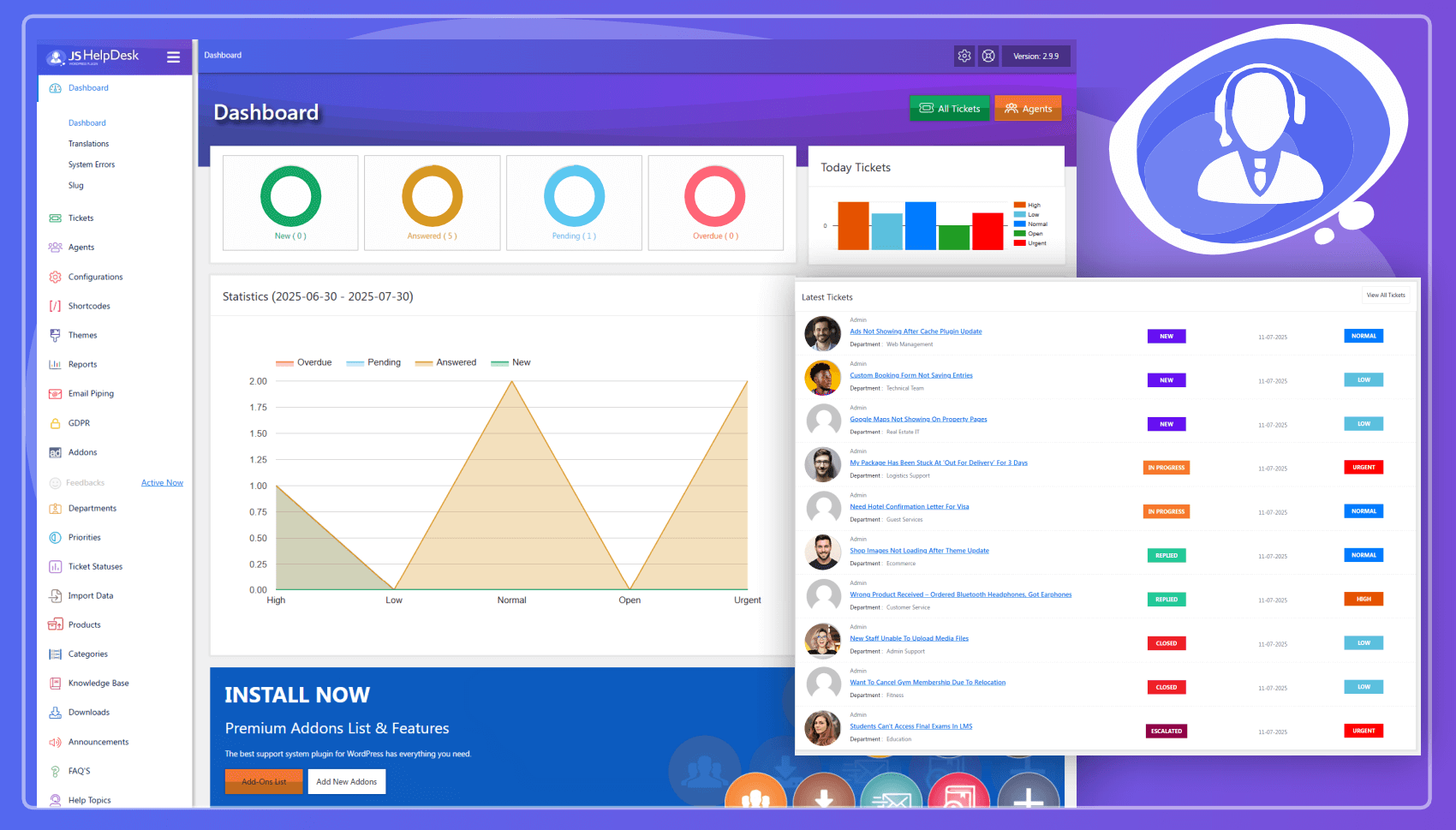
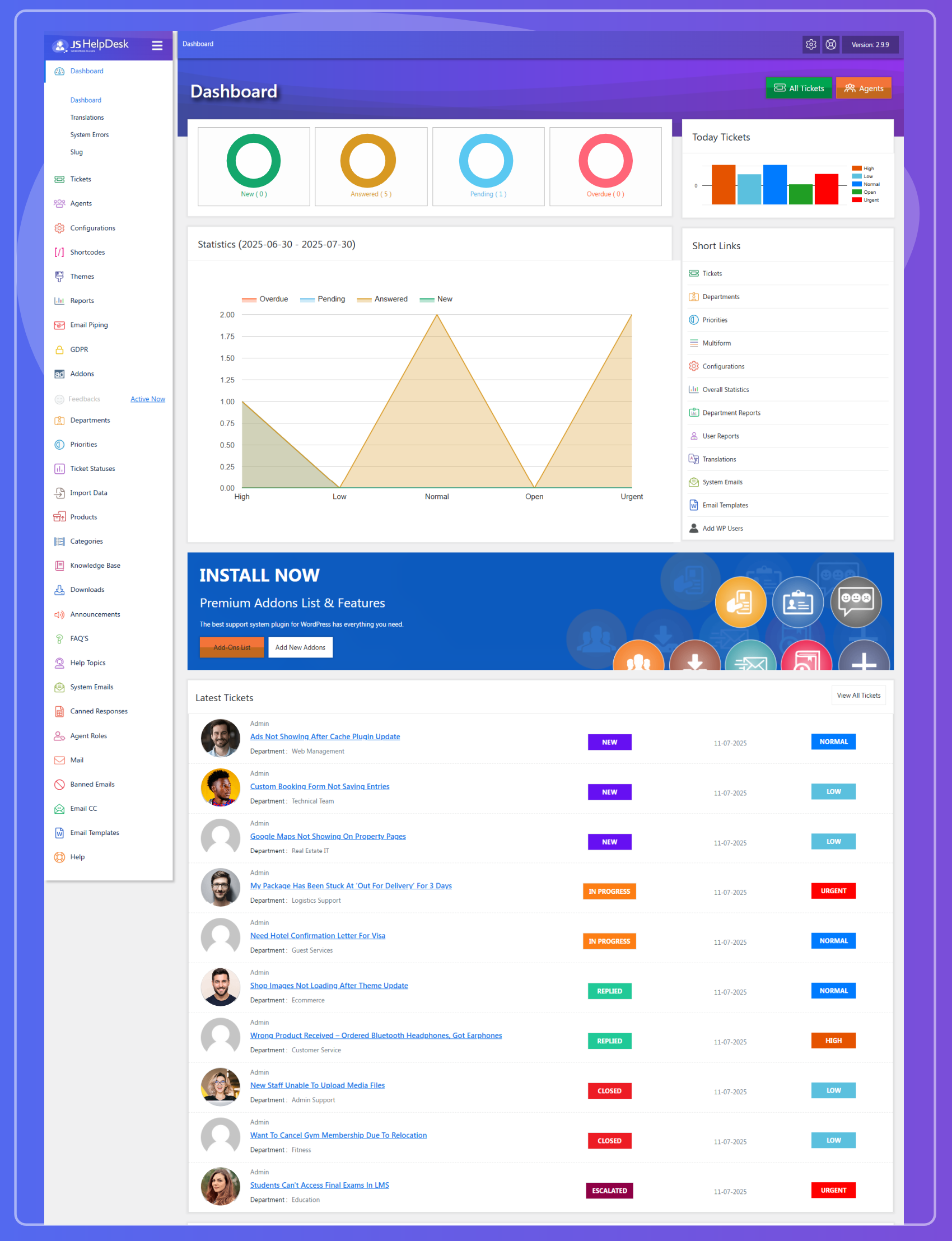
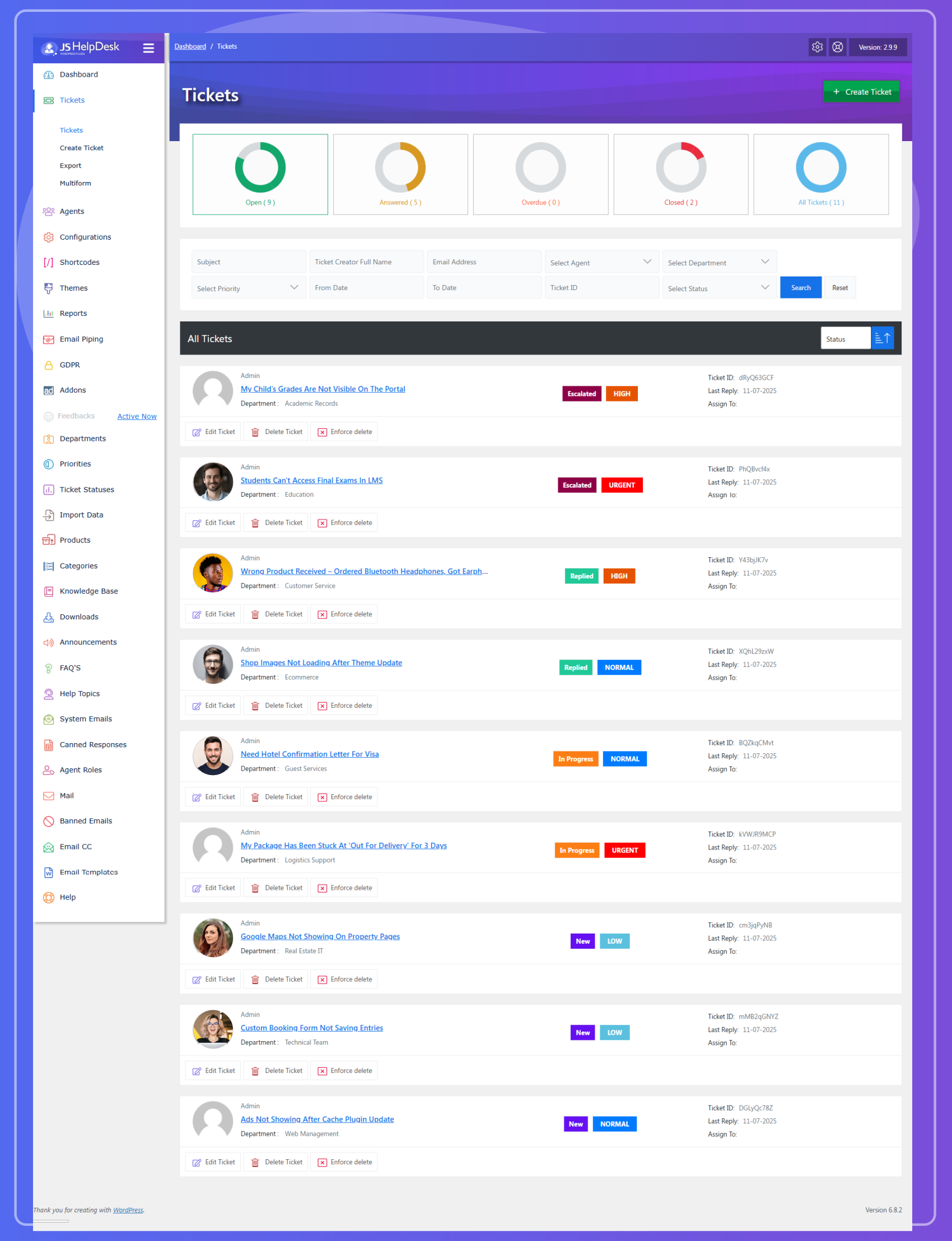
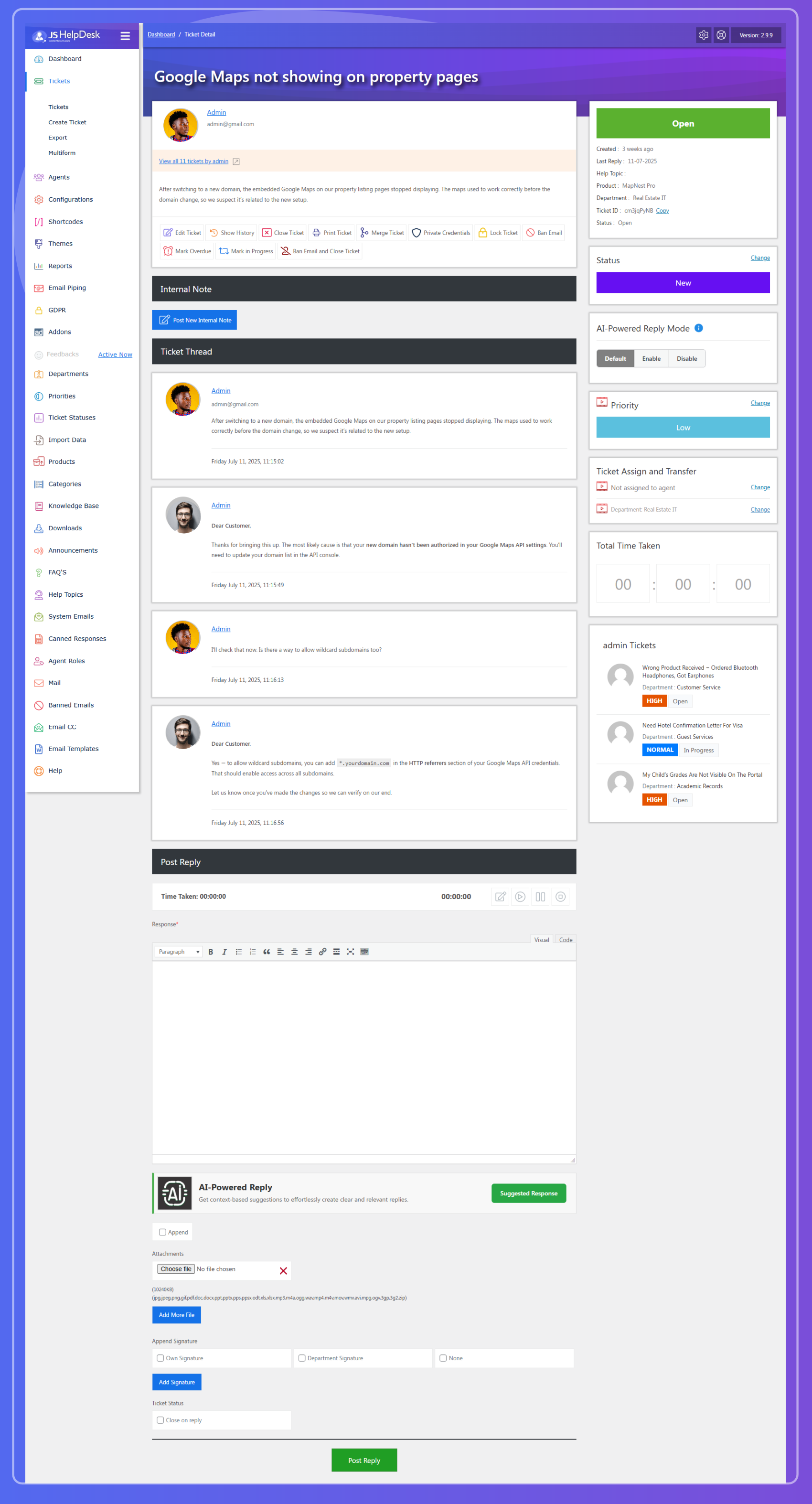
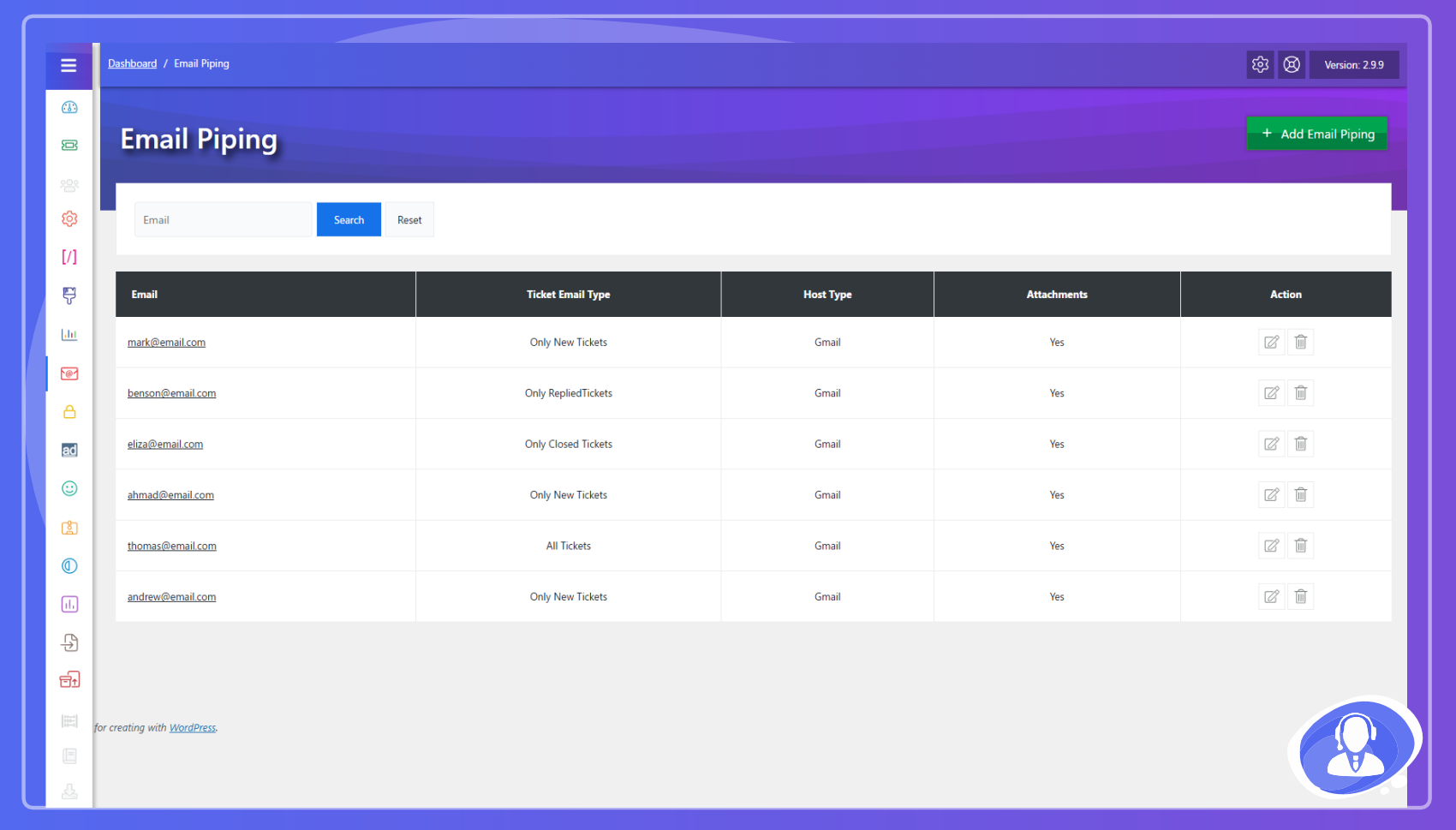
Installation
Automatic installation
Log in to your WordPress dashboard, navigate to the Plugins menu and click Add New. Search for “JS Help Desk” and click Install Now.
Manual installation
Download the zip file and upload the folder to your /wp-content/plugins/ directory.
FAQ
-
Can users open support tickets from the front-end?
-
Yes, users can submit and manage tickets entirely from the site front-end.
-
Will JS Help Desk work with my theme?
-
Yes, it is designed to be compatible with any standard-compliant WordPress theme.
-
Is it RTL ready?
-
Yes, we fully support RTL languages like Arabic and Hebrew.
Reviews


Contributors & Developers
“JS Help Desk – AI-Powered Support & Ticketing System” is open source software. The following people have contributed to this plugin.
Contributors
“JS Help Desk – AI-Powered Support & Ticketing System” has been translated into 1 locale. Thank you to the translators for their contributions.
Translate “JS Help Desk – AI-Powered Support & Ticketing System” into your language.
Interested in development?
Browse the code, check out the SVN repository, or subscribe to the development log by RSS.
Changelog
4.0.0
New, free
* You are told when a colleague is on the same ticket. A line above the reply box names whoever else has it open, and says so more loudly when one of them is actually typing — so the second person to arrive finds out before writing the reply rather than after sending it. The bar is empty and invisible on a ticket nobody else is on, and somebody who leaves the ticket, closes the tab or switches to another window drops off it within a minute. Nothing is stored: it is worked out from who is on the page right now.
* And if a reply lands while you are writing, the ticket says so. Someone who arrives, answers and leaves in the time it takes you to compose a paragraph would otherwise be invisible, and the customer gets two answers that do not agree. The composer notices the ticket has moved on and offers to reload it before you send. It never stops you sending — if you have read the warning and still mean to reply, you are usually right.
* Your reply is kept as you type. The composer saves a copy in your browser as you write and another on the server every twenty seconds, so a refresh, an expired session or a closed laptop no longer costs you a long reply. Come back to the ticket and it offers the unsent text back with the time you last touched it — it never pastes it in for you, because quietly restoring something you had abandoned is how a half-finished reply gets sent. Public replies and internal notes are kept separately, drafts are yours alone even when a colleague is on the same ticket, and posting clears them.
* System Status, a page answering the questions a support engineer asks first: versions and limits, whether every scheduled job is actually running, whether the plugin can write to the folders it needs, what happens to your data if the plugin is deleted, and the most recent errors. Below it is a Download debug file button producing one file you can attach to a bug report — with passwords, API keys and licence keys stripped out first. Redaction is default-deny: anything whose name looks like a credential is removed, and so is anything that looks like one regardless of its name.
* Each page load now carries a short identifier that appears on any error it records, so a support engineer can ask for everything from one click rather than guessing which log lines belong together.
* Setup, a six-point checklist that tells you whether this help desk actually works yet: a page your customers can use, an address to send from, somewhere for tickets to go, somebody to answer them, proof that e-mail leaves the building, and one ticket raised end to end. Every point is checked against your site each time you open it — not against what you have clicked — so it is still right when somebody else inherits the site, and it notices if the help desk page gets unpublished a year from now. The page can be created from the list in one click; the rest take you to the screen that already does that job. It appears in the menu with a count of what is left, and you can hide it whenever you like. A one-person help desk with no Agents add-on counts as complete rather than being shown a step it can never finish.
* Email Health, a new screen under Emails, for the complaint every help desk gets and nobody can answer: “I never got the e-mail.” It reports the four things that actually explain it. Who sends your mail — a named plugin if you have one, or a warning that nothing does and WordPress is falling back to PHP mail(), which most hosts either block or send from an address receiving servers do not trust. What address your notifications claim to be from, and whether that will survive the checks receiving servers run: sending as a Gmail, Yahoo or Outlook address is called out as the outright failure it is, because those providers instruct receivers to discard mail sent on their behalf from anywhere else. Whether the last message this site tried to send was accepted or refused, with the mail service’s own error if it was refused. And whether the scheduled jobs behind mail collection are actually running, including the case where WP-Cron is switched off in wp-config.php and nobody set up a real cron to replace it — a site in that state looks perfectly healthy until somebody asks why no e-mail has been collected for a week.
* A test message you can send from that screen to any address. It travels exactly the same path a real notification does, so whatever handles your mail handles the test too, and the result tells you what happened rather than just that it failed.
* One place to write, and no doubt about who will read it. Posting an internal note used to mean opening a pop-up that looked nothing like the reply box; now the reply box itself has two modes — Public reply and Internal note — switched with a tab above it. Internal mode turns the whole composer amber and states plainly that the customer cannot see it and will not be notified. The two remain separate forms behind the scenes, so text written as a note cannot be posted as a reply.
* The ticket list keeps its card-per-ticket layout, and gains the things it was missing: a Compact switch that fits about a fifth more tickets on a screen, and keyboard movement — j and k move between tickets, Enter opens one, x ticks it for a bulk action. Nothing fires while you are typing in the search box. Cards were kept deliberately: any field on this system can be flagged “show on listing”, custom fields included, so the number of things to show is set by you and has no limit. A card stacks label and value, so twenty fields make the card taller; columns would have made the page scroll sideways.
* Keyboard navigation. j and k move down and up the list, Enter opens the ticket, and x ticks it for a bulk action. Nothing fires while you are typing in the search box or a filter.
* Help Topics are now just Topics, and they do considerably more. A topic can sit under a parent topic, up to three levels deep, so “Billing Refunds Chargebacks” is one structure rather than three unrelated entries — and the nesting shows as an indented tree on the topics screen and in the ticket form’s list. A topic that would end up underneath itself, or nested too deep, is refused with the reason; a topic that still has topics underneath it cannot be deleted until they are moved.
* A topic can name the agent who owns it, and one topic can be marked as the default and is preselected on the ticket form.
* Topics now fill in the form. Choosing one sets the department and the priority the person filling in the form has not already chosen — an explicit choice is never overridden. The rule runs on the server as well as in the browser, so a ticket arriving by e-mail or from a form whose scripts did not load is routed the same way as one typed in by hand.
* Search the ticket queue. One box above the list searches the subject, the customer’s first message, every reply on the ticket, the customer’s name and e-mail address, and the ticket ID — all at once. Type two words and you get the tickets where both appear, wherever they appear: “refund invoice” finds the ticket whose subject says refund and whose third reply says invoice. Put quotation marks round words to search them as a phrase. The search narrows whatever tab and filters you already have set rather than replacing them.
* Two new queues answer the question the ticket list never used to. Waiting on Agent is every open ticket whose last word came from the customer — the work that is actually yours. Waiting on Customer is every open ticket whose last word came from an agent. Both are worked out from who replied last, so they are right on day one, on a site with renamed statuses, and on a site with statuses of its own.
* Saved views. Set up the search and filters you use every morning, give them a name, and pick them from the list next time. A view stores the tab, the search, and every filter on the screen, and choosing one puts the queue back exactly as it was. Views are your own — nobody else sees yours. Shared and team views remain paid features.
* Ticket tags. Any ticket can carry tags, typed as a comma-separated list on the ticket screen, with the tags already in use suggested as you type. Spelling and case do not create duplicates: Billing, billing and BILLING are one tag. Tags show on the ticket list, clicking one filters the list to it, and the queue has a tag filter of its own. Every tag change is recorded on the ticket history with who made it. Tags are internal — customers never see them.
* Retention cleanup is now part of the free plugin, and it will tell you what it is about to do before it does it. The settings screen shows how many tickets would be permanently deleted, how many attachments would go and how much storage that frees, the cutoff date, the exclusions in force and the oldest tickets in scope — recalculated every time you open the screen, deleting nothing. You can keep whole departments or priorities out of retention, and the last run is reported with what it removed. Archive tiers, legal hold and deletion approvals remain paid features.
* Blocking senders is now part of the free plugin, and it can block a whole domain: enter an address to block one person, or a domain such as @throwaway.example to refuse every address at it. Entries are validated when you add them and duplicates are refused, so a rule that blocks nothing cannot sit in the list looking as though it works. Wildcards and regular expressions, imported lists, automation, the ban log and reputation signals remain paid features.
* Ticket limits per customer are now part of the free plugin: a lifetime cap and a cap on how many tickets one customer may have open at once, both with a message that tells the customer the number rather than a bare refusal. Plan, product, customer and company quotas remain paid features.
* Ticket export is now part of the free plugin, and it is real CSV. Filter by date range, department, agent, customer, priority, status or overdue, and download a file with one row per ticket that opens directly in Excel, LibreOffice Calc, Numbers and Google Sheets. Large exports stream rather than being built in memory. Scheduled exports, XLSX and PDF, audit packages and anonymisation remain paid features.
* The WordPress dashboard widgets are now part of the free plugin — latest tickets and ticket counts on your wp-admin home page — and the help desk dashboard’s reports can now cover the last 7 or 30 days, chosen per administrator. Which cards appear was already yours to configure.
* The Email CC add-on copies any notification to extra addresses as Cc or Bcc, per e-mail template. Addresses are now checked when you add them, so a mistyped one is reported instead of silently breaking every notification it was attached to.
* A second agent tier, and both tiers are ordinary WordPress roles you can hand out from Users without the Agents add-on. Help Desk Light Agent is new: it reads the ticket queue and writes internal notes, and that is the whole of it — it cannot answer the customer, cannot close, reopen, re-prioritise, transfer or assign a ticket, cannot edit what has already been written, and cannot publish to the knowledge base. It is the seat for the developer who has to look at the bug but must not reply to the person who reported it, and for the manager who wants to read the queue without being able to speak for the company in it. Help Desk Agent is the existing role and works the queue in full: reads it, answers customers, moves tickets through their life, edits a ticket or a reply, and writes the knowledge base and the FAQ. Both get their own menu in wp-admin showing tickets and nothing else — no settings, no configuration. Deleting and merging tickets are deliberately in neither role; they are destructive and hard to undo, so they stay with administrators until you grant them to a role on purpose.
* The registration settings are now part of the free plugin: the role given to people who sign up through the portal, and whether the registration form is verified. The role list is restricted to roles that are safe to hand out publicly — Administrator, Editor and anything else that can administer the site, manage users, publish content or work tickets is no longer offered, and the screen says which roles were left out and why.
* Help topics are now part of the free plugin, working exactly as the add-on did: the topic list with ordering and activation, the add and edit screen, the topic field on the ticket form, the topic column on the queue and the ticket, and the department and priority a topic routes a ticket to.
* Ticket actions are now part of the free plugin: lock and unlock, mark in progress, change priority, transfer department and the print-friendly view. Three things are new on top of that — you can give a reason for any action and it is recorded on the ticket history; you can select several tickets in the list and lock, unlock, close, reopen, mark in progress, re-prioritise or transfer them in one go with a single reason recorded against each; and the ticket screen has keyboard shortcuts (R reply, I in progress, L lock, P priority, S status, N note, H history, M merge).
* The Merge Tickets add-on does more than before: tick several tickets and merge them all into one in a single step, see likely duplicates flagged with a match score, read a preview of exactly what will change and what is kept before confirming, and find every merged ticket listed on the one you kept — with an Unmerge link that restores the status it had before. Nothing is moved or deleted by a merge, so it is always reversible.
* Canned responses are now part of the free plugin: a shared reply library with placeholders. Write a response once with {customer_name}, {ticket_id}, {agent_name}, {ticket_url} and the like, and each one is filled in from the real ticket the moment an agent inserts it. Folders, teams, permissions, approval, usage analytics and AI rewrite remain paid features.
* Internal notes are now part of the free plugin. Post a private note with a title and an attachment, add a reason note when transferring or assigning a ticket, and read the note thread on the ticket. Notes are never shown to the customer. @mentions, restricted visibility and approvals remain paid features.
* Ticket history is now part of the free plugin. Every ticket has a readable activity timeline showing who acted, where the action came from (portal, backend, e-mail, cron, API) and which field changed from what to what, with filters by event and source. Immutable audit export and long retention remain paid features.
* Modern spam protection. The new built-in method is invisible: a hidden field, a submission-timing check and a small calculation your visitor’s browser does automatically. No account, no third-party request, and nothing for a customer to read or solve. Visitors with JavaScript switched off still get a simple arithmetic question.
* Cloudflare Turnstile and hCaptcha are supported alongside Google reCAPTCHA v2 and v3, chosen from one Verification method setting, all verified on the server. reCAPTCHA v3 accepts or rejects on a score you set.
* Per-visitor submission rate limits on the ticket and registration forms. Agents and administrators are never limited.
Changed
* The agent role is now called Help Desk Agent. It was listed as “JS Help Desk agent (admin)”, which claimed administration powers it has never had — the role sees tickets and no settings at all, and a label like that is how it ends up given to the wrong person. Renaming it changes the label and nothing else: the role’s internal name is untouched, so every user already holding it keeps it, keeps their access, and needs no reassigning.
* JS Help Desk no longer tries to run its own mail stack. The dedicated SMTP plugins handle more providers and are maintained by people who do only that, so the help desk now reports which one is in charge instead of competing with it. If the SMTP add-on is still active it keeps working exactly as before and Email Health says so — it is simply no longer being developed. There is nothing to migrate and no hurry to move.
* The dashboard’s ticket trend chart is built with four database queries instead of four per day. At the old 7-day range that is 28 queries replaced by 4, and it is what makes a 30-day range practical at all.
* The ticket list no longer re-reads the custom-field definitions once per ticket on the page. That list is the same for every row, so it is read once — twenty fewer queries on a full page of tickets.
* The numbers on the ticket list’s tabs are counted in one pass over the tickets table instead of one query per tab, each of which was also joining two tables no tab filters on. That is five queries replaced by one, and it is what lets the two new queues have counts of their own without making the screen slower to draw.
* Clicking a tag on a ticket now searches all tickets carrying it. It used to search only the closed ones, so clicking a tag on an open ticket usually appeared to find nothing.
* The ticket form’s topic list keeps its nesting after a department is chosen. Picking a department rebuilds that list, and the rebuilt one used to come back flat.
* The ticket form field is labelled “Topic” rather than “Help Topic” — but only on sites that never renamed it themselves. If you have called that field something else, your name for it is left alone.
* If a verification service cannot be reached, the ticket is accepted and the failure is recorded rather than turning a customer away. This is a setting, and it can be switched off.
* The old two-way “Captcha selection” and “Google reCaptcha version” settings are replaced by the single Verification method setting. Nothing changes on your site until you pick something else: a site using reCAPTCHA v2 keeps using reCAPTCHA v2, and a site using the arithmetic question moves to the invisible built-in check.
Fixed
* A failed notification could take the whole page down with it. When a message could not be sent, the code read the error off WordPress’s mailer without checking the mailer existed — and on a site where a plugin intercepts mail before WordPress builds one, it does not. The failure that was supposed to be logged became a fatal error instead, on exactly the sites hardest to diagnose.
* The new invisible verification rejected every ticket. Its check for the hidden anti-spam field could not tell an empty field from a missing one, and a real browser always leaves that field empty — so genuine submissions were refused as automated, and a visitor with JavaScript switched off was never offered the arithmetic question. Anyone testing a 4.0 pre-release with the built-in verification method should retest ticket submission.
* Bulk actions on the ticket list always answered “Choose an action to apply” however the action was chosen, so nothing could be applied to a selection at all. The priority and department boxes that go with those actions never appeared either.
* An action taken without a reason recorded the word “post” as its reason on the ticket history.
* Retention cleanup could delete a closed ticket that had no close date recorded, because the cutoff comparison treated a missing date as older than any cutoff. Tickets with no close date are now never eligible.
* A merged duplicate counted against a customer’s open-ticket allowance, so tidying up their duplicates could stop them opening anything new. Merged tickets are no longer counted as open.
* Exported dates and timestamps were rendered in UTC while tickets are stored in your site’s timezone, so every timestamp in an export was out by your UTC offset and a date filter could miss a whole day’s tickets at the edges. Exports and the dashboard trend chart now use the site’s timezone throughout.
* An exported value containing a quotation mark, a tab or a line break used to shift every following column on that row, because the old file quoted values without escaping what was inside them. Values are escaped properly now, and a value that begins with =, +, – or @ is prefixed so a spreadsheet treats it as text rather than a formula.
* The Configurations screen went blank on any site still running the Auto Cleanup add-on. Every settings panel is written into the page at once and the one you asked for is revealed as the page finishes loading; a fatal error part-way through meant the page never finished, so nothing was revealed and the whole right-hand side appeared empty whichever section you opened. The retention settings that caused it now stand down while the add-on is in charge, which is also the honest answer: the add-on’s cleanup has no notion of the exclusion lists, so those boxes would have saved and then been ignored by the run that deletes tickets.
* Bulk actions on the ticket list could take the page down on a site still running the Ticket Actions add-on, because that add-on has the single-ticket operations but none of the bulk ones. Bulk actions are no longer offered while it is active.
* Tags could not be saved from the front-end ticket screen. The form was never routed to the code that saves it, so Save appeared to work and quietly discarded what you typed; once that was corrected it saved but returned you to a “page not found” instead of the ticket. Both are fixed, and the tag field now sits behind an Add tags button rather than standing open in the sidebar, matching the admin screen.
* Tags never appeared on the agent’s own ticket list, and could not be filtered there, even though the ticket’s tags were being loaded for that screen on every request. The tag column and the tag filter are now on it.
* Front-end stylesheets were cached by visitors’ browsers indefinitely. They were published under a version that only changed when the plugin’s version did, so any correction to the front-end styling between releases never reached anyone who had already loaded the page. They now change whenever the file does.
* On the Merge Ticket screen, the button that merges a ticket only appeared when the mouse was over it. On a phone or tablet there is no hovering, so the only control that performs the merge could not be reached at all, and a keyboard user tabbing to it landed on something invisible. It is now always visible, and the row’s two controls sit together on one line instead of taking a line each.
* The confirmation step of a multi-ticket merge had no title bar — its heading rendered as ordinary text in the corner and its close button was drawn as nothing at all — and its Merge and Cancel buttons were styled identically, giving the action that closes tickets no more weight than the way out of it.
Security
* Agent Access, a new screen showing everyone who can reach the help desk and what they can actually do once they are in — workspace, WordPress role, help-desk role, which departments they are scoped to, and the resulting permission list, with each permission marked as coming from their role or granted to them directly. It is derived the same way the software derives it when deciding whether to allow something, so it is the effective answer rather than a second opinion about the settings.
* That screen also flags the two states that should not exist: somebody who can reach the help desk without being on the Agents list — exactly the privilege escalation corrected in 3.2, now something an administrator can verify rather than take on trust — and an agent whose WordPress user has been deleted, leaving a row that grants access to nobody.
* The help desk now answers WordPress’s own privacy tools. Tools Export Personal Data returns the person’s tickets, what they wrote and every reply they sent; Tools Erase Personal Data anonymises them. Until now those tools returned everything on the site except the help desk, which is usually where the most sensitive material is — so a site owner answering a subject-access request was handing over an incomplete answer without knowing it. Matching is by e-mail address, so tickets raised by people who never had an account are covered too.
* Erasure anonymises rather than deletes, and says so in the result. Your name, e-mail address and telephone number are removed; the ticket itself is kept, because it also contains the replies support staff wrote, which are not the requester’s personal data to erase.
* The plugin now contributes a section to your site’s privacy policy draft, describing what the help desk stores and how long it keeps it. The retention wording is generated from your own cleanup settings rather than being boilerplate, so it stays true if you change them.
* Ticket attachments are no longer reachable by URL. They used to be linked straight into the uploads folder, where no permission check runs — anyone holding or guessing the address could read them, and on servers where the folder was locked down the images simply appeared broken instead. Every attachment now goes through the help desk, which checks who is asking before it sends a byte. Images still display in the ticket as before.
* Attachments are checked by what they contain, not by what they are called. A PHP script renamed to .png, a text file claiming to be an image, an executable, or a drawing carrying script are all refused with an explanation, whatever the allowed file types are set to. Developers can hook jsst_attachment_scan to pass every upload through a malware scanner and refuse it with their own message.
* Attachment folders for new tickets get a long random name instead of seven letters, so one leaked link no longer exposes the rest of the ticket. Existing tickets keep their folders exactly where they are.
* The attachment folders are locked against direct access on Apache and IIS, and against directory listing everywhere, and this is now done when the plugin is activated or upgraded rather than waiting for somebody to attach a file.
* The registration role is validated wherever it is used, not only where it is chosen. A site whose stored setting names Administrator — or any role that can administer the site, manage users, publish content or work tickets — now registers new customers as Subscriber instead. Check the setting after upgrading if you had configured it deliberately.
* Agent permissions were being granted to the wrong WordPress account. The Agents list stores its own internal user number, and the code that hands out help-desk permissions read that number as though it were a WordPress one. The two only agree on a site where every user arrived through the help desk; anywhere else the permissions to work, reply to and annotate tickets landed on whichever account happened to hold that number — which could be an ordinary contributor — while the real agent got nothing from that route. This is the same class of escalation corrected in 3.2 and it is worth checking the new Agent Access screen after upgrading.
Migration notes
* The new Help Desk Light Agent role is created on upgrade and assigned to nobody, so nothing on your site changes until you give it to someone. The Help Desk Agent role keeps every user it already has; only its label changed, so if “JS Help Desk agent (admin)” is written down in your own notes or documentation, it now reads “Help Desk Agent”.
* What was one help-desk capability is now several, so a role can be given exactly as much as it should have: read the queue, reply to customers, write internal notes, move a ticket through its life, edit what has been written, author the knowledge base. A role you granted the old capability to by hand loses nothing — on upgrade it is given the reply and internal-note capabilities to match what it could already do. The genuinely new ones are added to the Help Desk Agent role only and are not handed out to custom roles, so no role you set up yourself gains a power it never had. Check the new Agent Access screen after upgrading if you have granted help-desk access by hand.
* The Topics rename is a label, not a migration. Your topics, and the topic on every …