

Description
Stop bots and scrapers without affecting real visitors.
Atmosvere protects your WordPress pages in the background. Each request is checked (allow / challenge / block, typically under 50 ms) — we stop bots before they even reach your site, so you get effective bot, scraper & spam protection without CAPTCHAs. On the page, our SDK sends behaviour data for additional real-time security. Works for anonymous traffic and for logged-in users.
Try the Admin Panel without installing: Admin Panel Demo
Use the code EARLY-WORDPRESS-BIRD at checkout — Get 3 months free on the Starter suite. Limited to the first 50 early birds. Get started at Atmosvere
What Makes Atmosvere Special?
- Invisible to Real Users – Protection runs in the background; no annoying CAPTCHAs or steps for legitimate users
- Request + Behaviour – Request check before the page loads (under 50 ms); real-time behaviour data on the page
- Bot, Scraper & Spam Protection – Block or challenge bots, scrapers and abusive traffic before they reach your site
- Account Protection – Detect fake accounts and suspicious user behaviour to support safer communities and logins
- Marketing Protection – Reduce fake clicks, invalid leads and low-quality traffic so growth decisions are based on real users
- Admin Panel – Deep insights into bots and scrapers on your site; Advanced Crawler Management
- Works for Everyone – Guests and logged-in users; for communities, distinguish real vs. fake users
- Easy Integration – Works with any WordPress theme; simple setup with API keys
Product Coverage
Atmosvere for WordPress supports use cases across all three Atmosvere product areas:
- Bot Shield – Block bots, scrapers and automated abuse on pages and endpoints
- Account Shield – Strengthen user trust with fake-account detection and user risk signals
- Marketing Shield – Improve traffic quality by filtering suspicious clicks, visits and lead activity
Screenshots
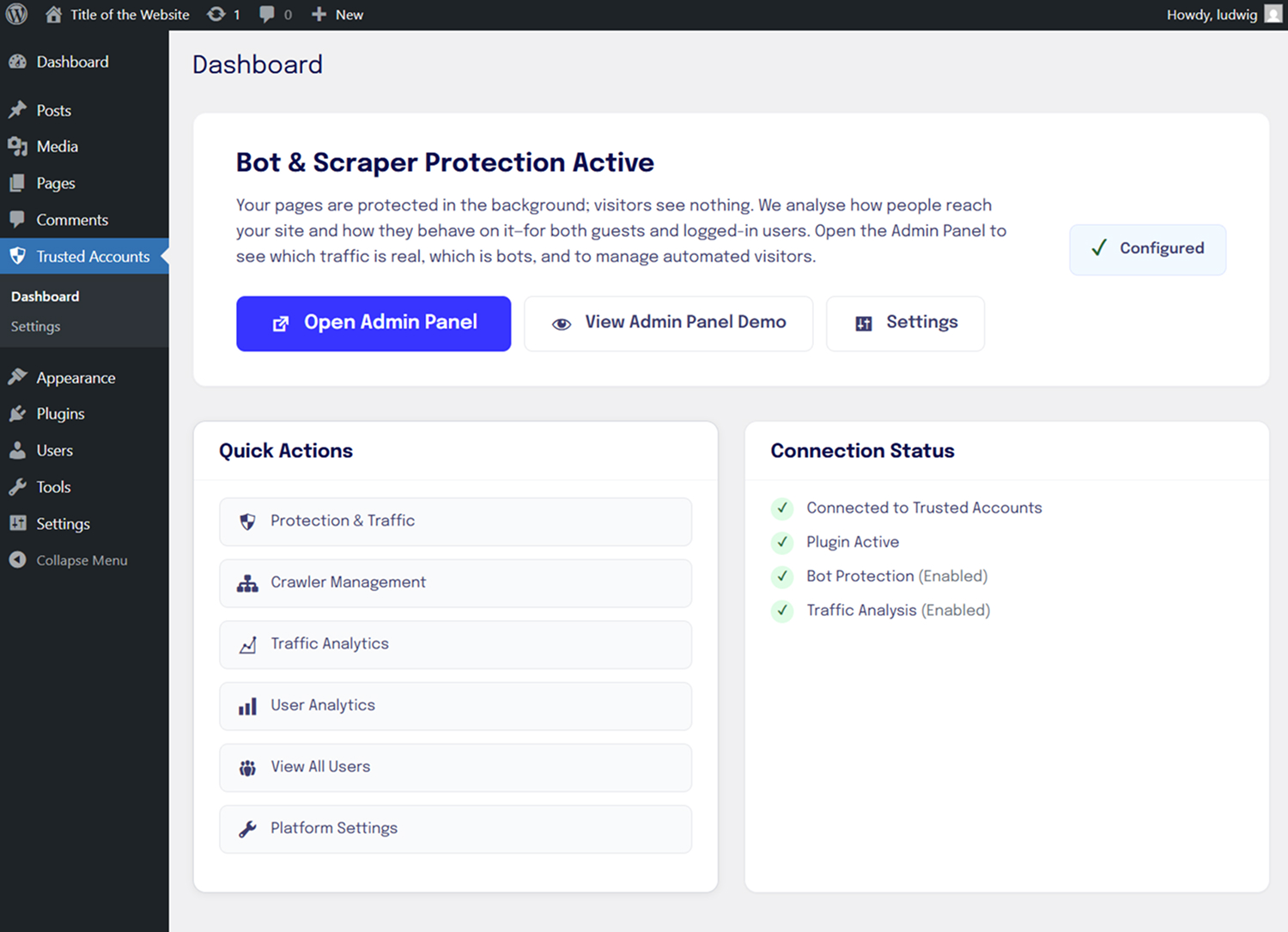
Plugin Dashboard Screenshot 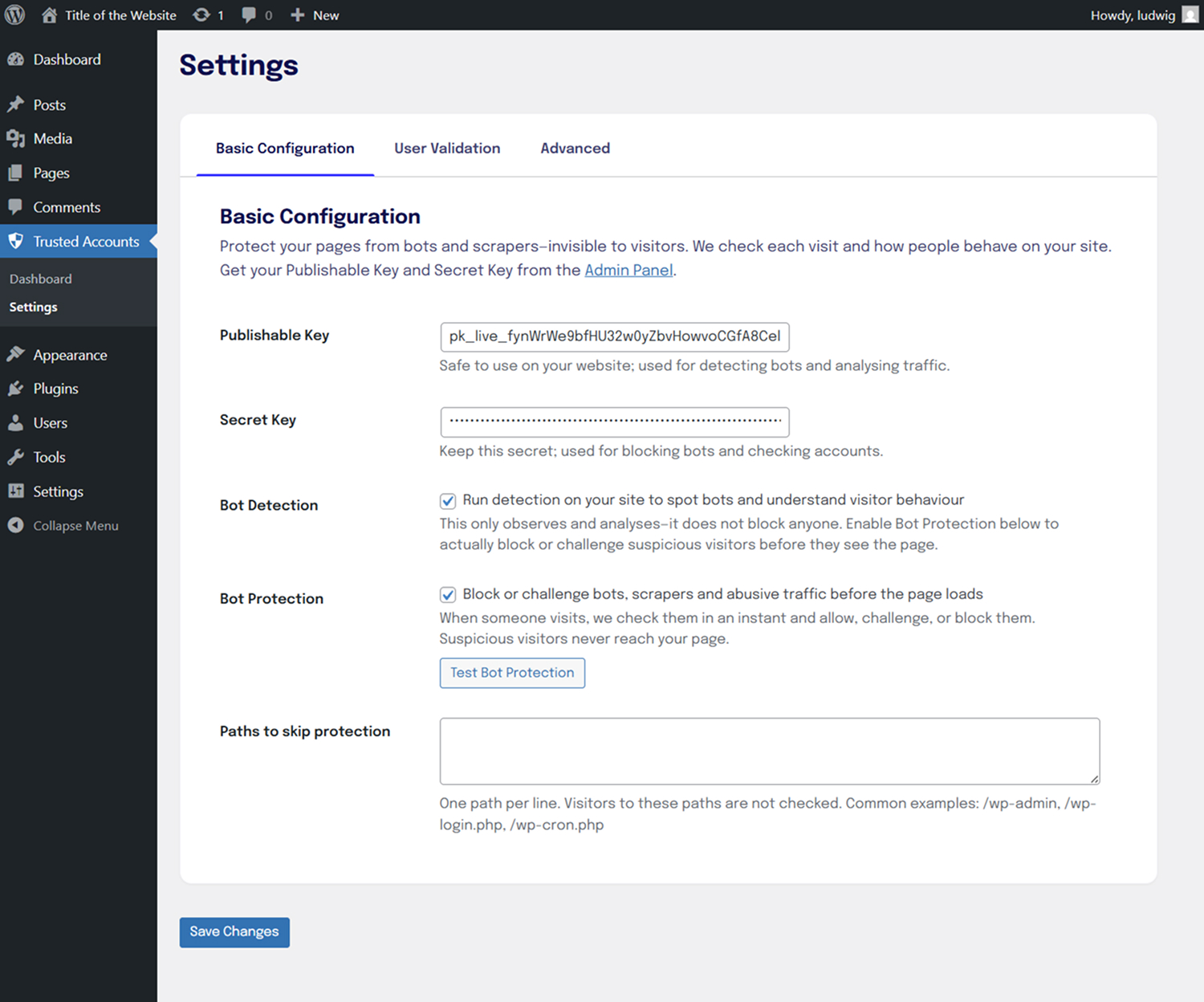
Basic Configuration 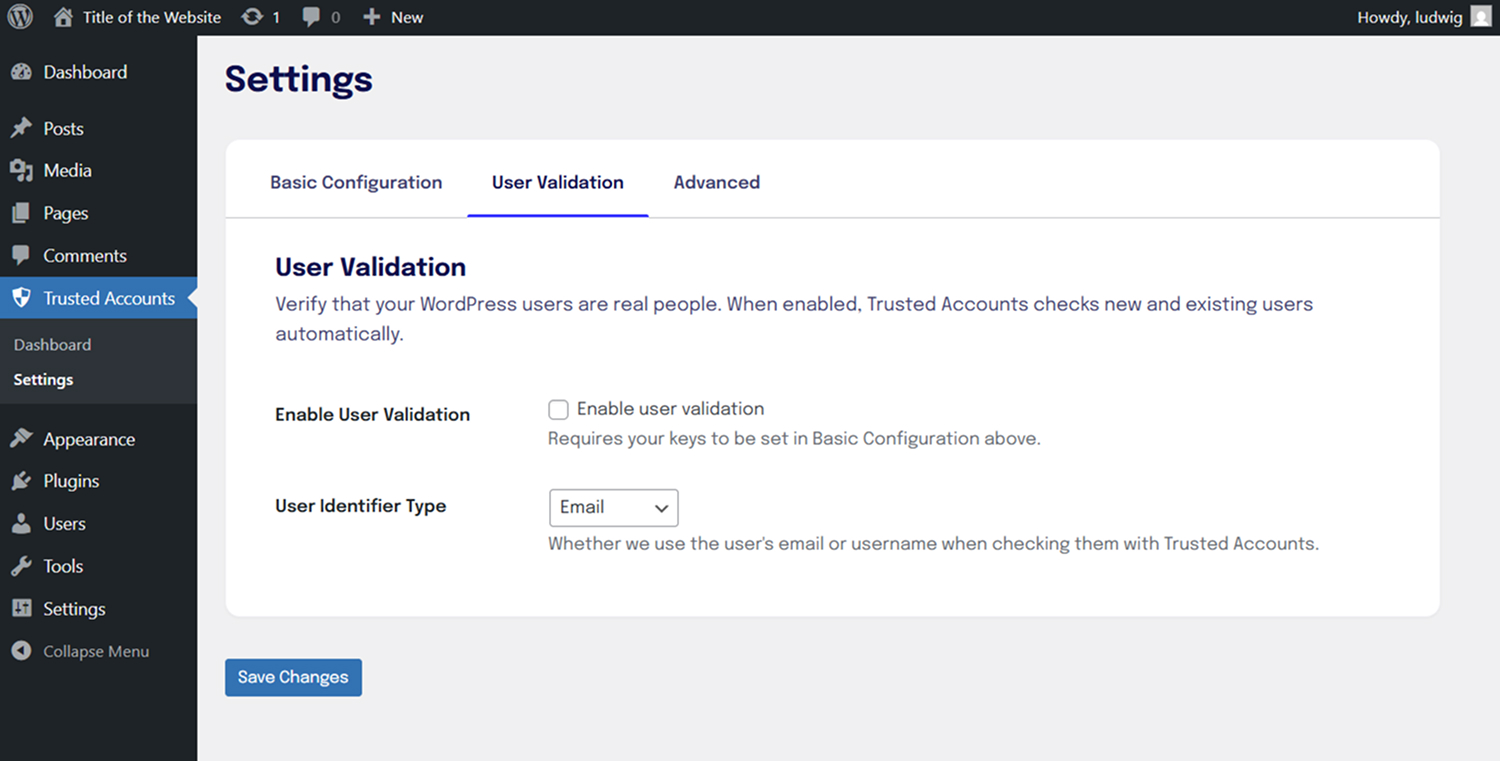
User Validation Settings 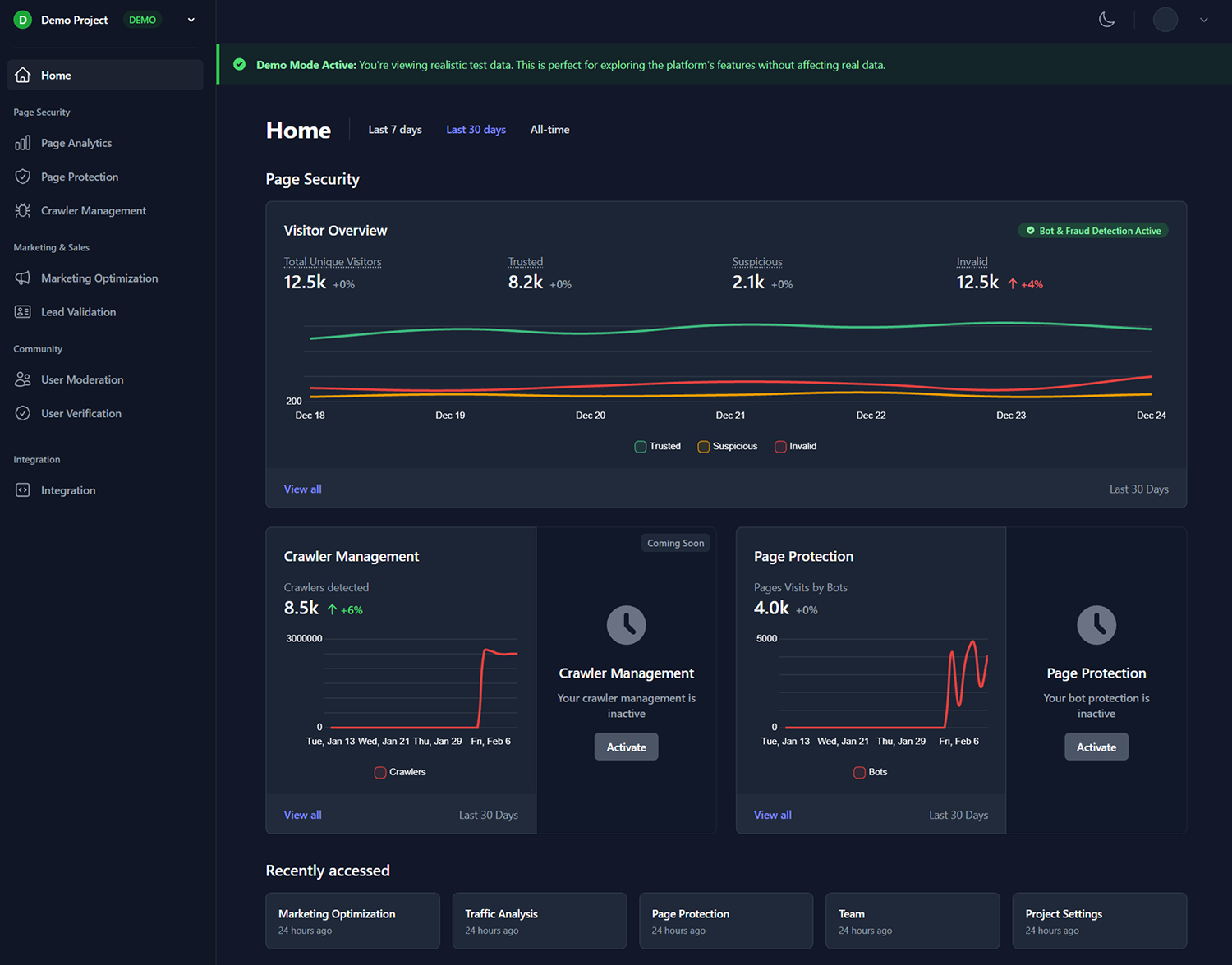
Admin Panel Dashboard 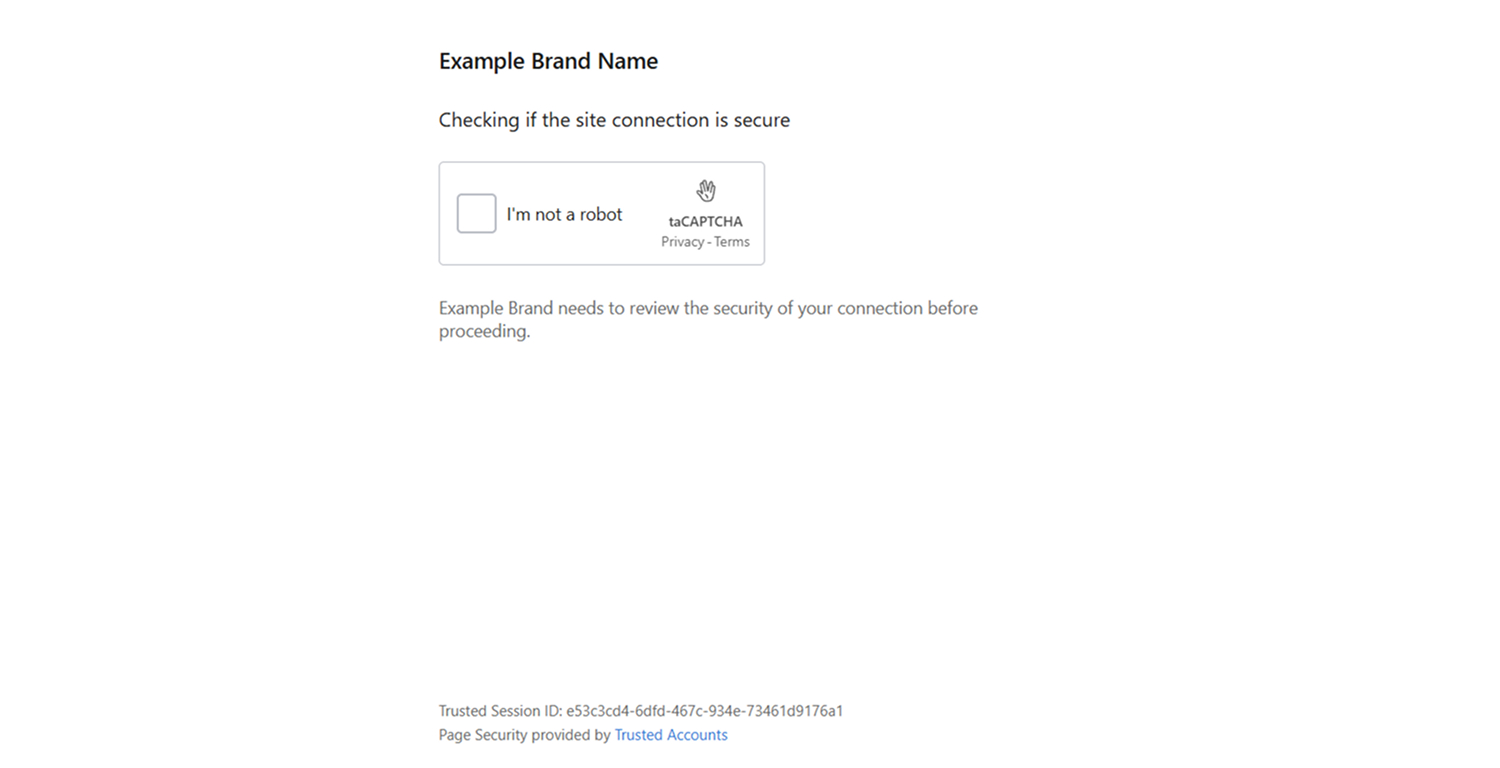
Challenge page — where a visitor is redirected when we think they might be a bot, to prove they’re real 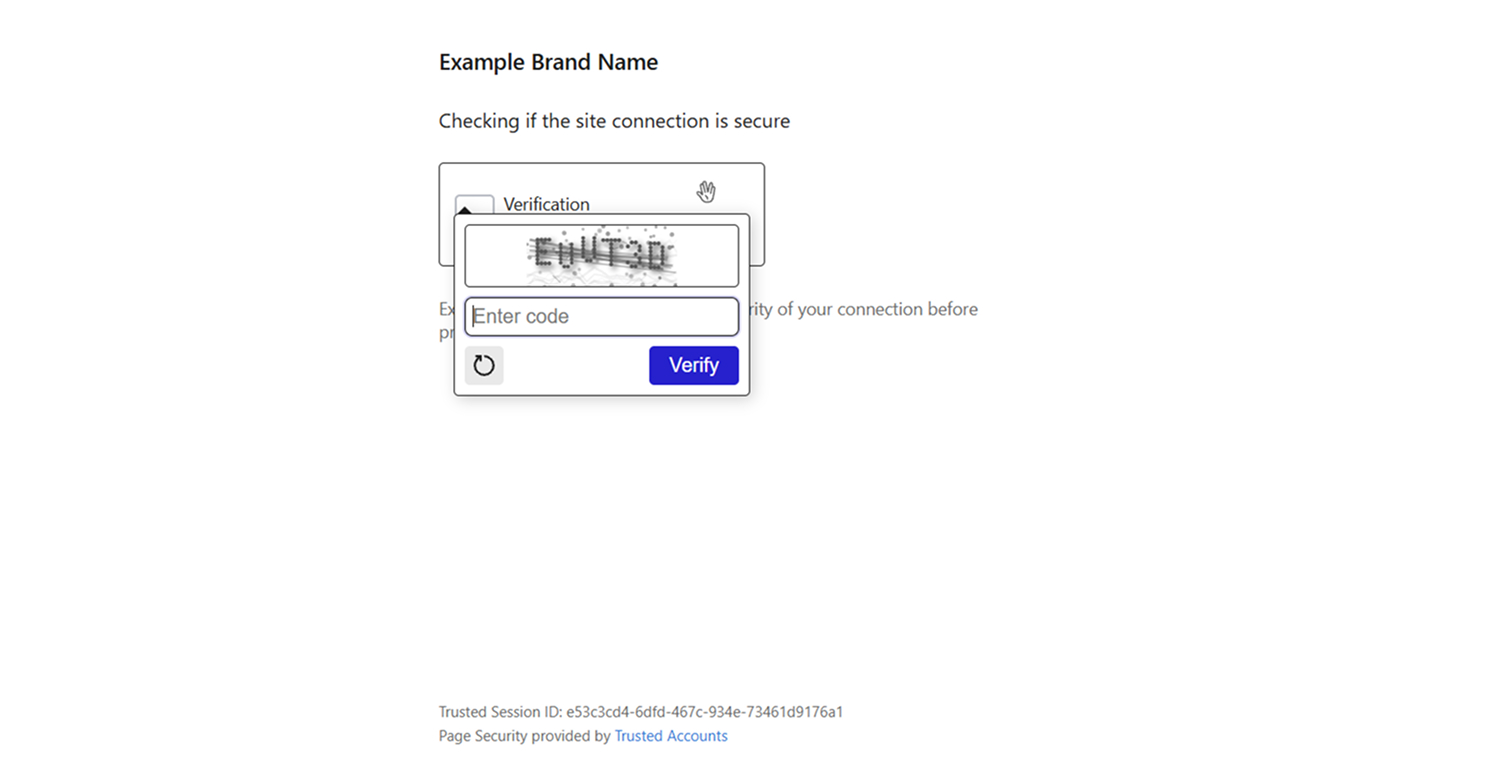
Challenge page — text challenge open for verification
Installation
- Upload the plugin files to
/wp-content/plugins/trusted-accounts/ - Activate the plugin through the ‘Plugins’ menu in WordPress
- Configure your verification settings in the admin panel
- Start protecting your WordPress site from fraud and abuse
FAQ
-
How does Atmosvere protect my site?
-
Before a visitor sees your page, we check the request and decide: allow them through, send them to a challenge page, or block them. We also look at how they behave on your site. If we think someone might be a bot, we show them a challenge page where they can prove they are a real person. Real visitors usually never see this; it runs in the background.
-
Will this slow down my site?
-
No. The check happens very quickly (usually in under 50 milliseconds) and in the background. Your visitors will not notice any delay.
-
Is this compatible with my theme?
-
Yes. Atmosvere works with any WordPress theme. You only need to add your API keys in the plugin settings.
-
What if a real user is challenged?
-
Real users are rarely challenged. If it does happen, they will see a short challenge page where they can prove they are human. After that, they can use your site as normal.
-
Do you collect personal data?
-
No. We do not collect or store personally identifiable information (PII) from your real visitors. We only use what we need to spot bots and bad traffic. We follow GDPR and privacy-by-design so your users stay anonymous.
Reviews
There are no reviews for this plugin.
Contributors & Developers
“Atmosvere (Formerly Trusted Accounts) for WordPress” is open source software. The following people have contributed to this plugin.
Contributors
Translate “Atmosvere (Formerly Trusted Accounts) for WordPress” into your language.
Interested in development?
Browse the code, check out the SVN repository, or subscribe to the development log by RSS.
Changelog
5.0.3
- Rebranded plugin UI and documentation to Atmosvere.
- Updated admin panel links to
admin.atmosvere.eu. - Improved WordPress.com readme list formatting and expanded product coverage messaging.
- Updated request-check behavior: async check-request is sent only when Bot Detection is enabled; Bot Protection remains synchronous and enforced.
5.0.2
- Updated challenge and blocked redirect defaults to the DigitalOcean Spaces domains.
- Added/updated redirect host allow-list for new production and staging challenge/blocked hosts.
- Kept local development defaults unchanged (
http://localhost:3003/pages/...).
4.0.0
- Added configurable flag behavior management
- Added support for different flag severities (INFO, LOW, MEDIUM, HIGH, RESTRICT, BLOCK)
- Enhanced user validation with verified user access for restricted accounts
- Improved admin interface with severity level display
- Added comprehensive flag behavior documentation
3.0.3
- optimized user experience
- simplifications
3.0.2
- Fixed developer console linking
3.0.1
- User verification information in user list
- User verification details in user profile
- Added email validation and browser fingerprints
- Added VoIP checks
- Simplified user verification flow
3.0.0
- Major release with complete rewrite
- New modular architecture
- Enhanced security features
- Improved user experience